



RAIDiance for Minecraft 1.16.5
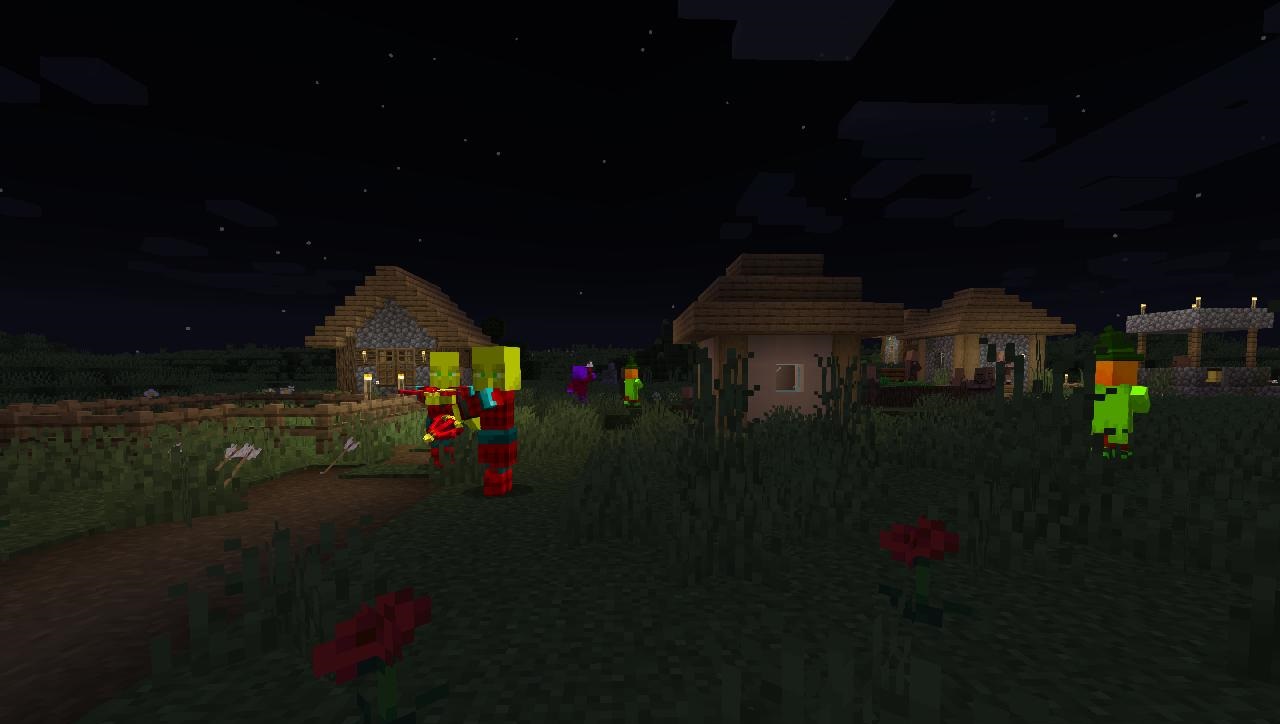
 To make the pillagers in the game look much better and instantly inspire fear, we suggest taking a look at the RAIDiance add-on for Minecraft. With this enhancement, you can look forward to updated pillager models that change depending on their intentions.
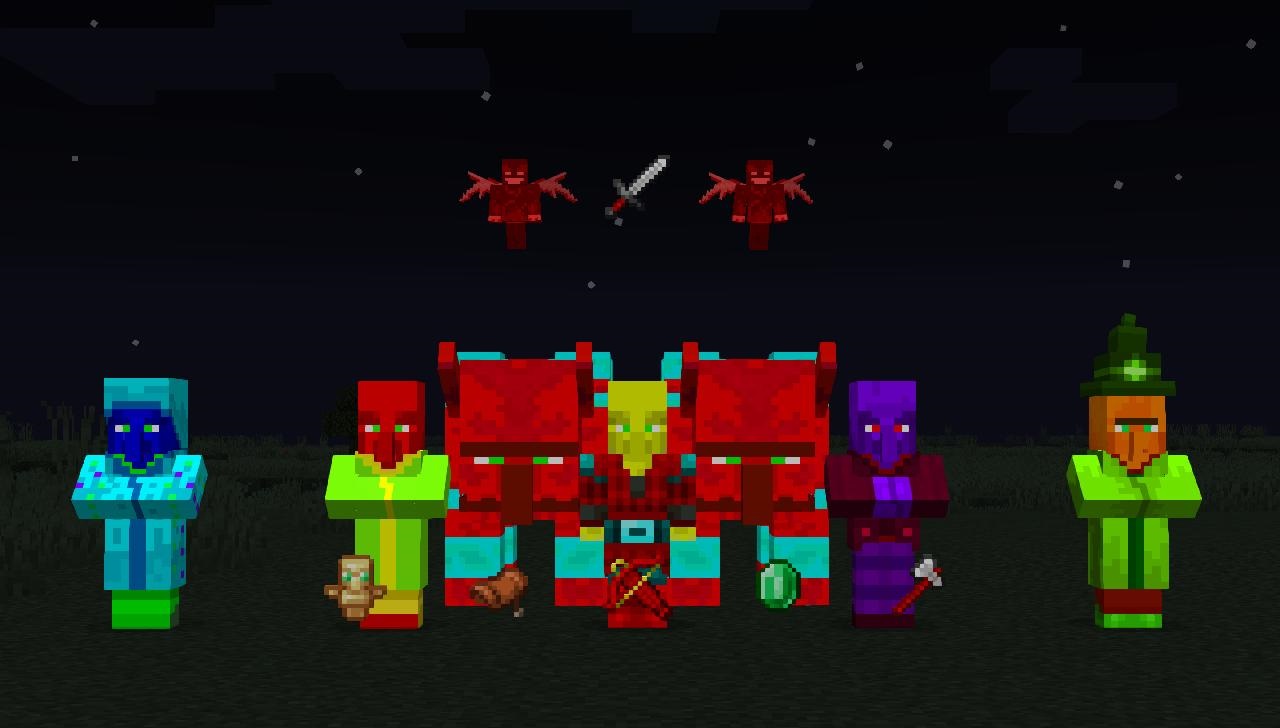
For example, if they’re about to raid, they’ll take on a certain hue, while if they’re seizing treasure, they’ll become larger and more menacing. Not to mention their appearance when they’re at peace. A variety of discoveries and the opportunity to prove yourself await, so don’t waste any time – set off on a new adventure.
How to install the texture pack:
Step 1: Download the texture pack using the link below.
Step 2: Extract the downloaded archive and copy the RAIDiance folder to c:\Users\Пользователь\AppData\Roaming\.minecraft\resourcepacks\ (if this folder does not exist, create it yourself) (For Windows)
Step 3: In the game, go to Settings, then Resource Packs. There, click the icon for the newly added texture pack in the left-hand list.
Comments (0)