



Teyemas for Minecraft 1.16.5
The game world is unexpectedly transformed when you install Teyemas resource pack. From the very first step in the updated world, you feel the softness of the cartoon style, in which there are no unnecessary pixels or rough edges. Smooth blocks, neat transitions, and expressive items — everything looks as if it were drawn for a bright animated film.
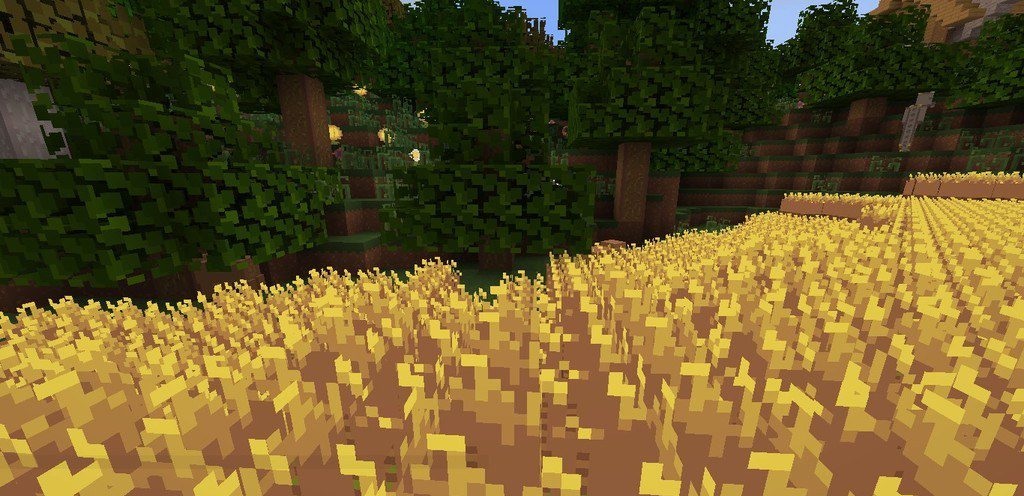
What is especially interesting is that this visual approach suits not only fans of a light atmosphere: the add-on contains mysterious shades that make exploring caves and forests more exciting. The pack delivers a stylish, well-thought-out visual while preserving the comfort of vanilla.
How to install the texture pack:
First step: download and install Teyemas
Second step: copy the texture pack to the C:\Users\USER_NAME\AppData\Roaming\.minecraft\resourcepacks
Third step: in game settings choose needed resource pack.
Comments (0)