



The MIRO: Dimensions for Minecraft 1.16.5
 The MIRO: Dimensions for Minecraft is a unique texture pack that lets you easily enjoy updated versions of a variety of high-resolution textures.
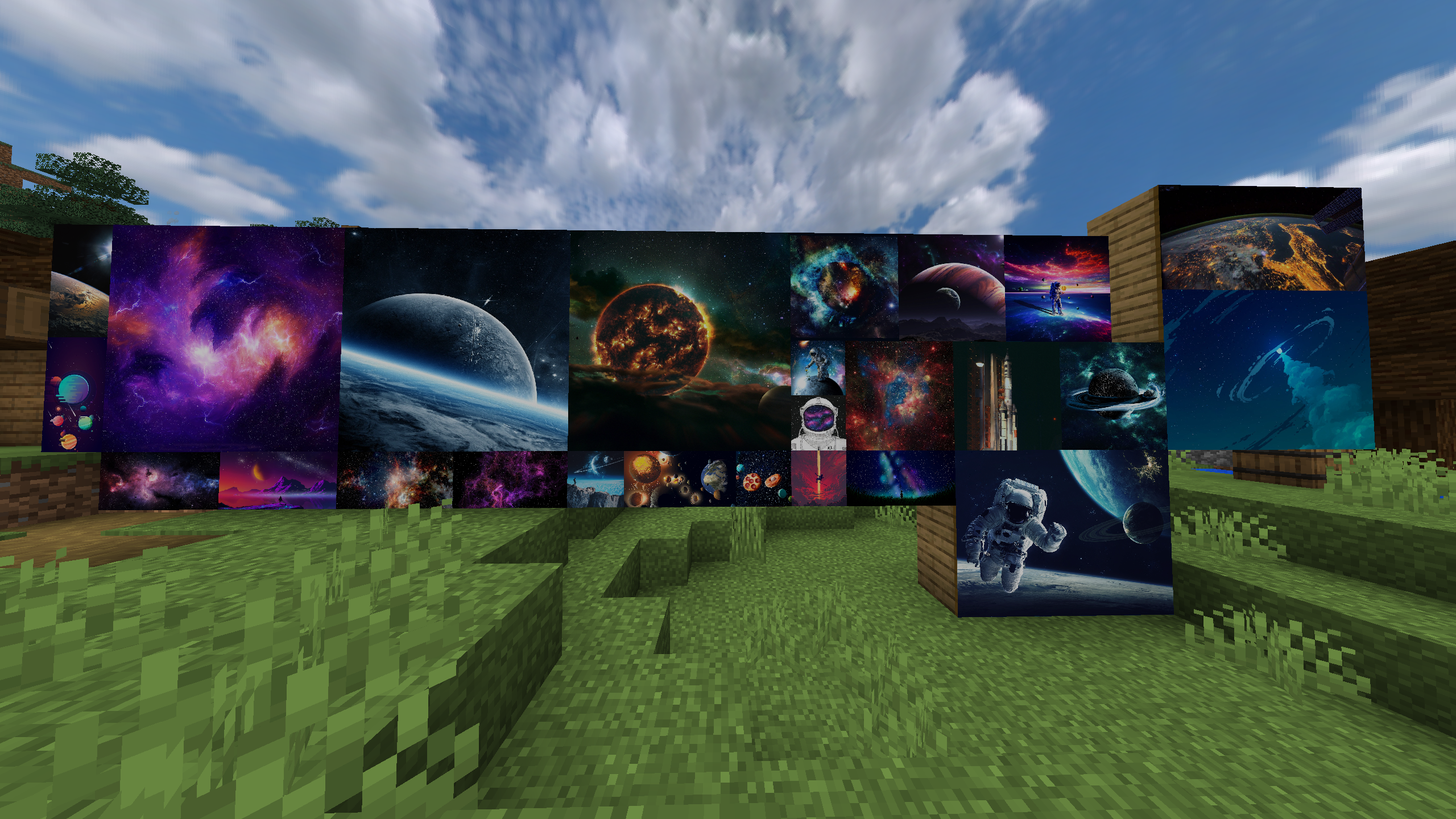
The author found that he was unable to make effective use of all the available resources, so he went all out and is providing users with his own take on reworking textures in high resolution. We therefore invite you to have a good time and enjoy every moment of the game. All you need to do is make the most of all the available resources and explore all the possibilities on offer.
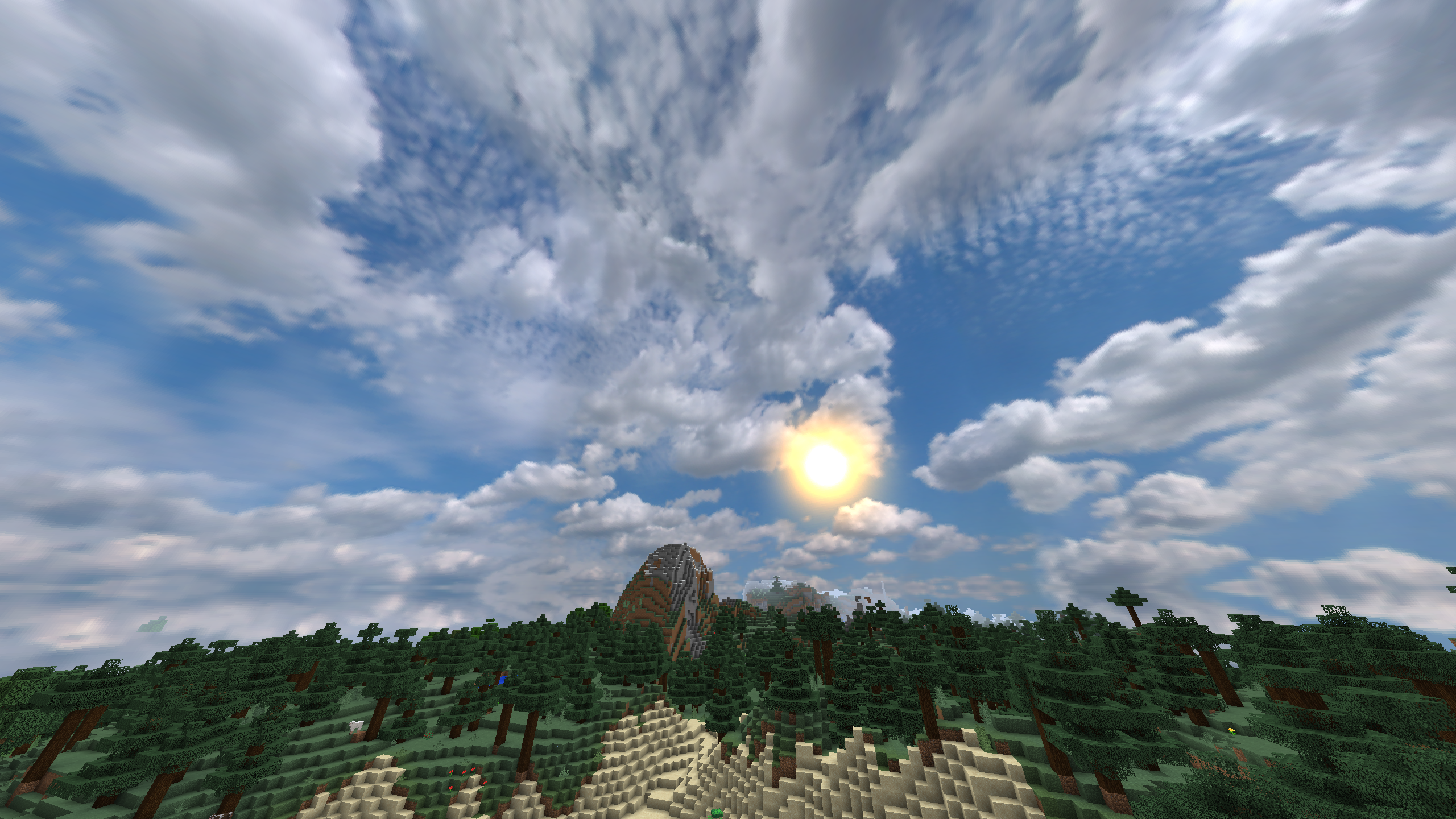
How to install the texture pack:
Step 1: Download the texture pack using the link below.
Step 2: Extract the downloaded archive and copy the folder The MIRO: Dimensions to c:\Users\Пользователь\AppData\Roaming\.minecraft\resourcepacks\ (if this folder does not exist, create it yourself) (For Windows)
Step 3: In the game, go to Settings, then Resource Packs. In the list on the left, click on the icon for the new texture pack that has appeared.
Comments (0)