



Tiny Tweaks for Minecraft 1.16.5
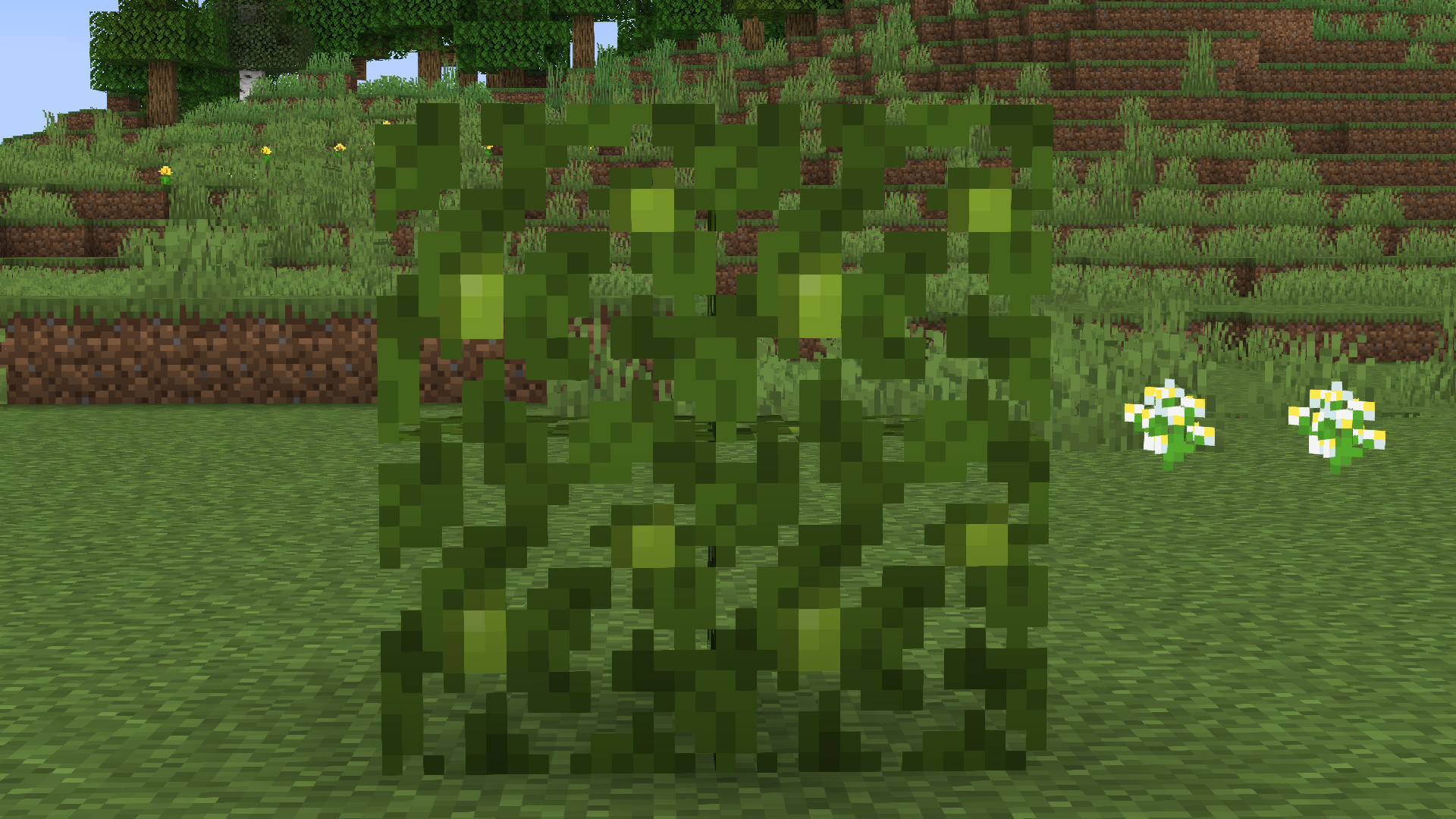 Tiny Tweaks for Minecraft – an intriguing project by a single creator who has tried to use all the available tools to create a pleasant environment. This time, all you need to do is take in the surroundings, which have been transformed and are now much more pleasant.
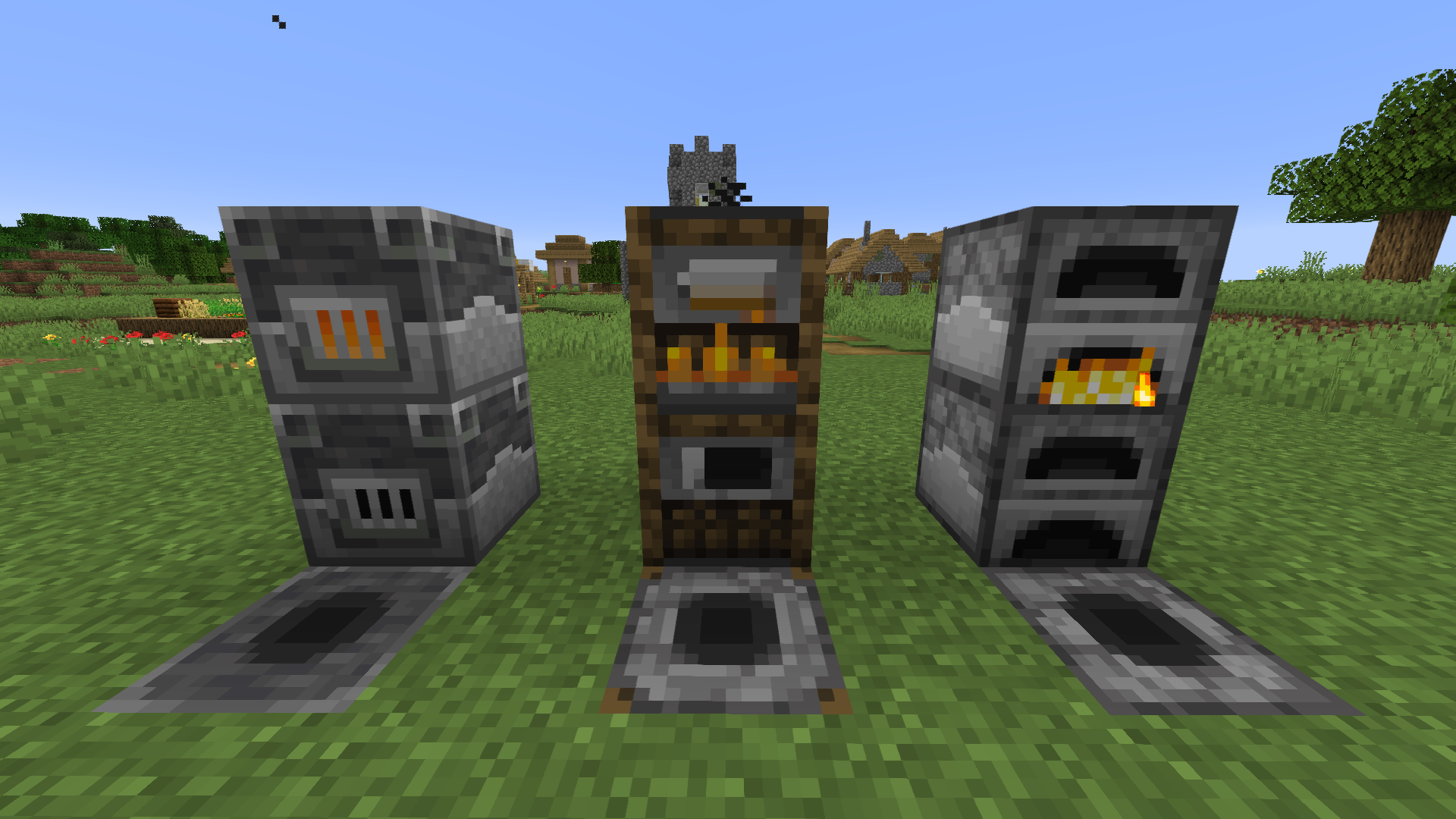
In short, we want to give you the chance to simply have a good time and enjoy the updated visuals. The creator has tried to tweak each texture slightly to see exactly how players will react to his vision. To mark the occasion, we’d just like to wish you good luck and high spirits. We wish you the best of luck and all the very best!
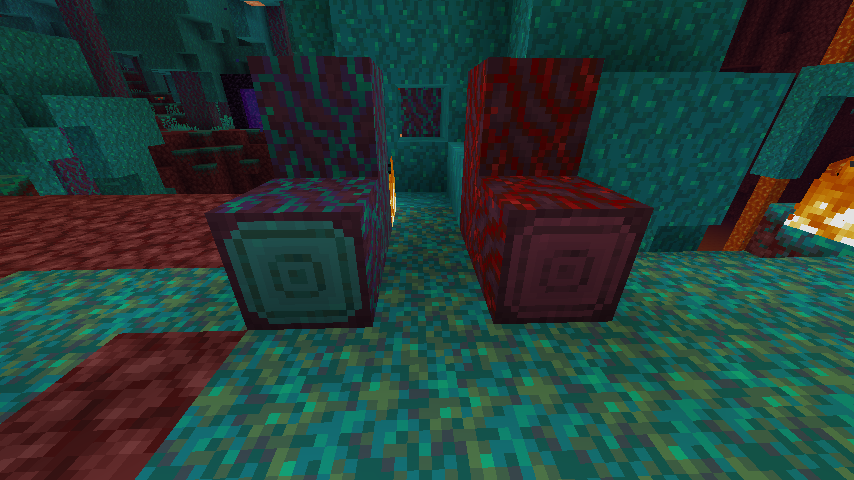
How to install the texture pack:
Step 1: Download the texture pack using the link below.
Step 2: Extract the downloaded archive and copy the folder Tiny Tweaks to the path c:\Users\Пользователь\AppData\Roaming\.minecraft\resourcepacks\ (if this folder does not exist, create it yourself) (For Windows)
Step 3: In the game, go to Settings, then Resource Packs. There, click on the icon for the newly added texture pack in the left-hand list.
Comments (0)