



Zenus for Minecraft 1.16.5
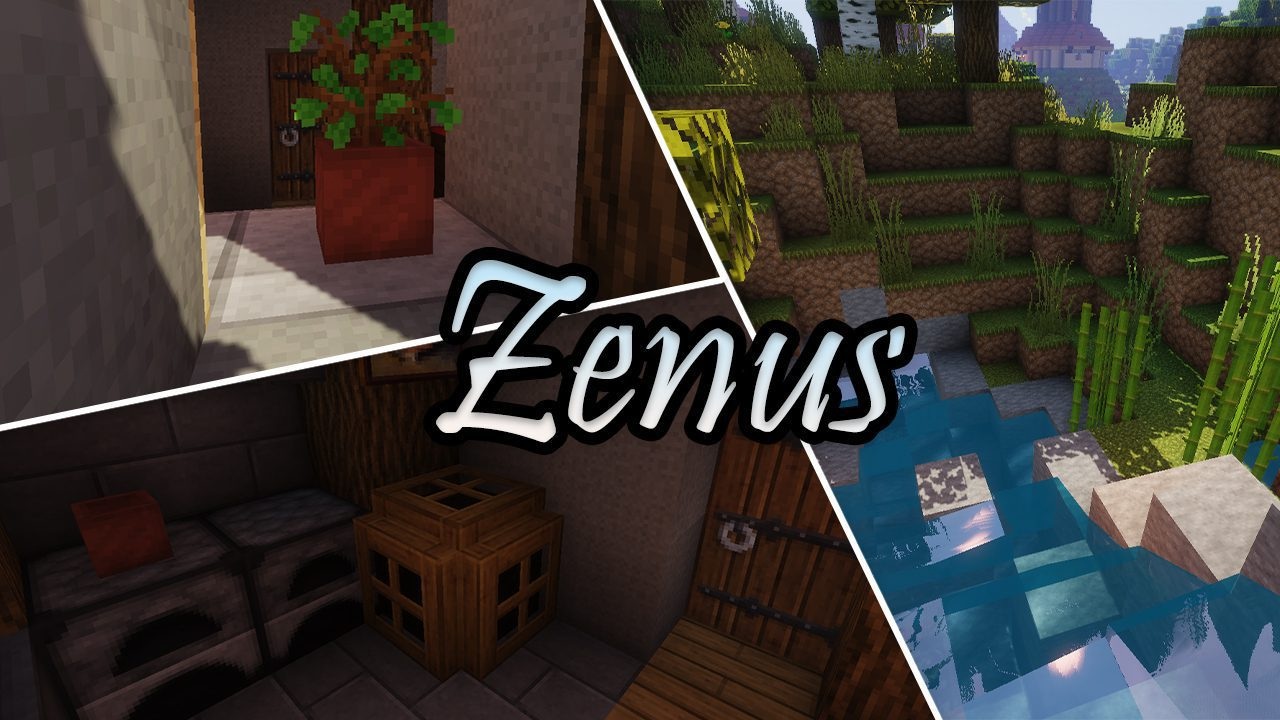
Simplified packs have long ceased to be something unusual, but Zenus has managed to stand out among dozens of similar projects. Its simplicity is felt not as a limitation, but as a style, as if every texture were the result of inspired creativity. Reduced detail makes the colors brighter and the shapes clearer, thanks to which the world looks friendly and lively.
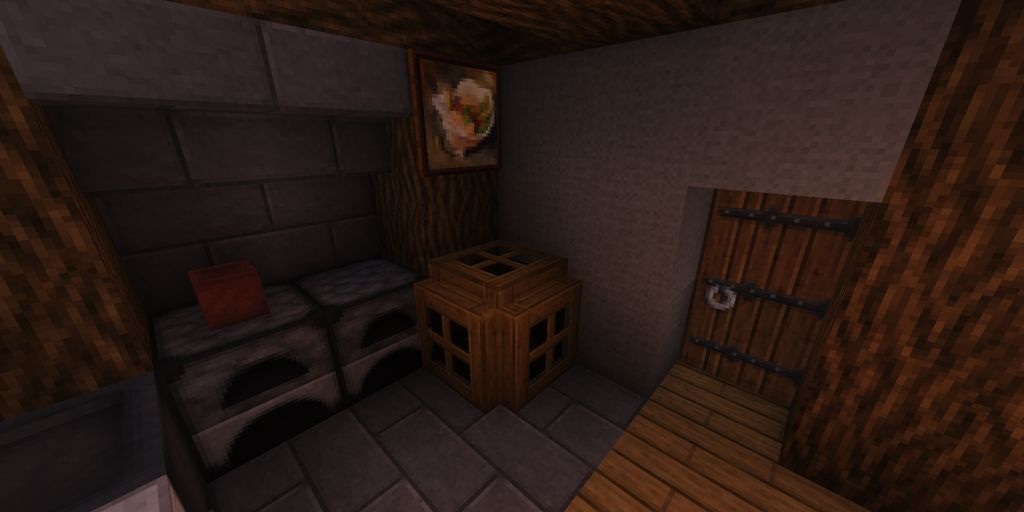
At the same time, the texture pack creates an interesting balance between minimalism and realism: the elements remain light, yet still immerse you more deeply than vanilla does. This visual approach will suit those who are tired of oversaturated packs and want a clean, eye-pleasing style that improves the perception of the game without breaking it.
How to install the texture pack:
First step: download and install Zenus
Second step: copy the texture pack to the C:\Users\USER_NAME\AppData\Roaming\.minecraft\resourcepacks
Third step: in game settings choose needed resource pack.
Comments (1)