



Aluzion PVP for Minecraft 1.17.1

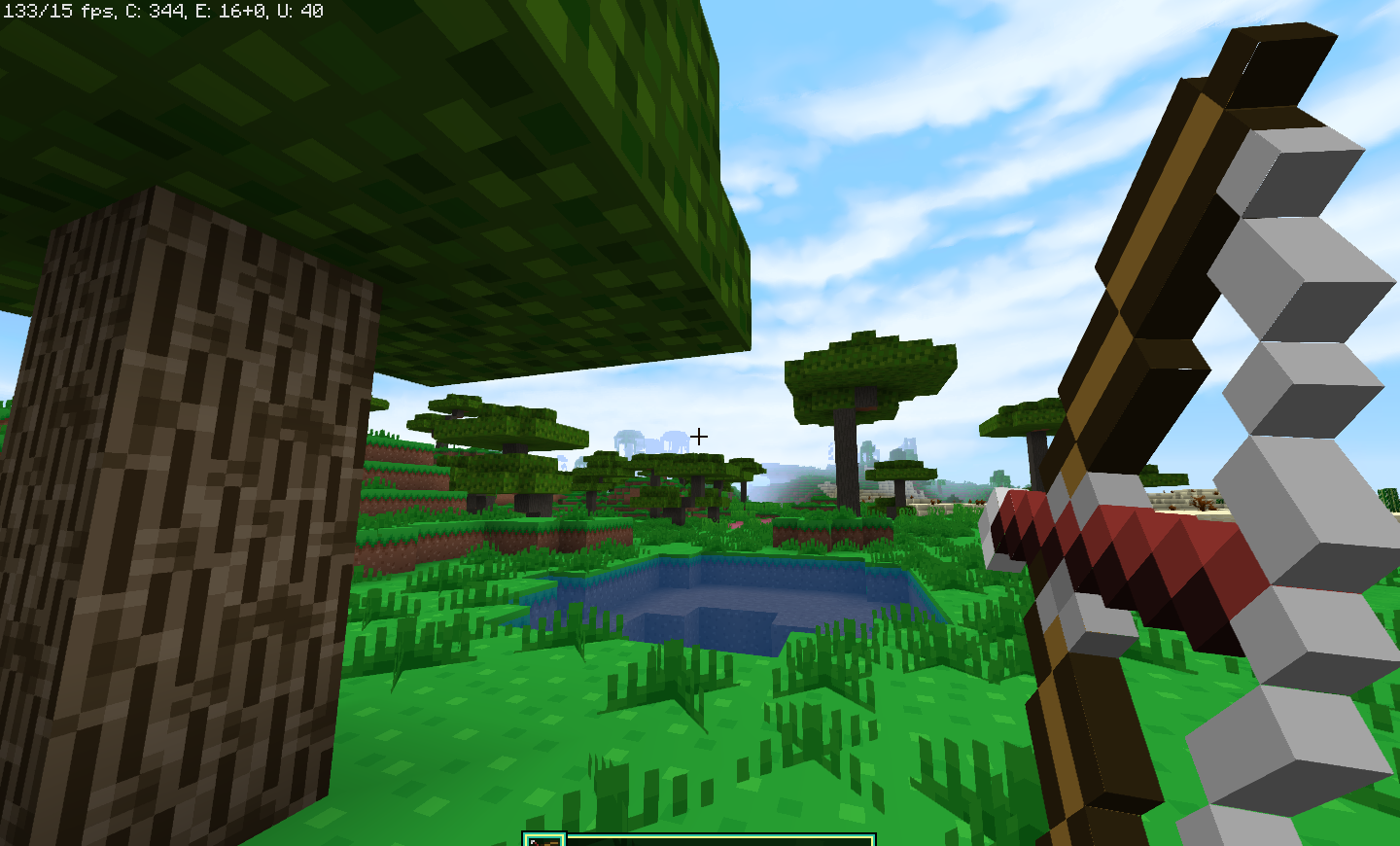
An interesting new texture pack called Aluzion PVP for version 1.17.1 has appeared in the world of Minecraft.
The creator wanted to showcase a texture pack with their own distinctive style throughout the game world. Almost all the blocks have been redrawn, and there are realistic clouds. The pack is mostly designed in a vanilla style, making it perfectly suited for everyday Minecraft gameplay. First, download this texture pack, carefully familiarise yourself with its key features, and then use it with ease as needed.
How to install a texture pack:
Step 1: Install Optifine HD
Step 2: Copy the resource pack to the folder C:\Users\ИМЯ_ПОЛЬЗОВАТЕЛЯ\AppData\Roaming\.minecraft\resourcepacks
Step 3: Select the desired resource pack in the game settings
Comments (2)