



Frolickx Default for Minecraft 1.17.1
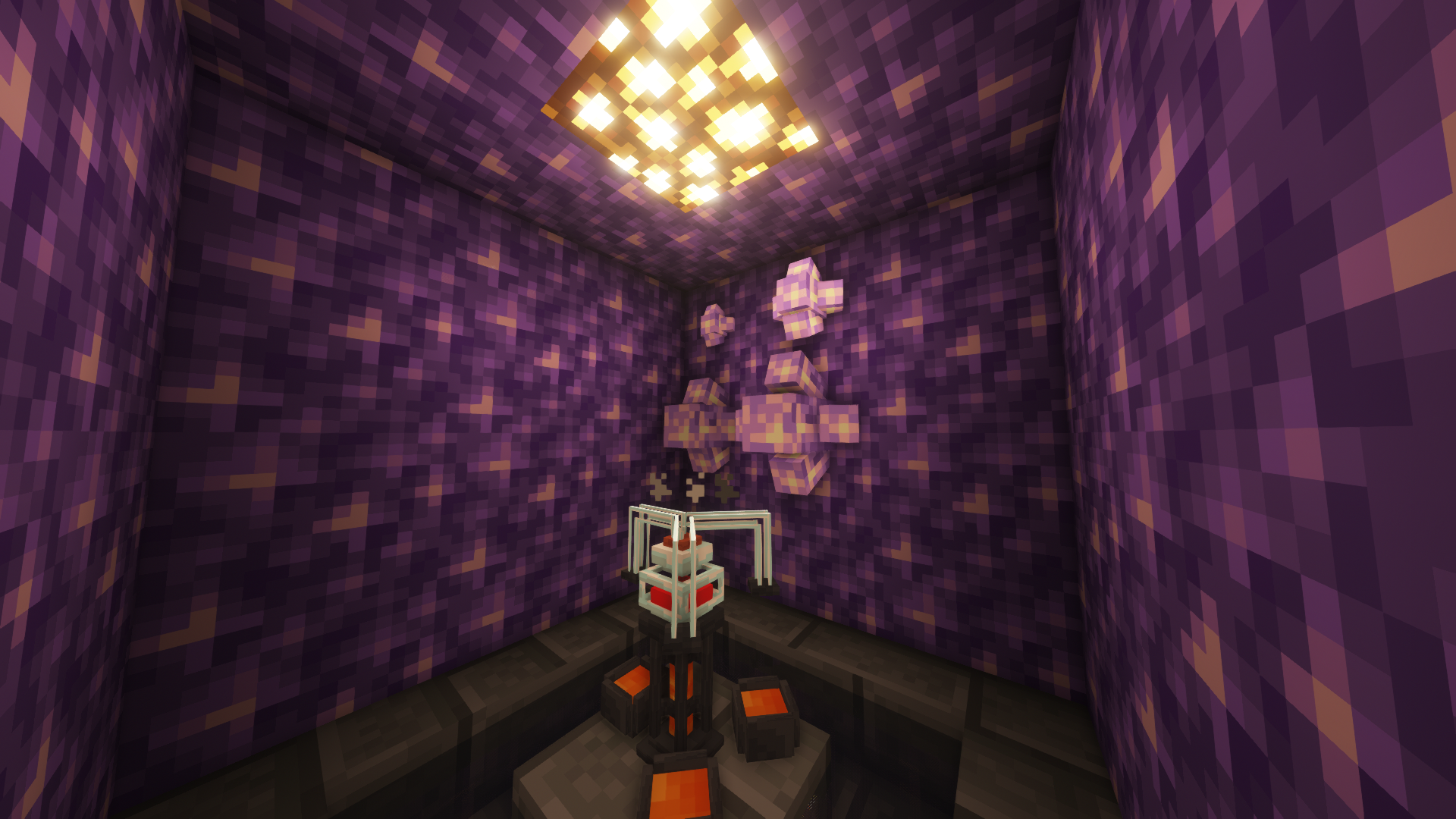 SimplicityFPS for Minecraft – a great way not only to have a good time but also to get the most enjoyment out of the gameplay. Thanks to this new add-on, you’ll be able to enjoy the pleasant surroundings and get the most enjoyment out of the gameplay with ease.
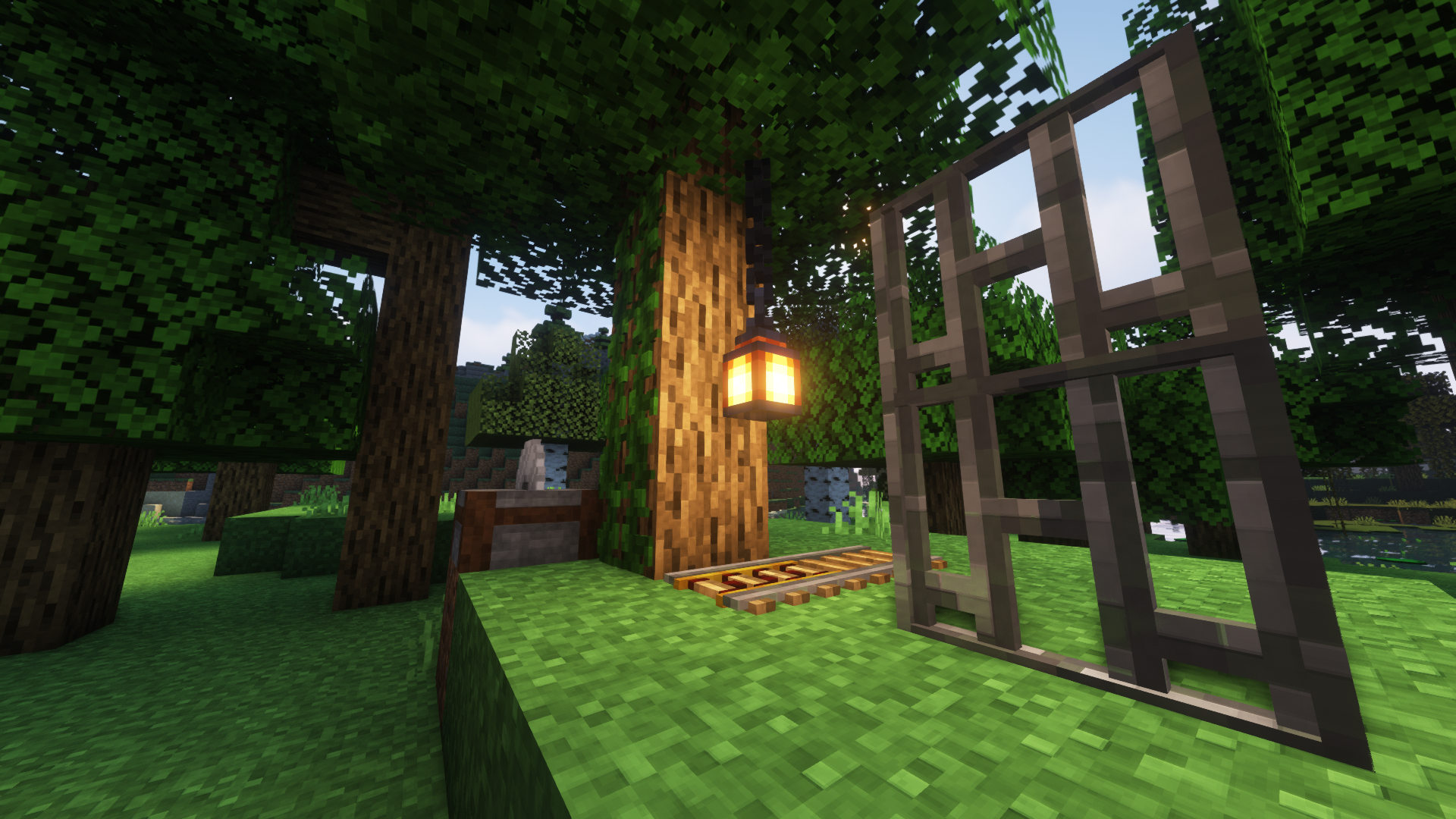
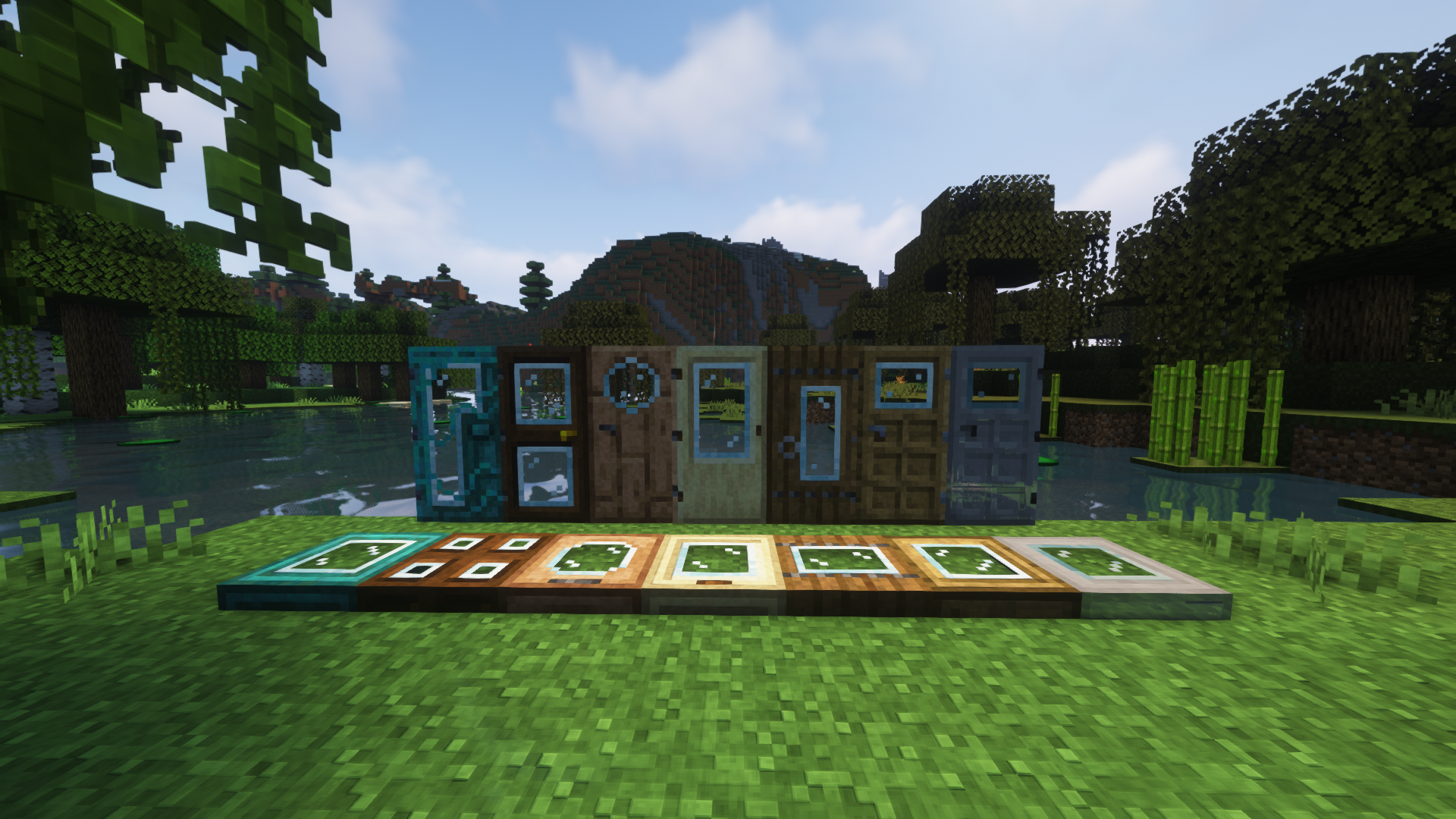
After all, you’ll now have access to updated textures for certain rare resources, small but welcome visual improvements, and an enhanced user interface. All that’s left for you to do is appreciate all these improvements and get the most enjoyment out of the gameplay. We wish you good spirits and good luck!
How to install the texture pack:
Step 1: Download the texture pack using the link below.
Step 2: Extract the downloaded archive and copy the folder Frolickx Default to c:\Users\Пользователь\AppData\Roaming\.minecraft\resourcepacks\ (if this folder does not exist, create it yourself) (For Windows)
Step 3: In the game, go to Settings, then Resource Packs. In the list on the left, click the icon for the newly added texture pack.
Comments (0)