



GearPlus for Minecraft 1.17.1

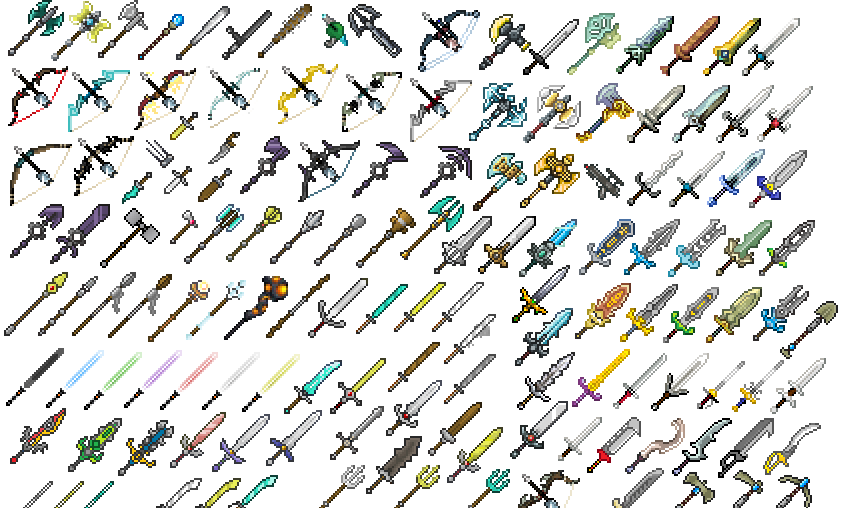
An interesting texture pack called GearPlus for version 1.17.1 has now appeared in the world of Minecraft amongst other exciting new releases.
So, download this texture pack and make the most of its fantastic features. Let’s list some of them: you’ll be able to change the appearance of your armour, various weapons, elytra, shields, and other items important to you, whilst the default textures remain unchanged. Every player uses an anvil and can rename their item to the desired name at any time, in accordance with the specified rules.
How to install a texture pack:
Step 1: Install Optifine HD
Step 2: Copy the resource pack to the folder C:\Users\ИМЯ_ПОЛЬЗОВАТЕЛЯ\AppData\Roaming\.minecraft\resourcepacks
Step 3: Select the desired resource pack in the game settings
Comments (0)