



SimplicityFPS for Minecraft 1.17.1
 The special SimplicityFPS texture pack for Minecraft will allow you to unlock your computer’s full potential. Thanks to the thorough optimisation of every aspect of these textures, you’ll be able to plan your next moves with ease and enjoy the gameplay to the fullest.
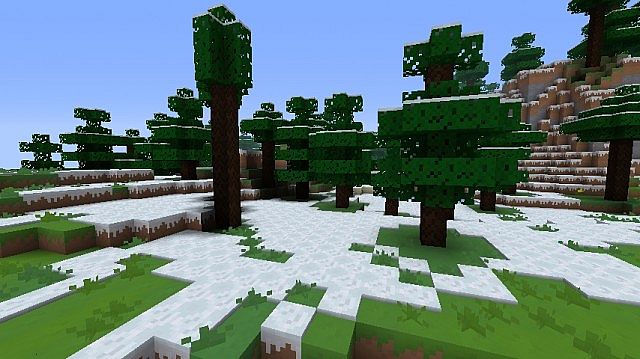
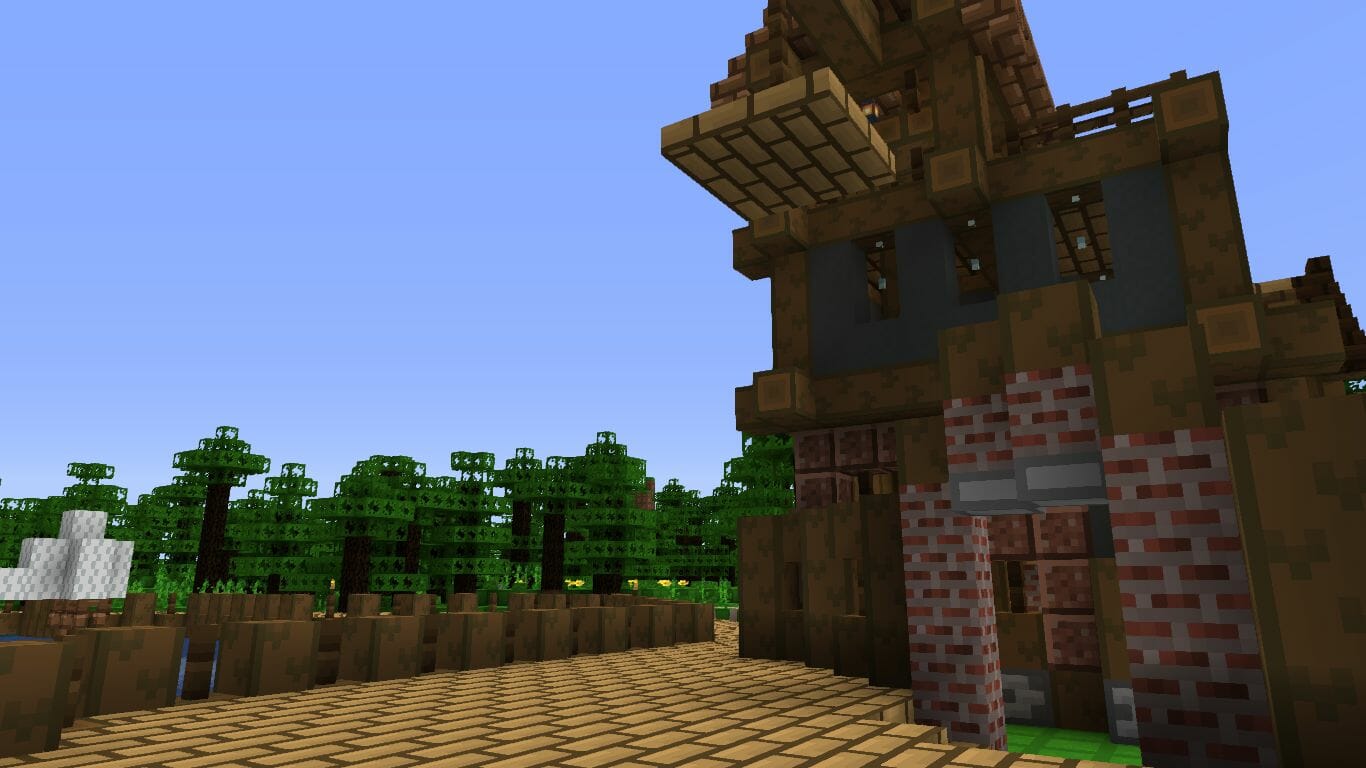
The author has made every effort to rework all the textures and optimise them so that they do not put a strain on your computer and allow you to enjoy high performance. All you need to do is try them out, and you’re guaranteed to get good results. We wish you the best of luck!
How to install the texture pack:
Step one: Download the texture pack using the link below.
Step two: Extract the downloaded archive and copy the SimplicityFPS folder to c:\Users\Пользователь\AppData\Roaming\.minecraft\resourcepacks\ (if this folder does not exist, create it yourself) (for Windows)
Step three: In the game, go to Settings, then Resource Packs. Click the icon for the newly added texture pack in the list on the left.
Comments (0)