



Retouched for Minecraft 1.20.6
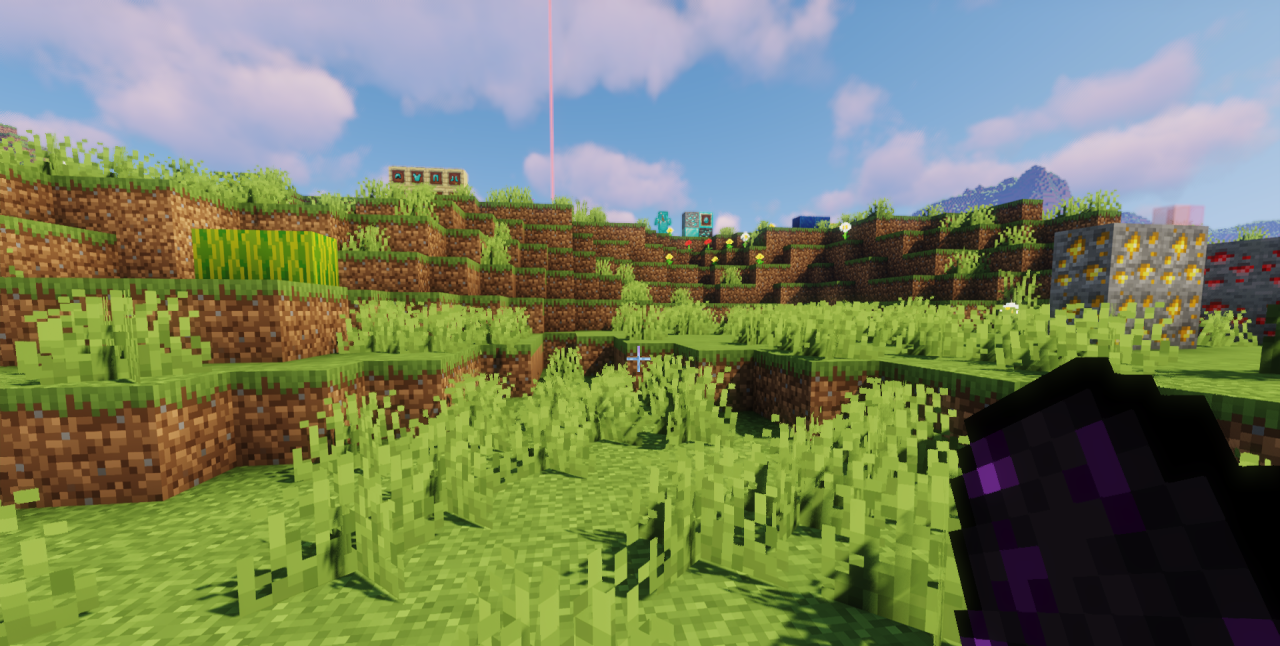 If you’re concerned about performance during your adventures and always strive to strike a good balance between quality and FPS, we recommend trying the Retouched add-on for Minecraft.
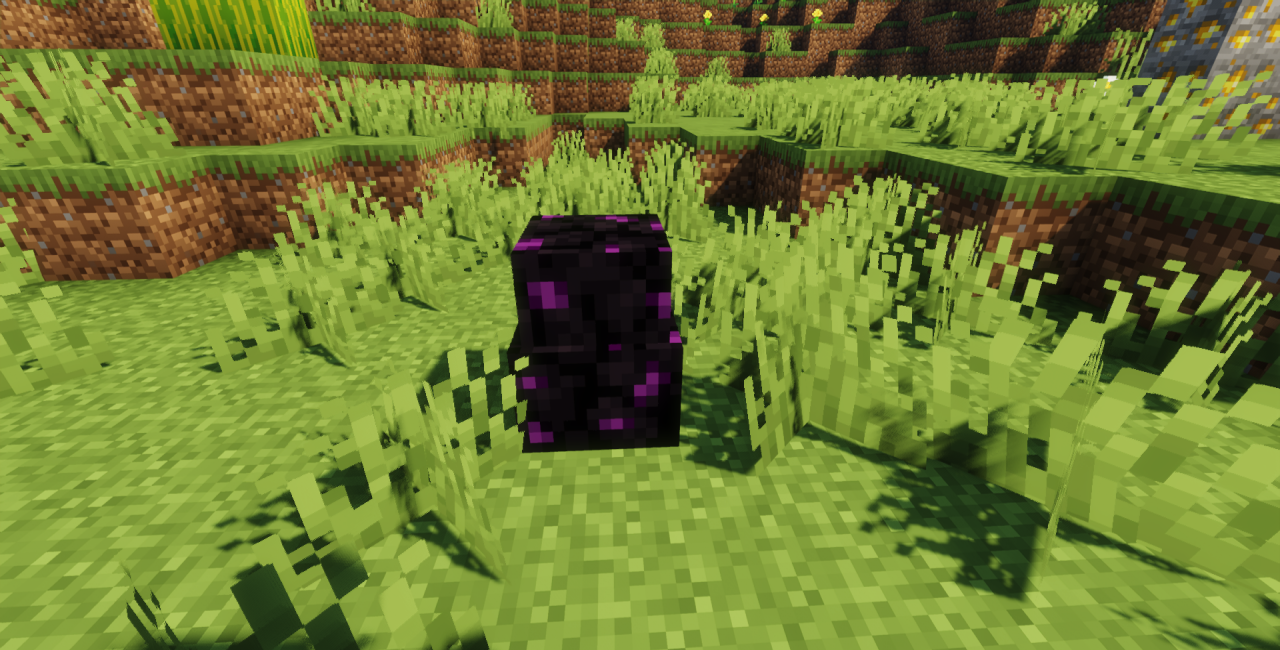
This time, you’ll need to make the most of all your options to improve the world around you. Don’t rush into decisions; instead, feel free to use the changes on offer and enjoy the gameplay. The author has worked to make noticeable changes that improve the visuals without significantly affecting performance. And if you think this is impossible to pull off, we recommend wasting no time and simply enjoying your new possibilities. We wish you a pleasant adventure!
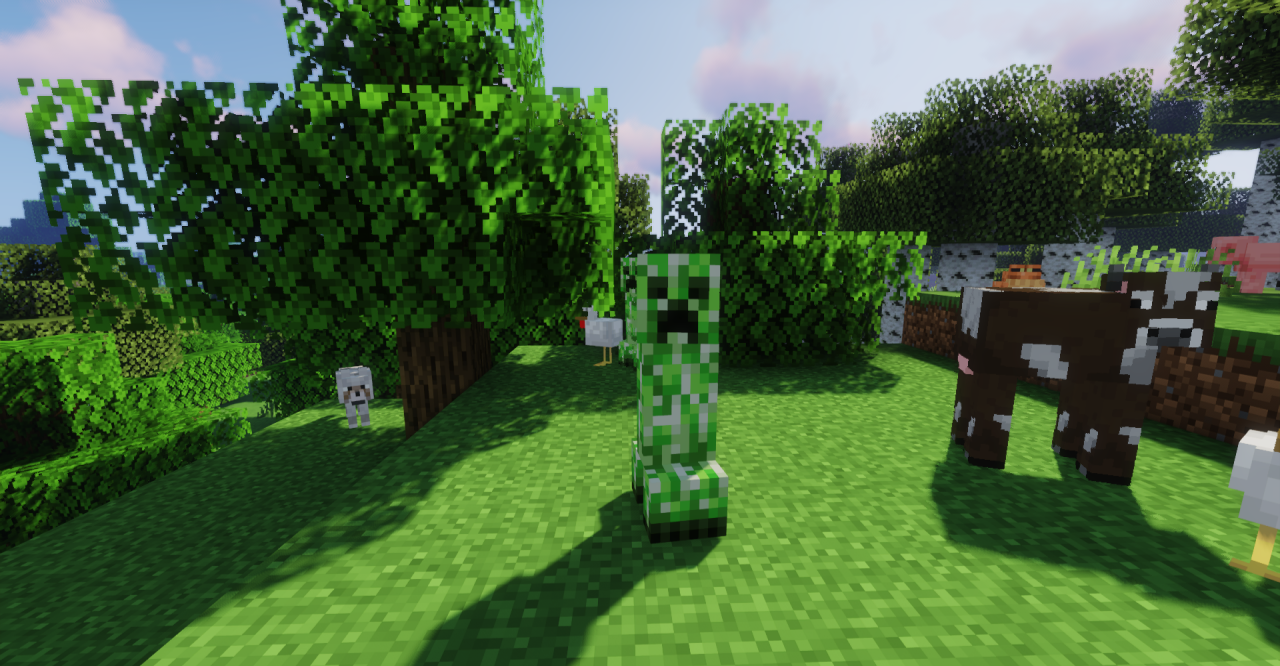
How to install the texture pack:
Step 1: Download the texture pack using the link below.
Step 2: Extract the downloaded archive and copy the Retouched folder to c:\Users\Пользователь\AppData\Roaming\.minecraft\resourcepacks\ (if this folder does not exist, create it yourself) (For Windows)
Step 3: In the game, go to Settings, then Resource Packs. There, click on the icon for the new texture pack in the left-hand list.
Comments (1)