



4×4=16 for Minecraft 1.21.11
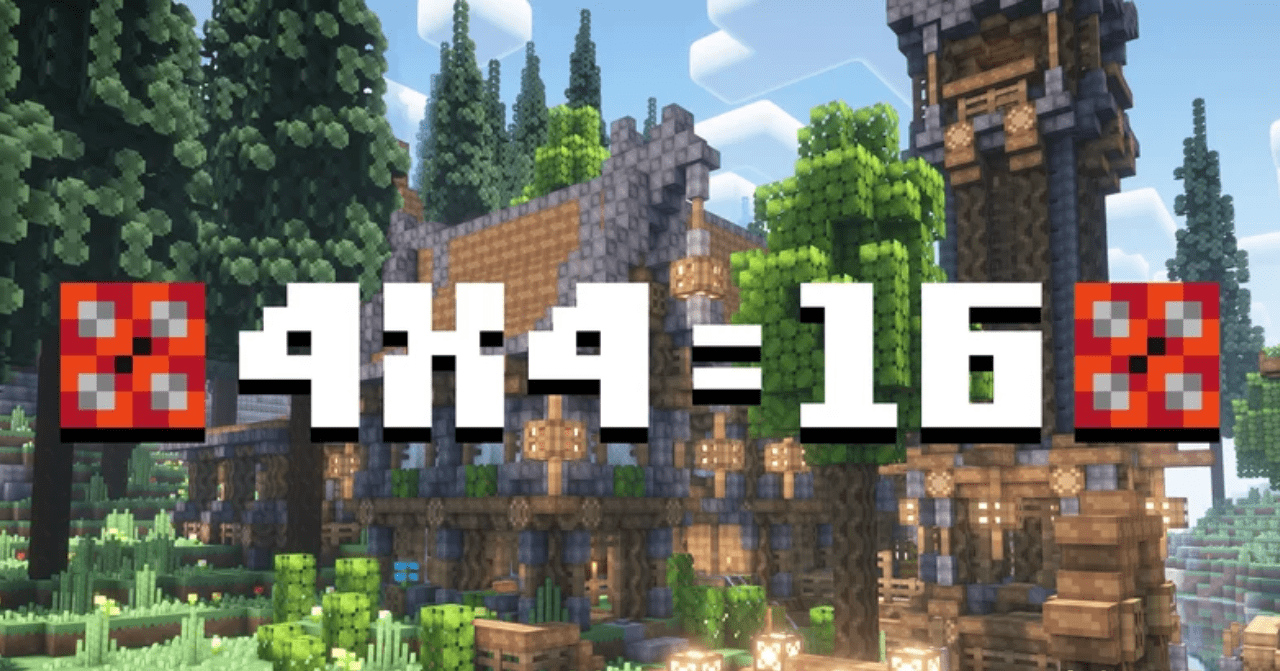
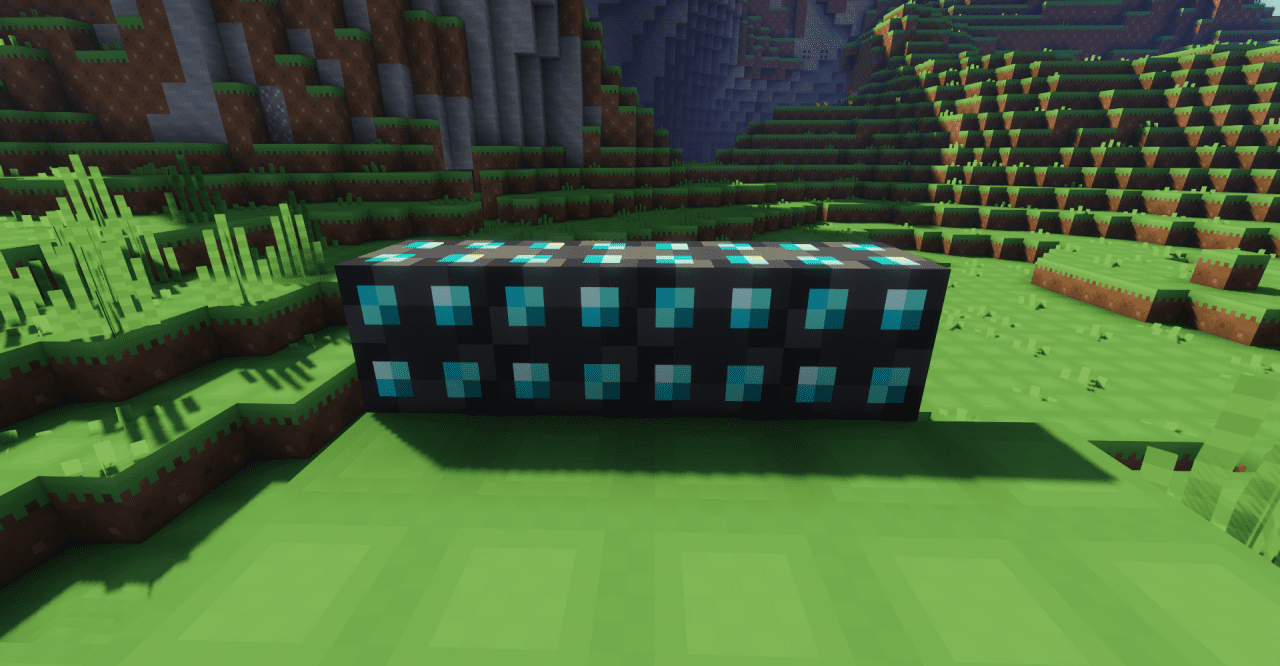
Minimalism in Minecraft rarely looks expressive, but here it turns into an artistic technique. The 4×4=16 resource pack completely reimagines the game by using an extremely low 4×4 pixel resolution for all blocks and items. Despite the simplicity, every element has its own character and remains easily recognizable. The world begins to resemble a living pixel illustration, where shape and color matter more than fine details.
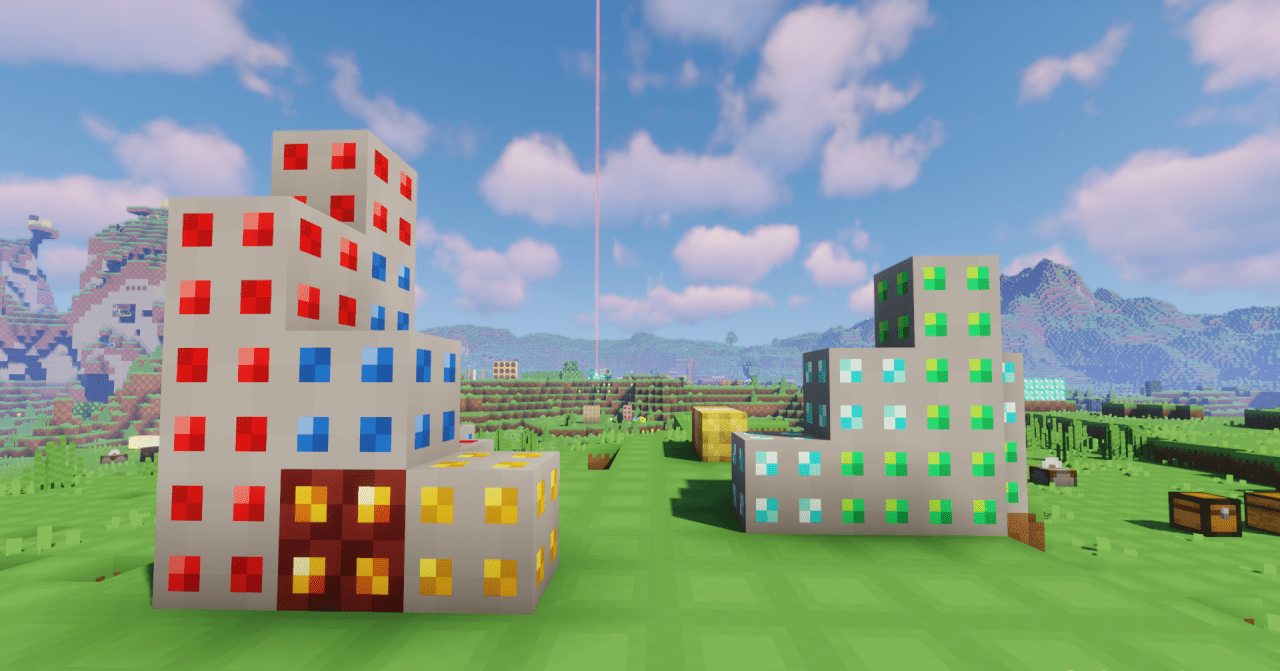
This design enhances the sense of cohesion and makes even ordinary activities — such as resource gathering or building — visually unusual. As a result, the game is perceived not as a simplified version, but as a deliberate art style.
How to install the texture pack:
First step: download and install 4×4=16
Second step: copy the texture pack to the C:\Users\USER_NAME\AppData\Roaming\.minecraft\resourcepacks
Third step: in game settings choose needed resource pack.
Comments (1)