



Amethyst for Minecraft 1.21.10
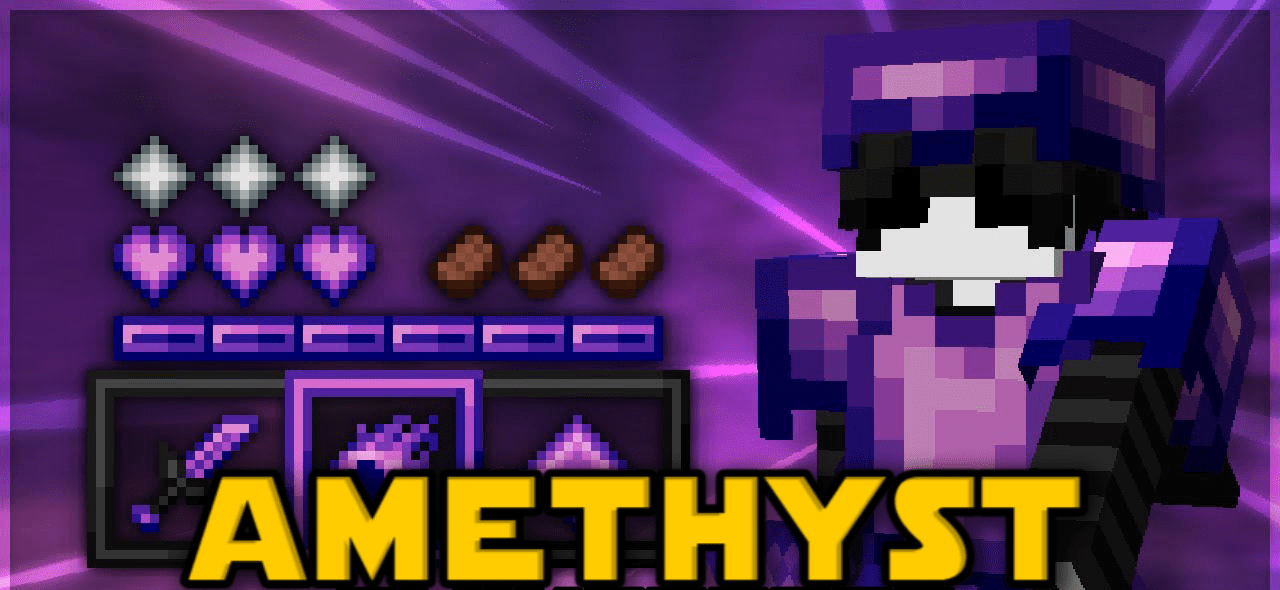
Amethyst Resource Pack turns Minecraft into a world of violet gleams, creating an atmosphere of mystery and power. Its main feature is the deep tones and visual expressiveness with minimal performance load. The 16×16 textures are well-optimized, making the pack ideal for PvP and low-end systems. Swords and armor shine with rich amethyst shades, while the interface and crosshair are designed in a competitive style.
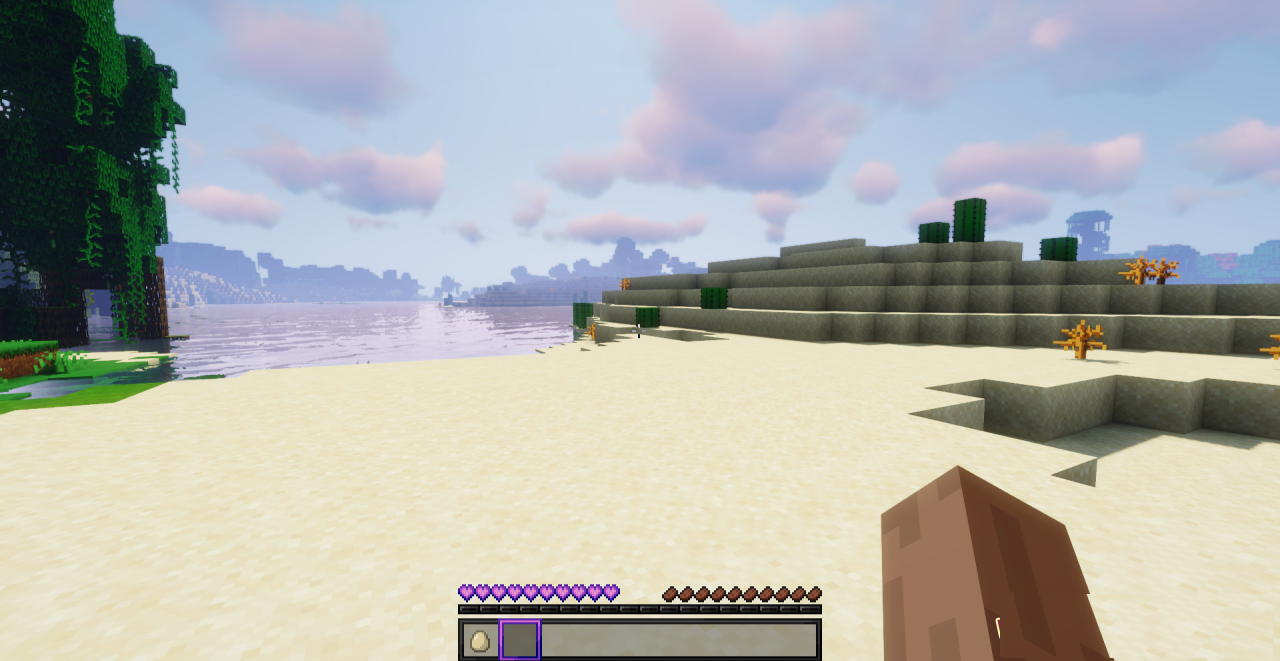
Even ordinary items seem precious — everything looks elegant and clean. The pack highlights every element, maintaining a balance between visual beauty and practicality. It’s the perfect choice for those who want to add energy, contrast, and aesthetic pleasure to the game without losing speed and responsiveness in battle.
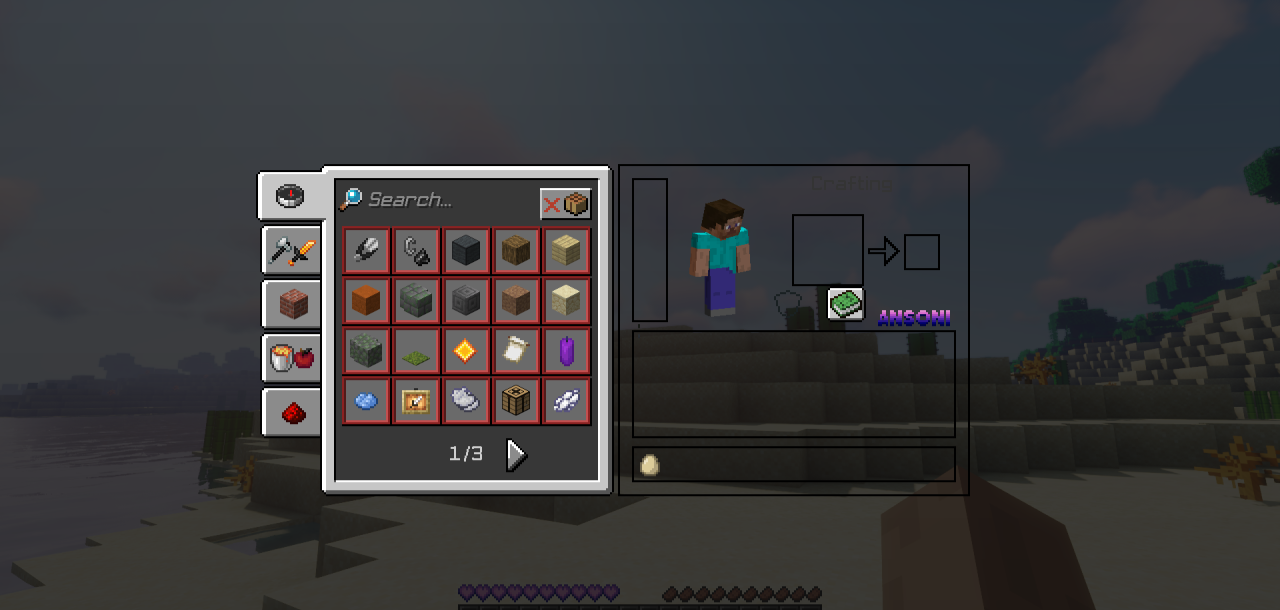
How to install the texture pack:
First step: download and install Amethyst
Second step: copy the texture pack to the C:\Users\USER_NAME\AppData\Roaming\.minecraft\resourcepacks
Third step: in game settings choose needed resource pack.
Comments (1)