



Amethyst Theme for Minecraft 1.21.11
Amethyst Theme completely changes the perception of the interface through a unified amethyst color palette. Menus, indicators, and HUD elements are rendered in rich purple shades, making the interface look cohesive and modern. Importantly, the pack is not limited to a simple color swap: elements are carefully redesigned, remain easy to read, and preserve the familiar layout logic.
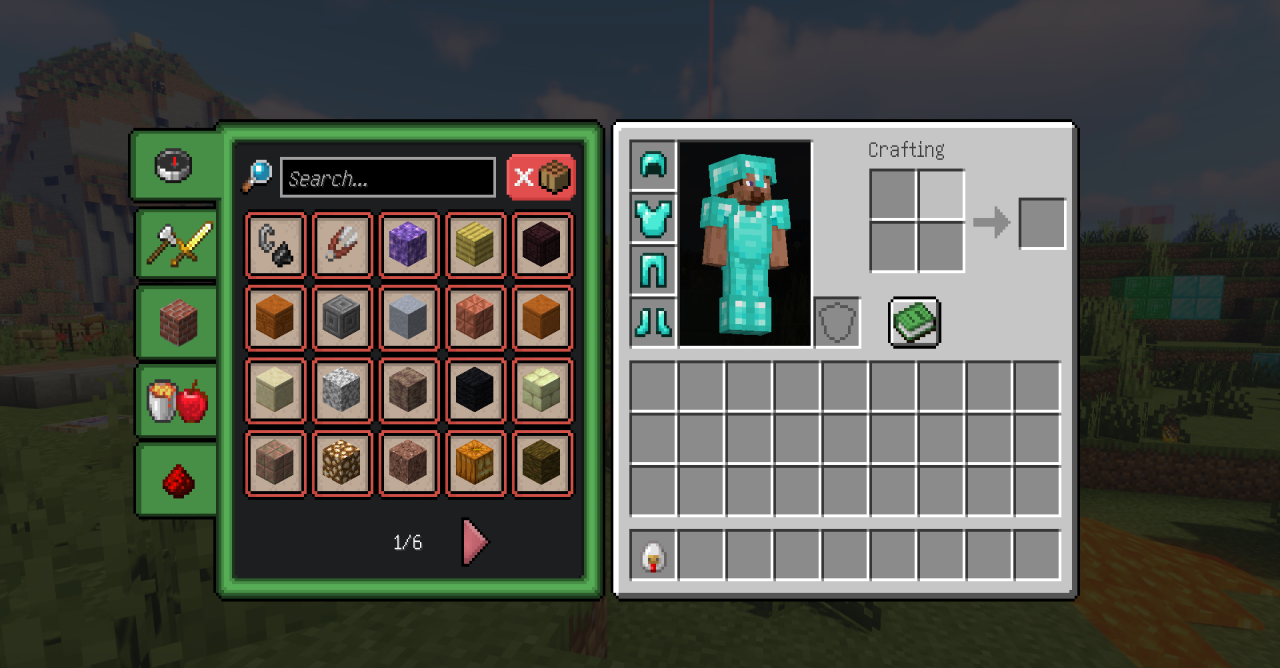
The interface feels more “polished” and visually stable, especially during long play sessions. The add-on integrates smoothly into gameplay and creates the impression of a refreshed yet still recognizable Minecraft shell.
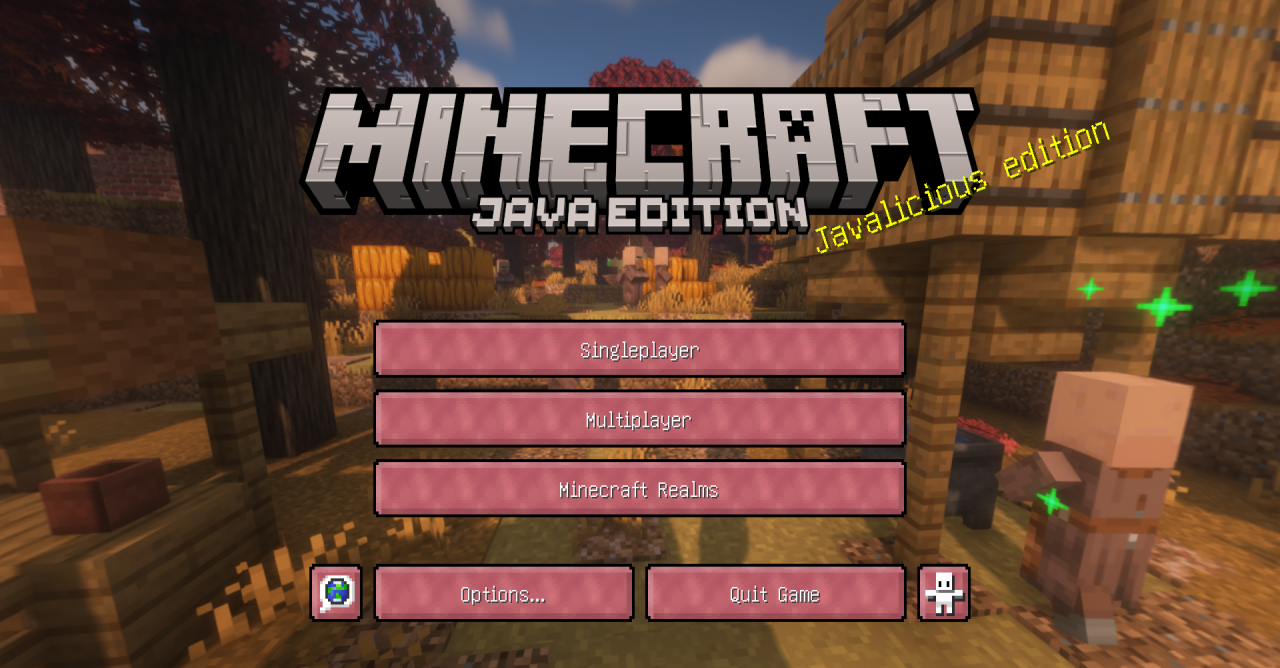
How to install the texture pack:
First step: download and install Amethyst Theme
Second step: copy the texture pack to the C:\Users\USER_NAME\AppData\Roaming\.minecraft\resourcepacks
Third step: in game settings choose needed resource pack.
Comments (0)