



Bare Bones for Minecraft 1.21.11
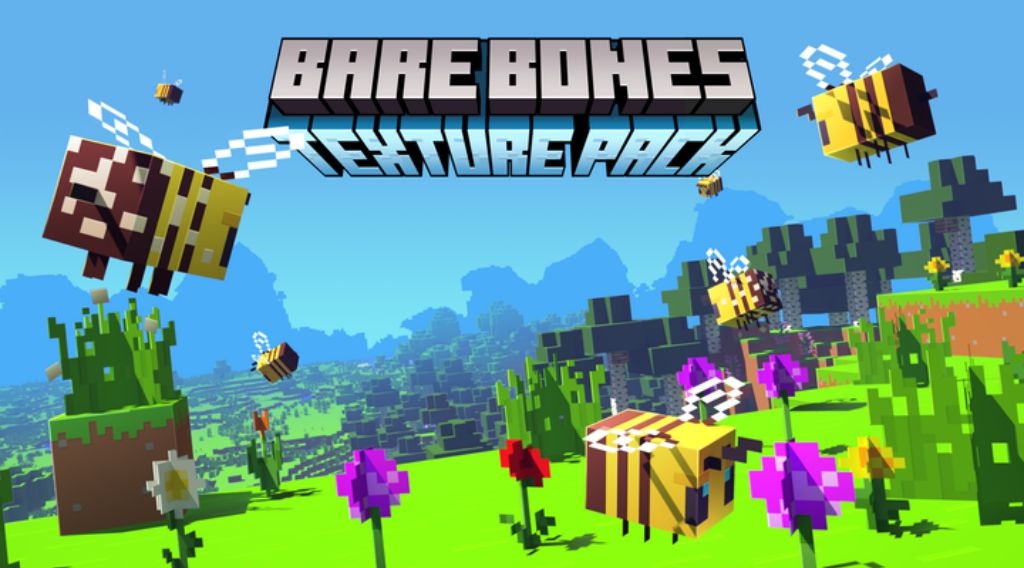
Sometimes, to refresh the Minecraft experience, you do not need complex textures and high detail — neat minimalism is enough. That is exactly the approach Bare Bones uses. The resource pack makes the world brighter and visually cleaner, removing unnecessary details and leaving only what is essential. Colors become more saturated, blocks look smooth and tidy, and the overall atmosphere resembles the style of the game’s animated trailers.
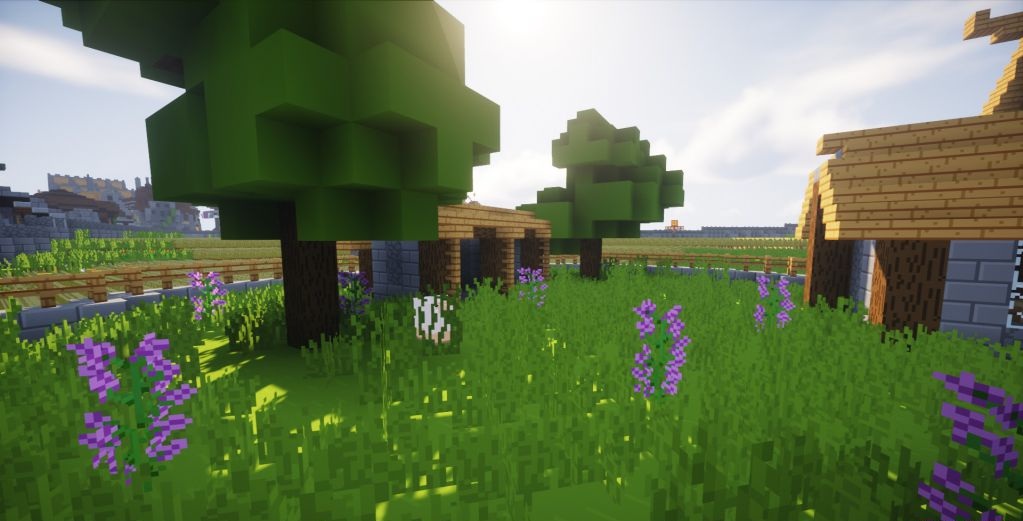
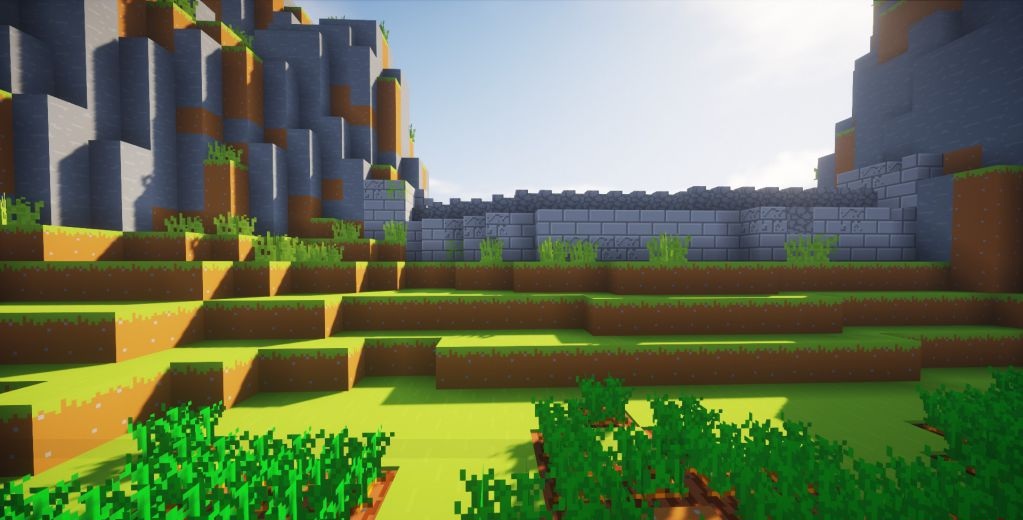
Thanks to its 16×16 resolution, the pack does not require a powerful computer and works perfectly even on weak systems. At the same time, the world does not lose its recognizability: familiar biomes and structures look simple, yet much more pleasant and expressive.
How to install the texture pack:
First step: download and install Bare Bones
Second step: copy the texture pack to the C:\Users\USER_NAME\AppData\Roaming\.minecraft\resourcepacks
Third step: in game settings choose needed resource pack.
Comments (1)