



Block Pixel for Minecraft 1.21.8
Surely every fan of the game has dreamed of improving the quality and sharpness of the classic textures. Now it’s fully possible thanks to Block Pixel add-on for Minecraft. Released long ago but still updated and refined, it continues to please fans of virtual adventures.
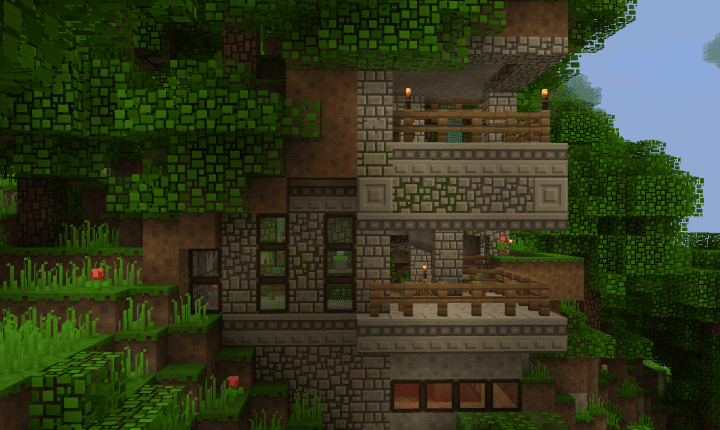
The main feature of the add-on is transforming the pixels of textures and creating a “barrier” between connected blocks. This makes everything around you look sharper, and block elements themselves appear more expressive due to the new pixel arrangement.
How to install the texture pack:
First step: download and install Block Pixel
Second step: copy the texture pack to the C:\Users\USER_NAME\AppData\Roaming\.minecraft\resourcepacks
Third step: in game settings choose needed resource pack.
Comments (0)