



Blocky Blocks for Minecraft 1.21.11
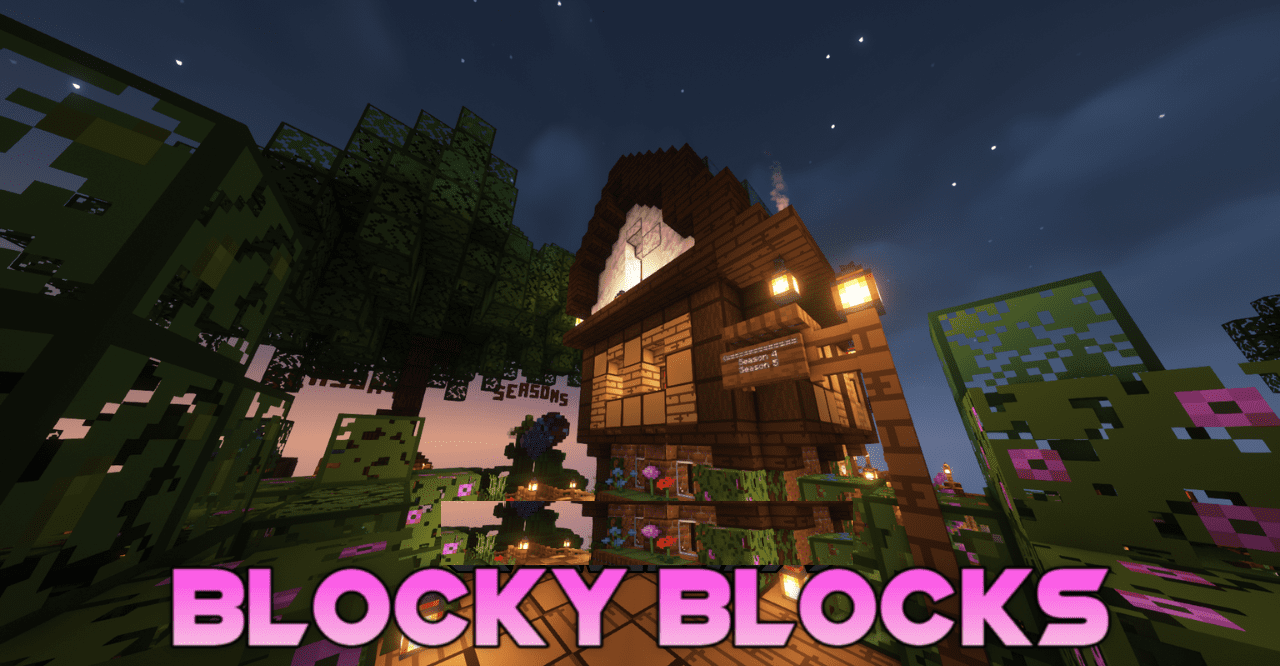
The visual expressiveness of Blocky Blocks is built on a combination of a rich palette and carefully drawn details. Blocks become brighter while still maintaining their structure — each texture preserves clear boundaries and a recognizable pattern. Shades appear bolder, giving familiar builds a more decorative character.
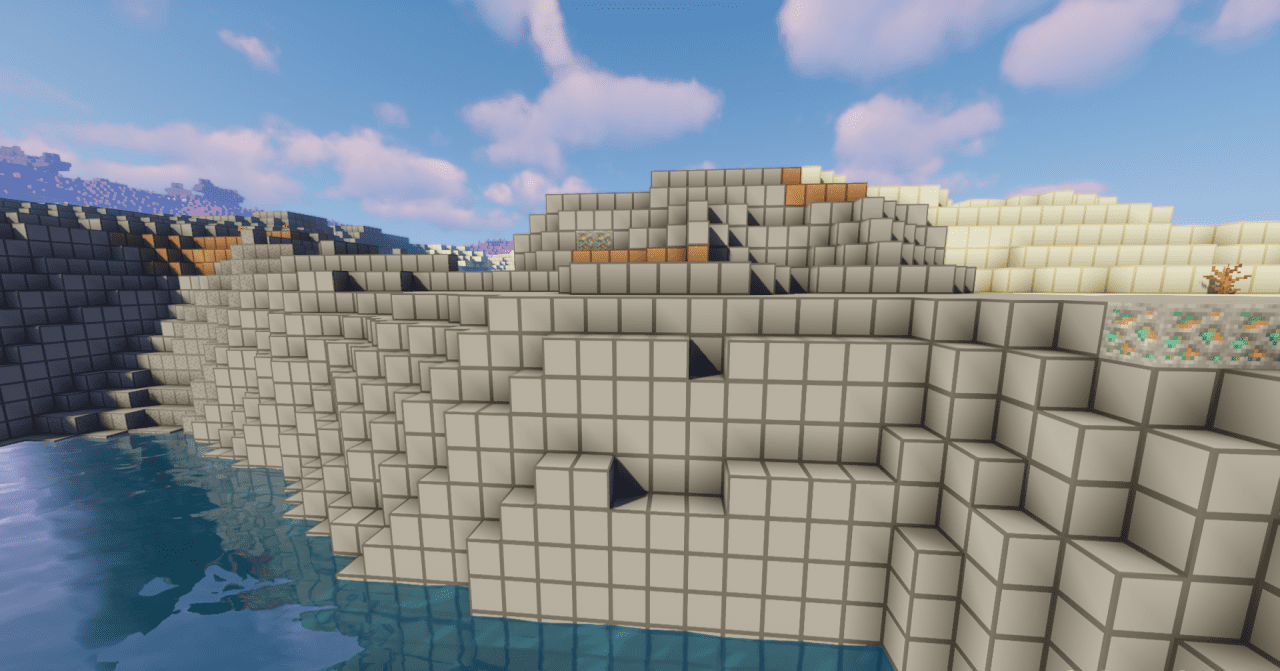
Upon closer inspection, careful work on small elements becomes noticeable: surfaces do not look blurry but instead appear cleaner and more organized. The world begins to feel slightly fairy-tale-like and artistic while still remaining easy to perceive. The balance between brightness and readability forms a cohesive and recognizable style.
How to install the texture pack:
First step: download and install Blocky Blocks
Second step: copy the texture pack to the C:\Users\USER_NAME\AppData\Roaming\.minecraft\resourcepacks
Third step: in game settings choose needed resource pack.
Comments (0)