



Blue Lock Custom GUI for Minecraft 1.21.11
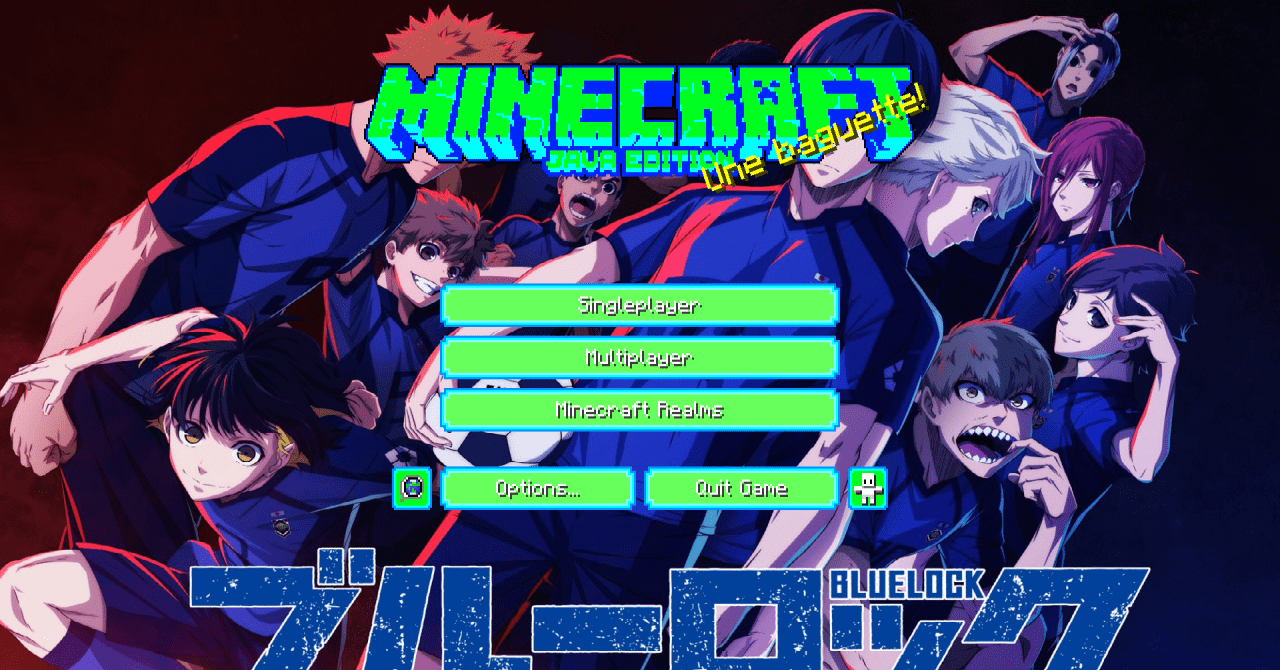
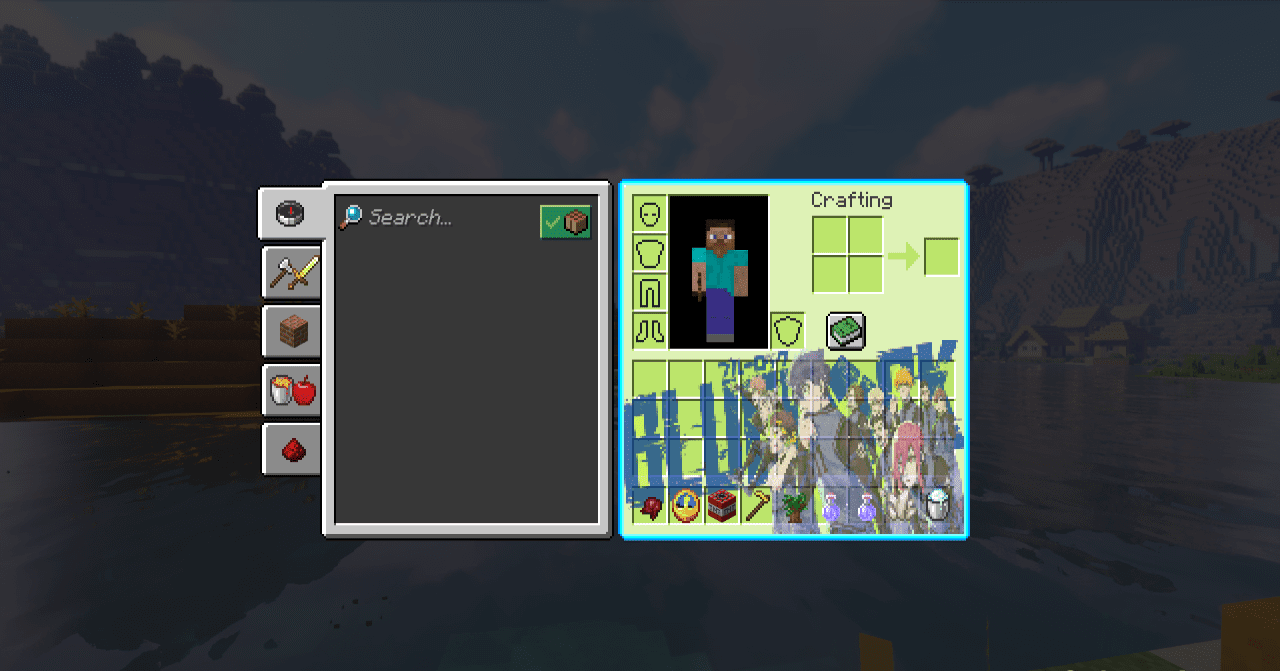
The interface in Blue Lock Custom GUI turns into a full visual accent. Inventory panels receive stylized frames and dynamic color combinations — light blue, green, and purple shades form a modern composition. The screen looks more energetic, and familiar actions in menus feel different thanks to the updated presentation.
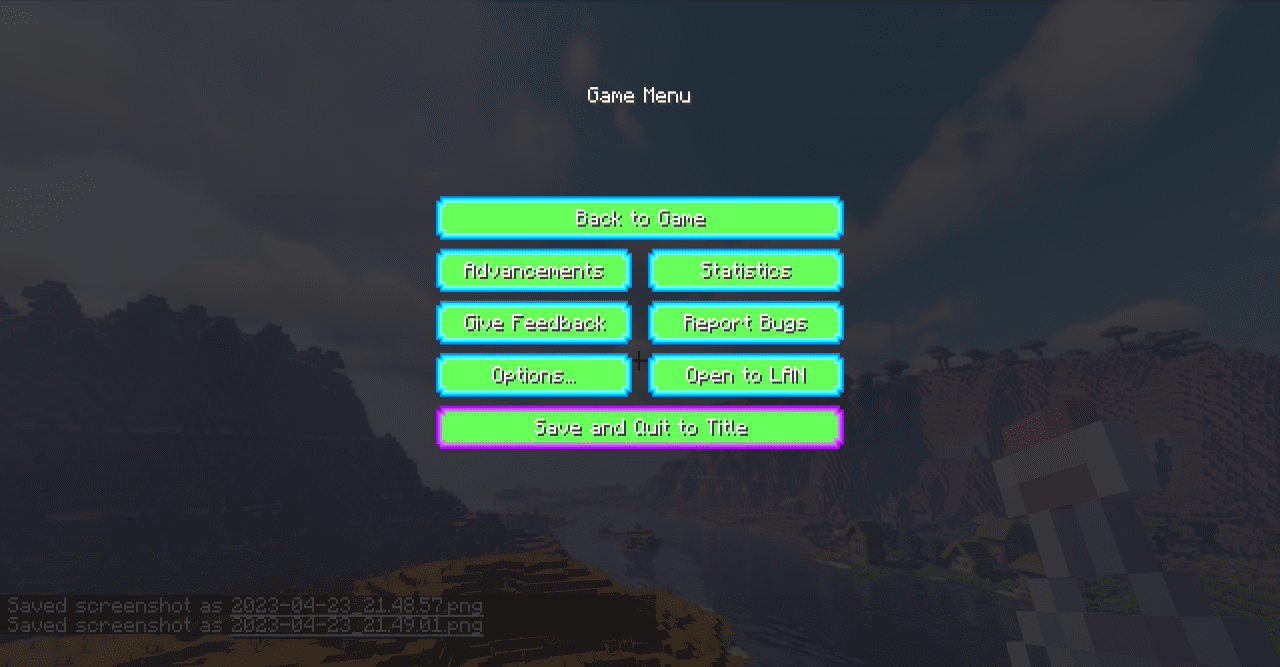
At the same time, the structure of slots, the arrangement of elements, and the functionality are fully preserved. Decorative inserts and graphical accents are carefully integrated into the interface without overloading it. As a result, the menu becomes not just a utilitarian part of the game but also an element of the atmosphere.
How to install the texture pack:
First step: download and install Blue Lock Custom GUI
Second step: copy the texture pack to the C:\Users\USER_NAME\AppData\Roaming\.minecraft\resourcepacks
Third step: in game settings choose needed resource pack.
Comments (0)