



Bohemia RPG for Minecraft 1.21.11
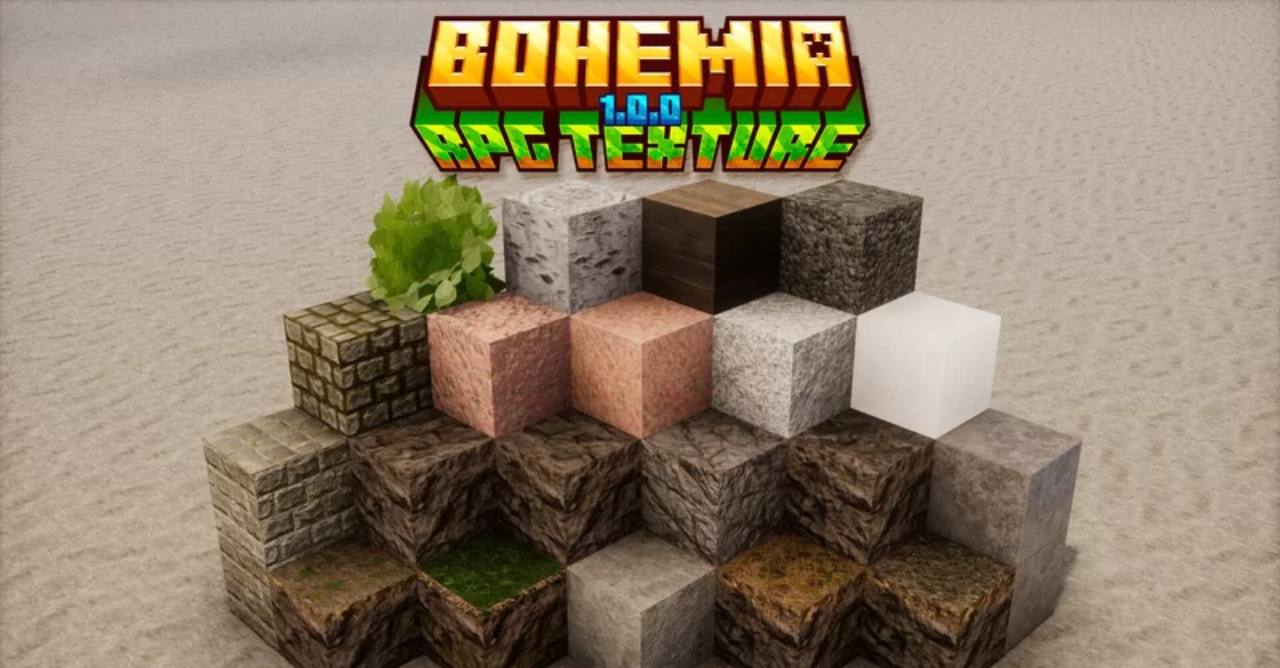
From the very first minutes, Bohemia RPG makes it clear that this is not just another texture replacement. The world becomes denser, deeper, and more visually rich: materials look massive, surfaces appear more dimensional, and the overall style confidently leans toward medieval fantasy. Stone, wood, and metals gain character and a sense of real weight.
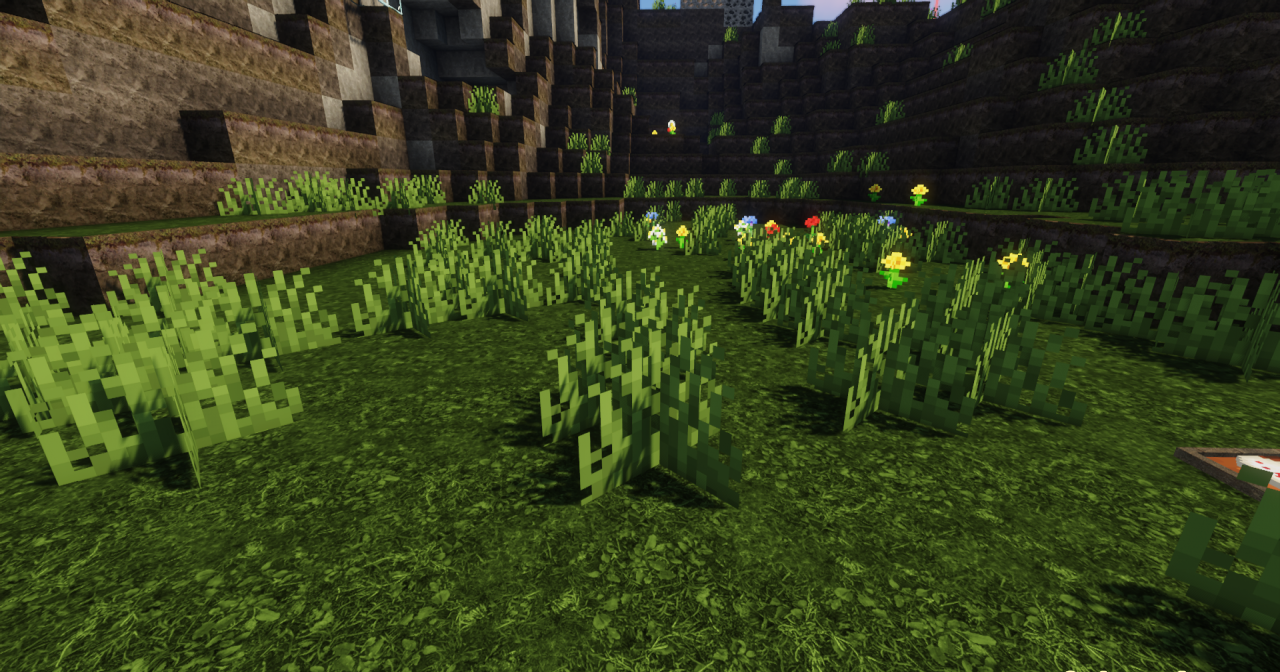
The pack builds a cohesive atmosphere in which building, survival, and exploration begin to feel like parts of a grand adventure. The visuals are oriented toward realism and are especially well revealed when combined with modern lighting, enhancing immersion and creating a world that invites you to look at it, not just use it as a background.
How to install the texture pack:
First step: download and install Bohemia RPG
Second step: copy the texture pack to the C:\Users\USER_NAME\AppData\Roaming\.minecraft\resourcepacks
Third step: in game settings choose needed resource pack.
Comments (0)