



Caelesti for Minecraft 1.21.10

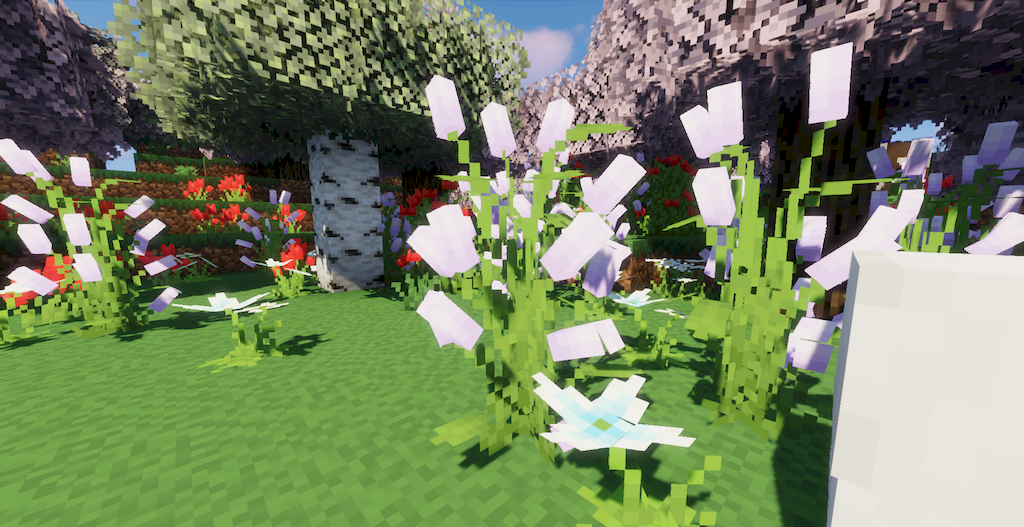
The visual atmosphere can look surprisingly new when decorative elements receive more attention than usual. This soft, lively transformation is exactly what Caelesti resource pack brings to the game, filling familiar biomes with fresh hues and more subtle details. The world does not become radically different — it seems to blossom.
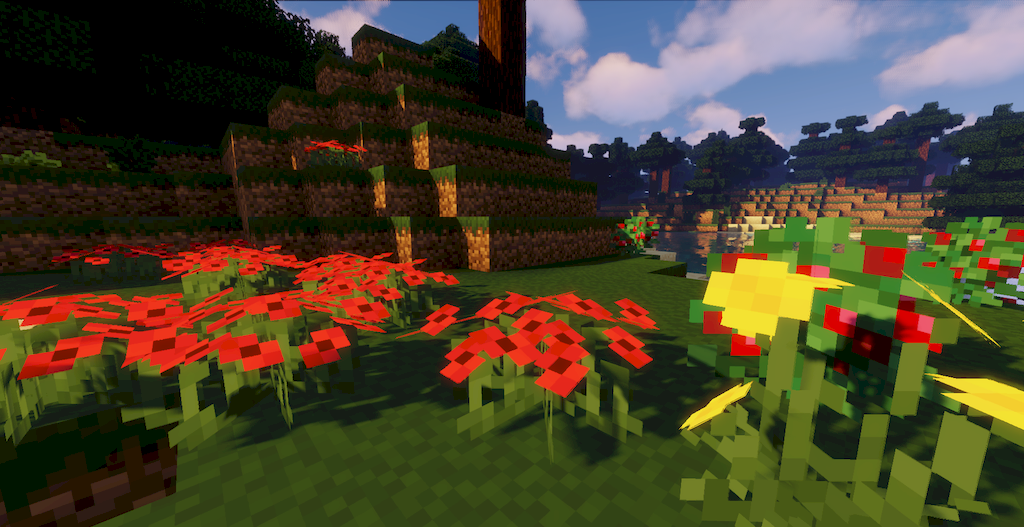
Flowers gain richness and complexity of form, making fields look like illustrations from a fairy-tale book. Forests become more voluminous and gentle, and the transitions between shades of foliage — smoother and more aesthetic. The effect is especially noticeable in the Nether: once harsh biomes turn into mysterious natural zones, as if nature is reclaiming these lands anew.
How to install the texture pack:
First step: download and install Caelesti
Second step: copy the texture pack to the C:\Users\USER_NAME\AppData\Roaming\.minecraft\resourcepacks
Third step: in game settings choose needed resource pack.
Comments (0)