



Call Of The Night Custom GUI for Minecraft 1.21.11
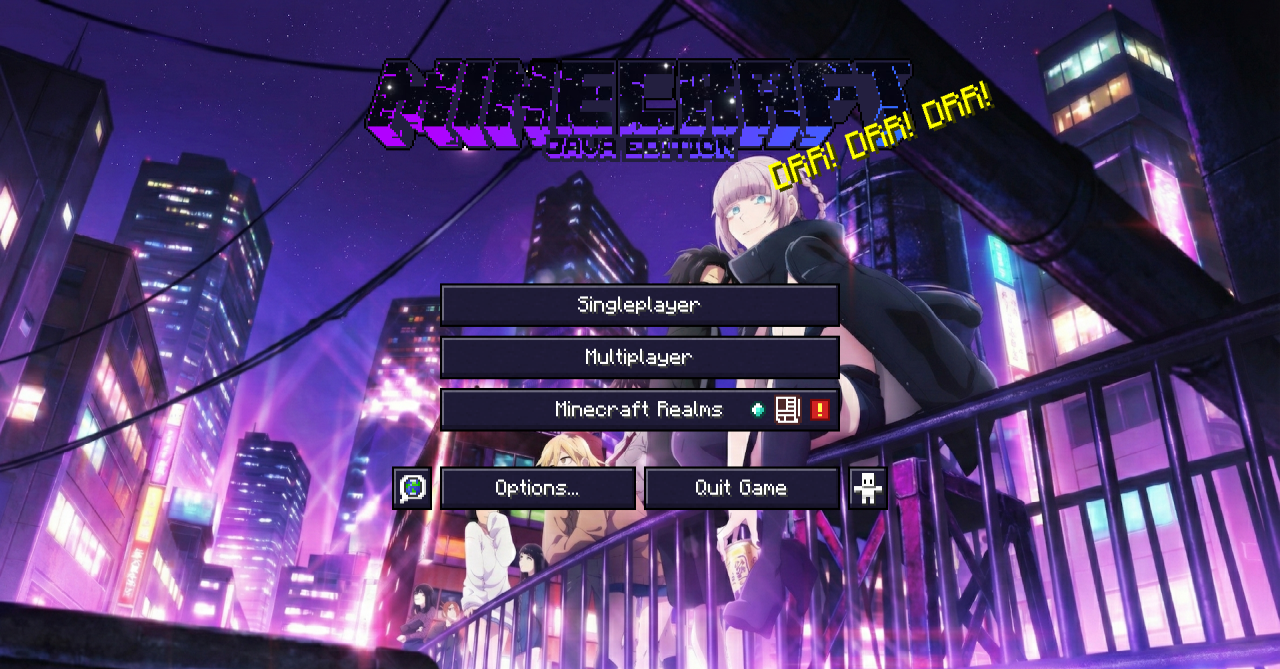
The Minecraft interface can look completely different thanks to Call Of The Night Custom GUI resource pack. It fully redesigns graphical interface elements, drawing inspiration from the atmosphere of the anime of the same name. The design uses dark shades of purple, pink, and blue, creating a stylish night-themed palette.
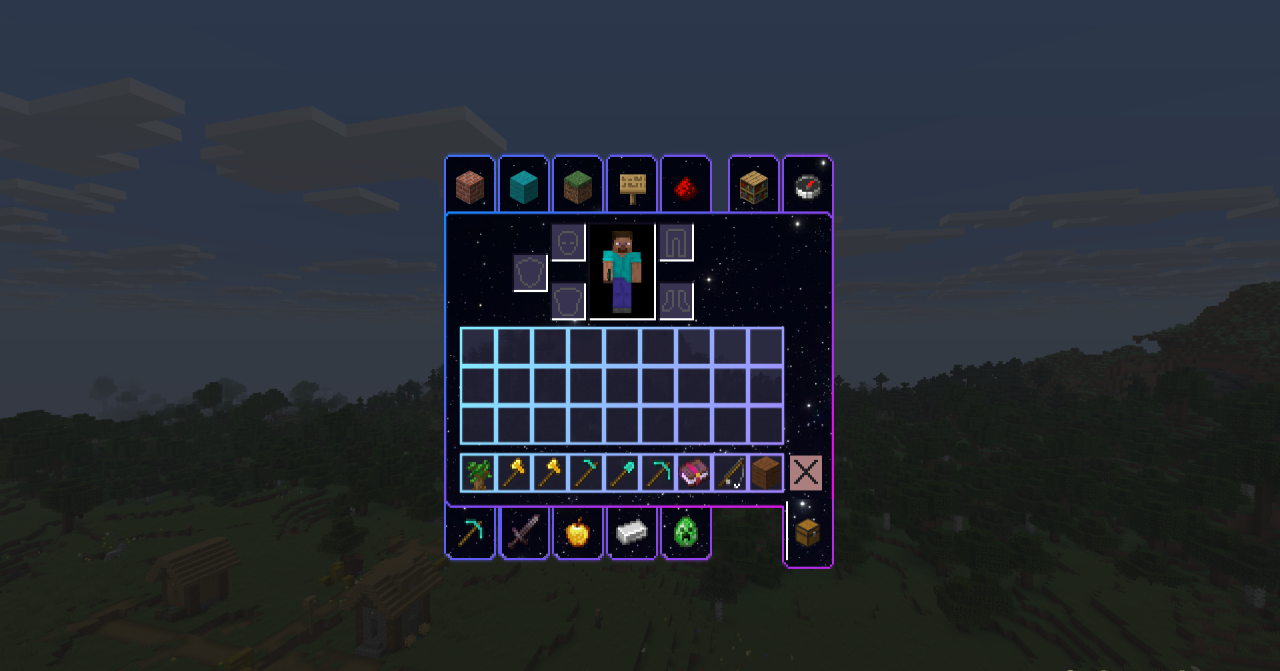
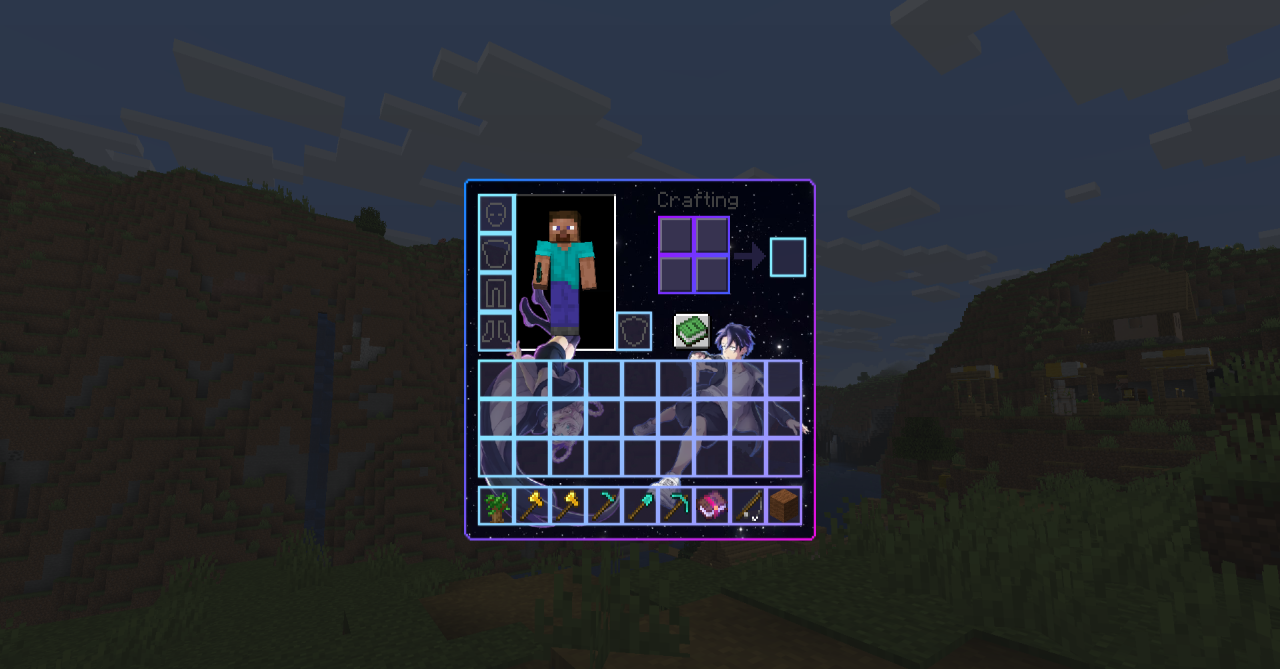
The changes affect almost all major windows: the inventory, the hotbar, containers such as the furnace or anvil, as well as the settings menu. Because of the unified style, the interface looks cohesive and unusual, creating the feeling of a completely new visual design for the game. All functions remain the same — only the appearance of the elements changes.
How to install the texture pack:
First step: download and install Call Of The Night Custom GUI
Second step: copy the texture pack to the C:\Users\USER_NAME\AppData\Roaming\.minecraft\resourcepacks
Third step: in game settings choose needed resource pack.
Comments (1)