



Chobits GUI for Minecraft 1.21.11
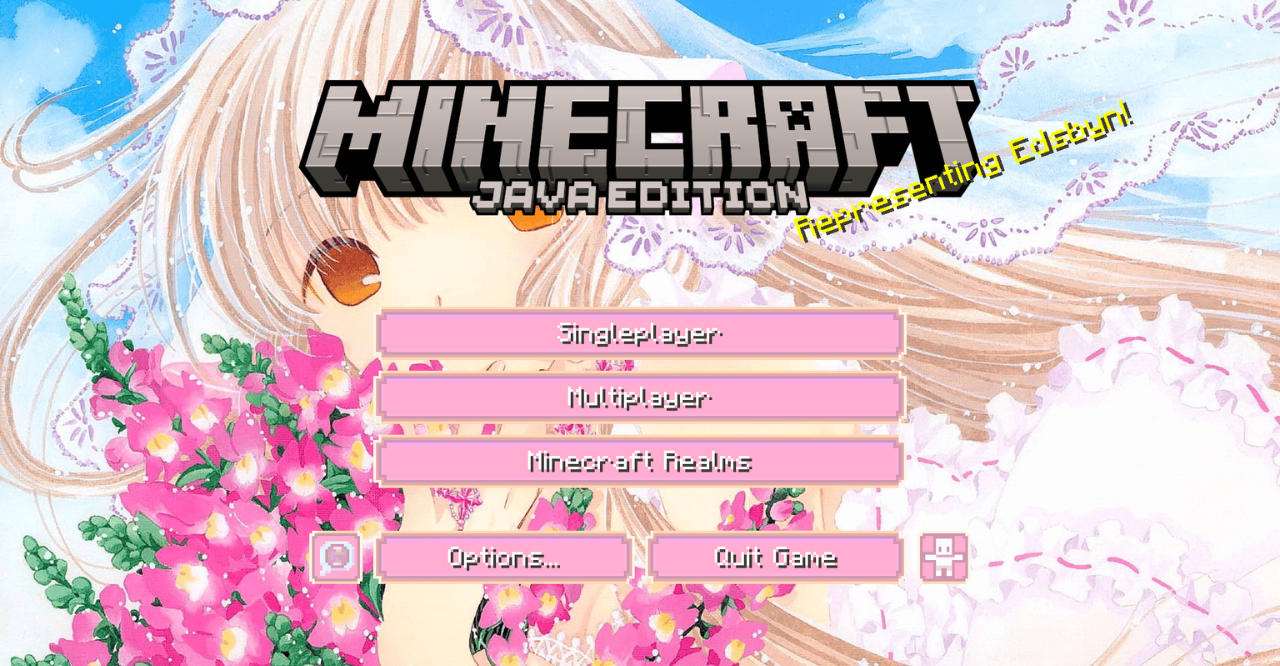
The interface can be not only functional but also expressive, and Chobits GUI fully builds on this idea. All menus, buttons, and HUD elements are reworked in a bright anime style with distinctive graphics and decorative details.
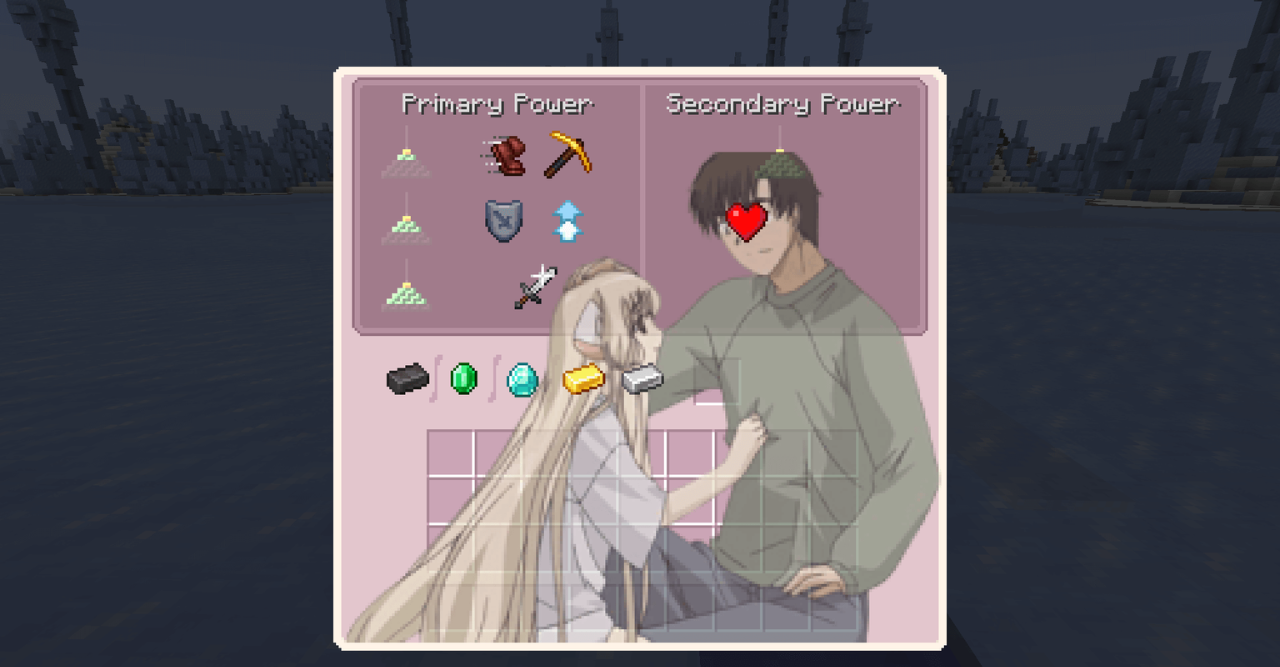
The interface begins to feel like an independent visual layer with its own mood. Despite the abundance of stylistic elements, the control logic remains the same, and key elements are easy to recognize. As a result, Minecraft receives an unusual, personalized shell that immediately stands out from the standard design.
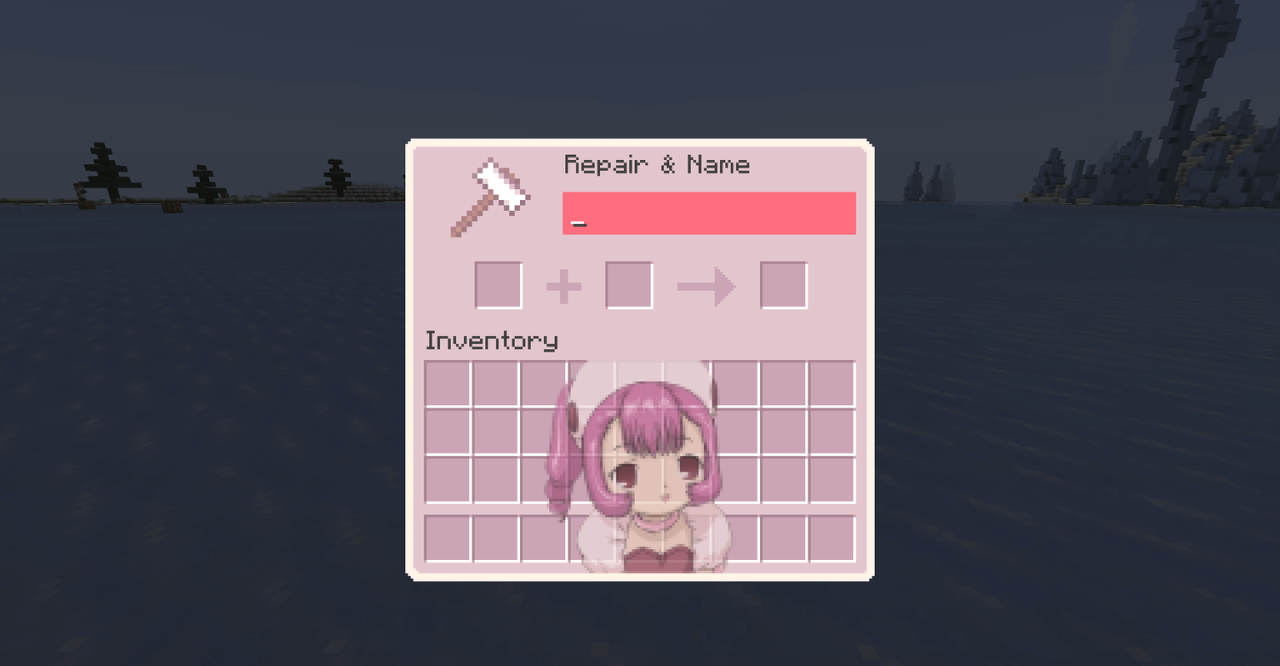
How to install the texture pack:
First step: download and install Chobits GUI
Second step: copy the texture pack to the C:\Users\USER_NAME\AppData\Roaming\.minecraft\resourcepacks
Third step: in game settings choose needed resource pack.
Comments (5)