



Classic Faithful 32x Jappa for Minecraft 1.21.5

Do you love the classic Minecraft style but want the textures to look sharper and more detailed? Then Classic Faithful 32x Jappa is exactly the texture pack you need.
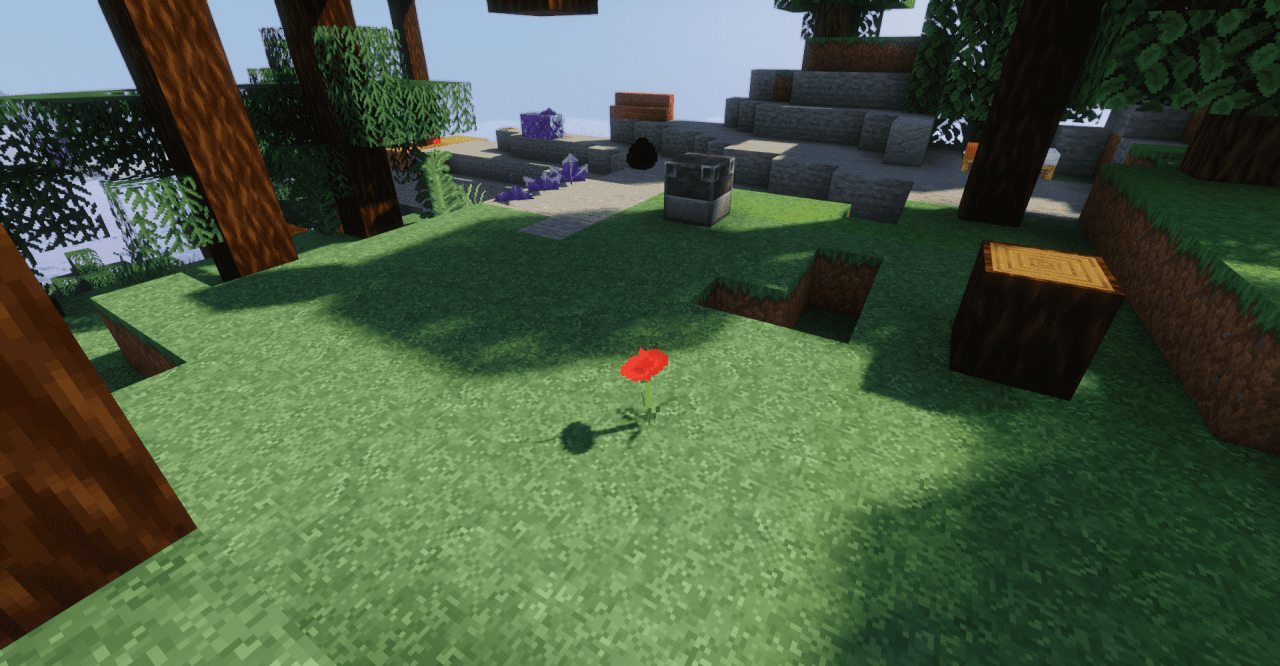
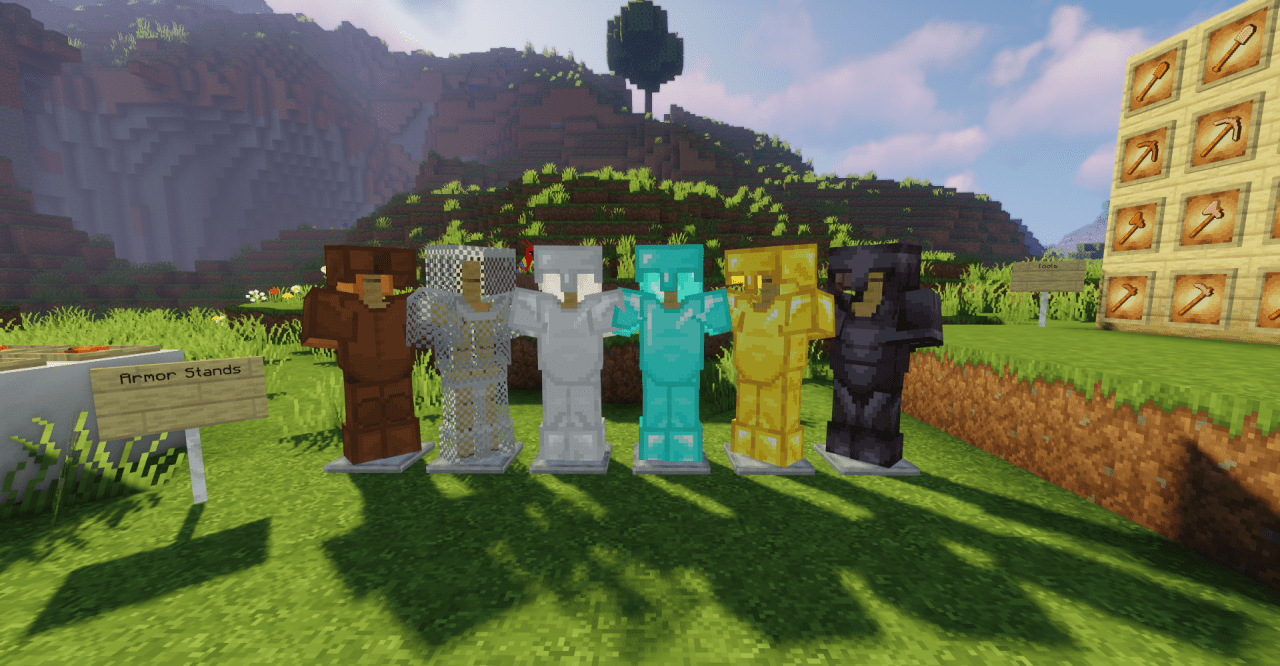
This pack combines the familiar atmosphere of vanilla Minecraft with enhanced graphics, increasing the texture resolution to 32x32 pixels. It’s ideal for players who don’t want to stray from the game’s original visuals but still want the world to look modern and appealing. If you want sharper textures and more interesting visual effects without drastic changes to the graphics, this pack is an excellent choice.
How to install the texture pack:
Step 1: Download the texture pack using the link below.
Step 2: Extract the downloaded archive and copy the Classic Faithful 32x Jappa folder to the following path: c:\Users\Пользователь\AppData\Roaming\.minecraft\resourcepacks\ (if this folder does not exist, create it yourself) (For Windows)
Step 3: In the game, go to Settings, then Resource Packs. Click the icon for the newly added texture pack in the list on the left.
Comments (0)