



Classic Tools Fusion for Minecraft 1.21.10
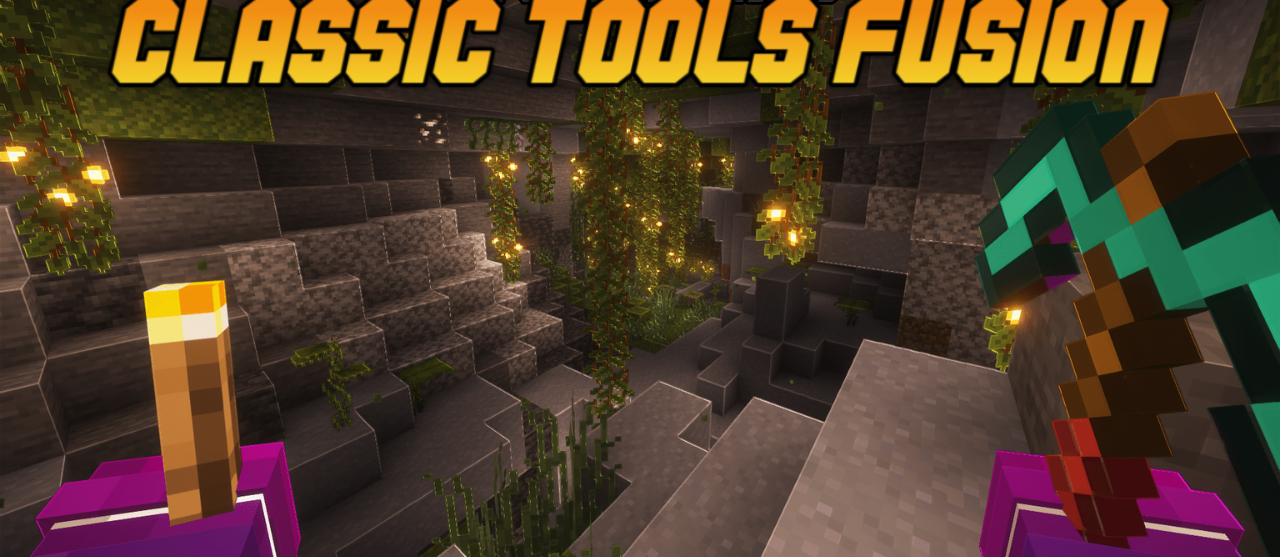
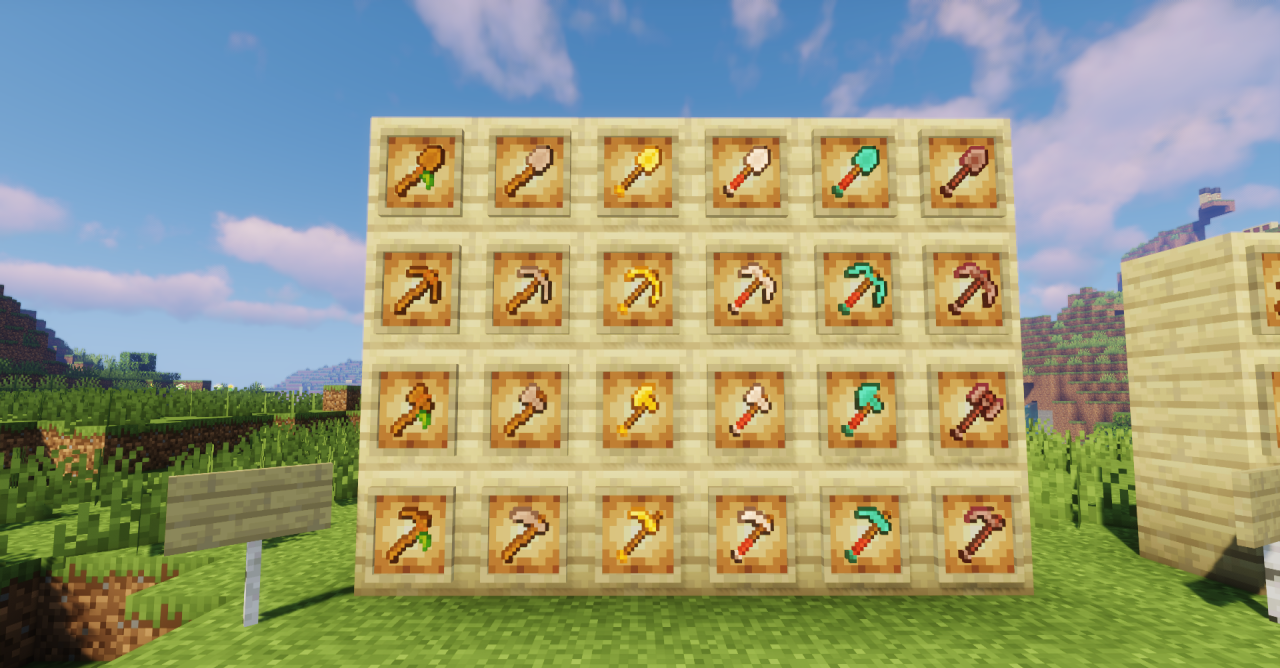
Tools and weapons in Minecraft look familiar, but with Classic Tools Fusion, they seem as if they’ve been polished by a master craftsman. All textures have become cleaner and more contrasted, keeping the original style but gaining depth and richness. Copper tools are particularly interesting — they oxidize, losing their shine and visually aging with wear. This effect gives items a sense of realism and the touch of time’s work.

Even a simple pickaxe or sword now feels like the result of a blacksmith’s labor rather than just a set of pixels. The pack is perfect for those who want to refresh the visual style without radical changes, adding a bit of beauty and vitality to the game.
How to install the texture pack:
First step: download and install Classic Tools Fusion
Second step: copy the texture pack to the C:\Users\USER_NAME\AppData\Roaming\.minecraft\resourcepacks
Third step: in game settings choose needed resource pack.
Comments (3)