



21.09.2025
Colored Pots for Minecraft 1.21.8
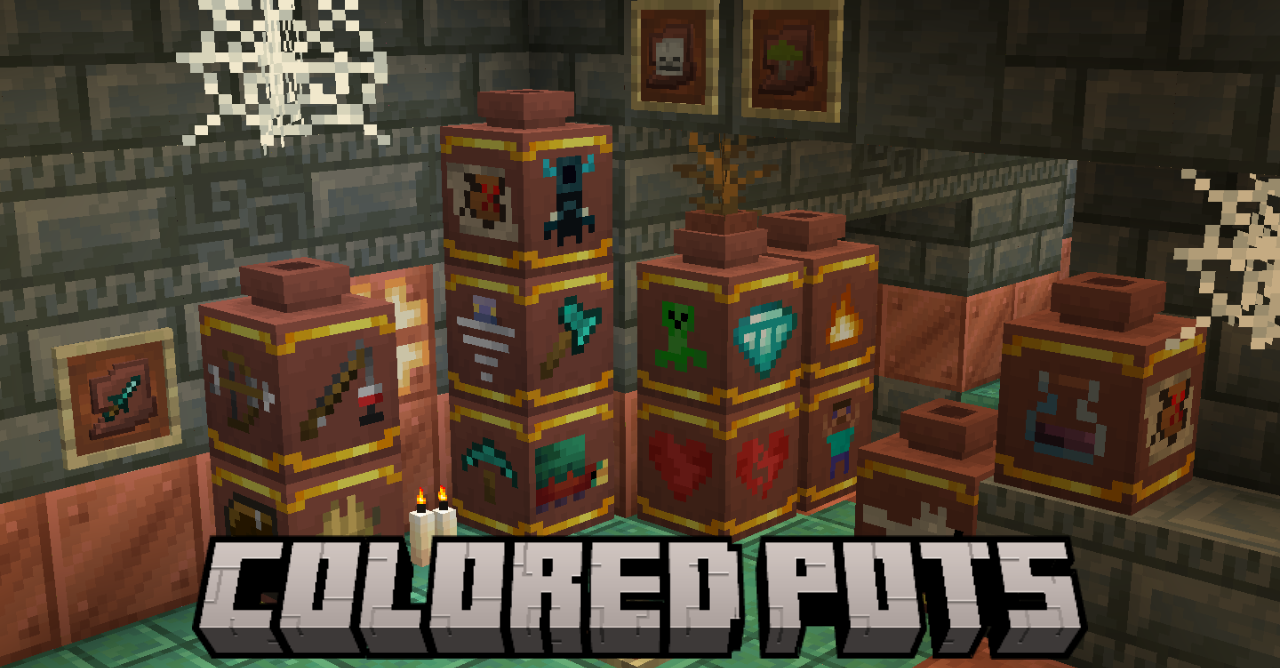
Even small visual elements can positively affect how you perceive the Minecraft world. For example, Colored Pots add-on for Minecraft changes the design of pots, making them look much better. Now plain pots will look different, gaining additional patterns and even images in their appearance.
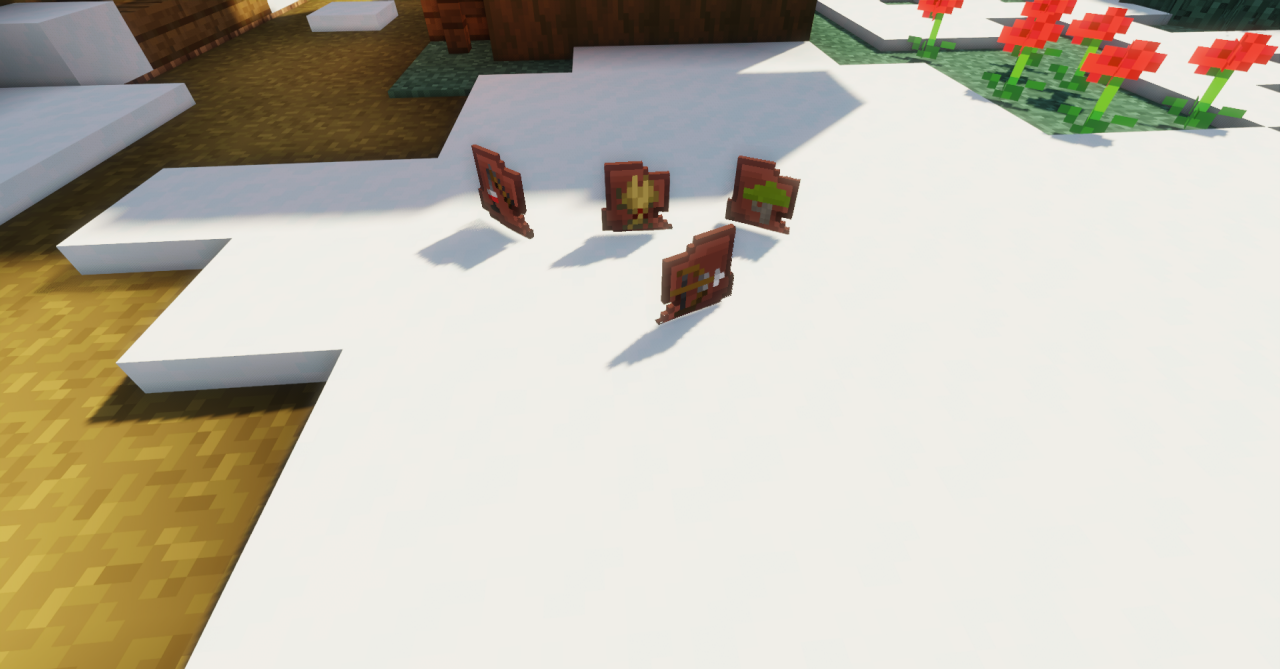
Thanks to this, you’ll be able to decorate your surroundings beautifully and place pots in ways that make your interior look better. Explore the new pots, arrange them, and enjoy the visuals.
How to install the texture pack:
First step: download and install Colored Pots
Second step: copy the texture pack to the C:\Users\USER_NAME\AppData\Roaming\.minecraft\resourcepacks
Third step: in game settings choose needed resource pack.
Comments (0)