



Dark GUI Reimagined for Minecraft 1.21.10
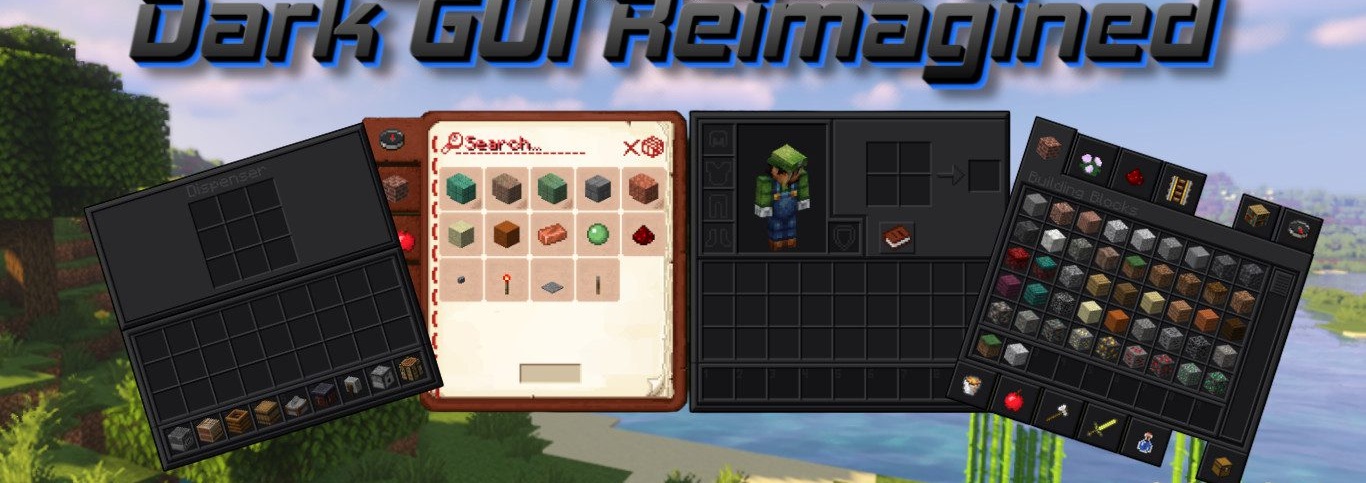
Dark GUI Reimagined resource pack transforms the interface into a stylish, refined space where familiar windows and panels gain depth and character. Unlike the standard interface, it features deep gray and graphite tones that make using menus easy on the eyes and create a sense of unity.
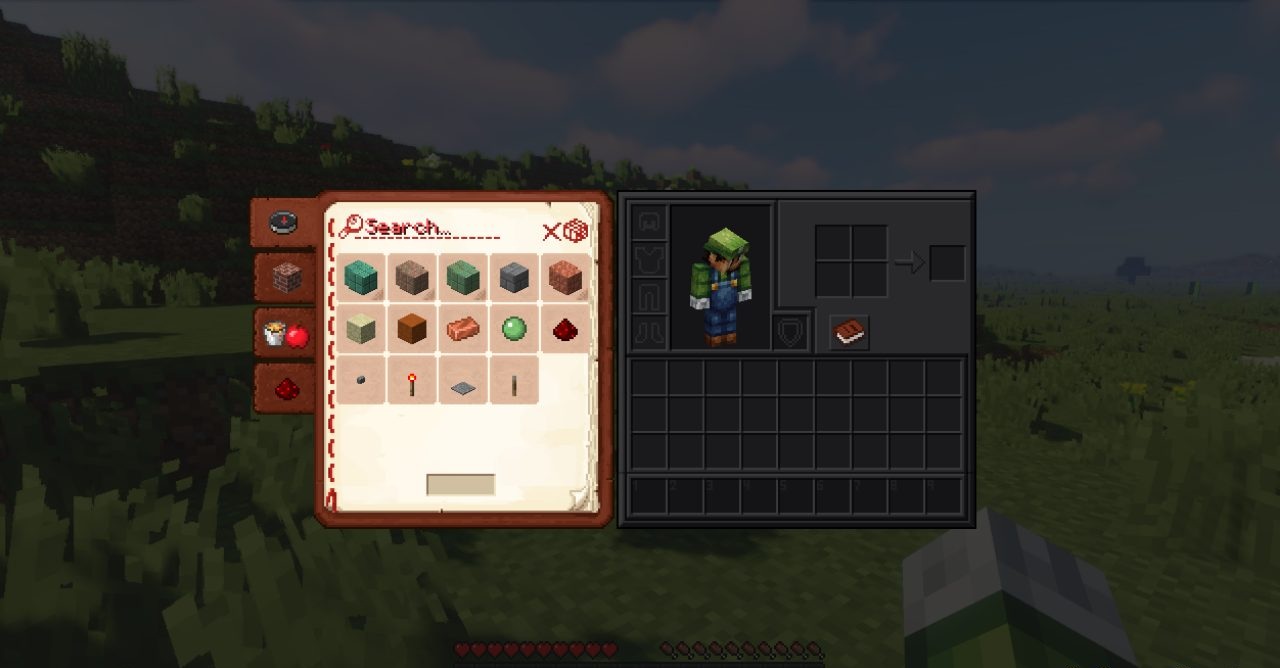
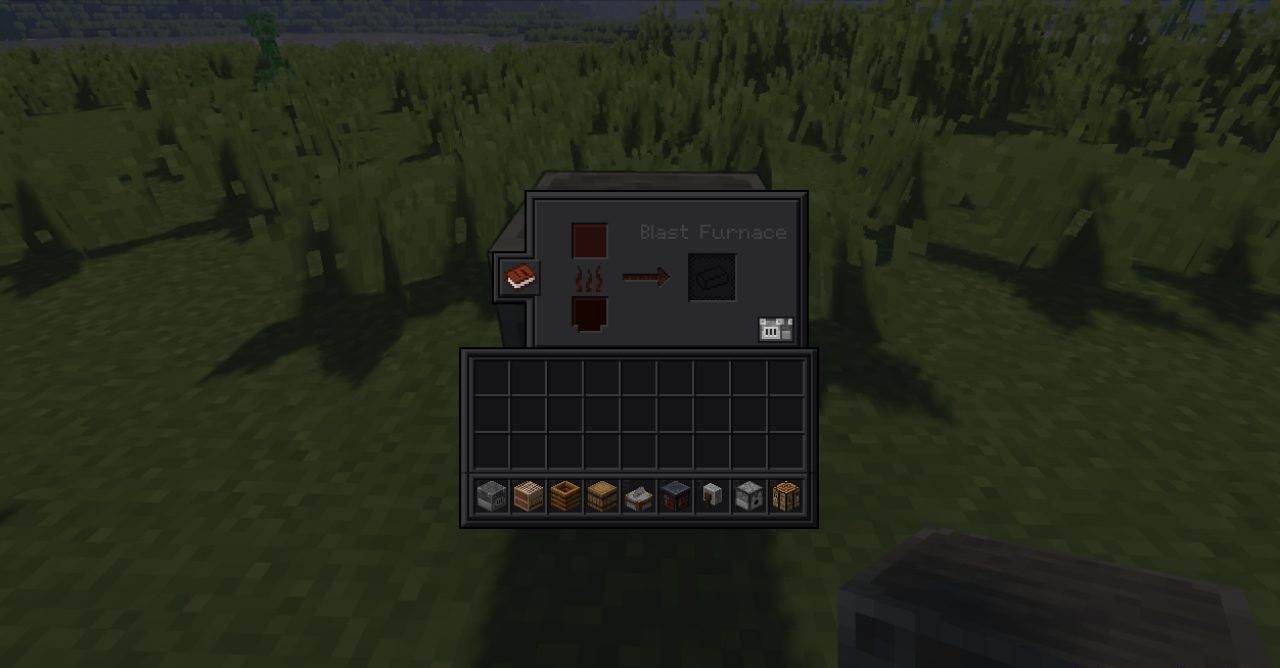
Every element — from the crafting table to the stonecutter — is detailed and consistent, preserving the visual logic of the original. Small block icons add neatness, and reduced container sizes make interaction more compact and modern. The atmosphere of darkness and minimalism creates a sense of technology and comfort.
How to install the texture pack:
First step: download and install Dark GUI Reimagined
Second step: copy the texture pack to the C:\Users\USER_NAME\AppData\Roaming\.minecraft\resourcepacks
Third step: in game settings choose needed resource pack.
Comments (2)