



Diughmon for Minecraft 1.21.11
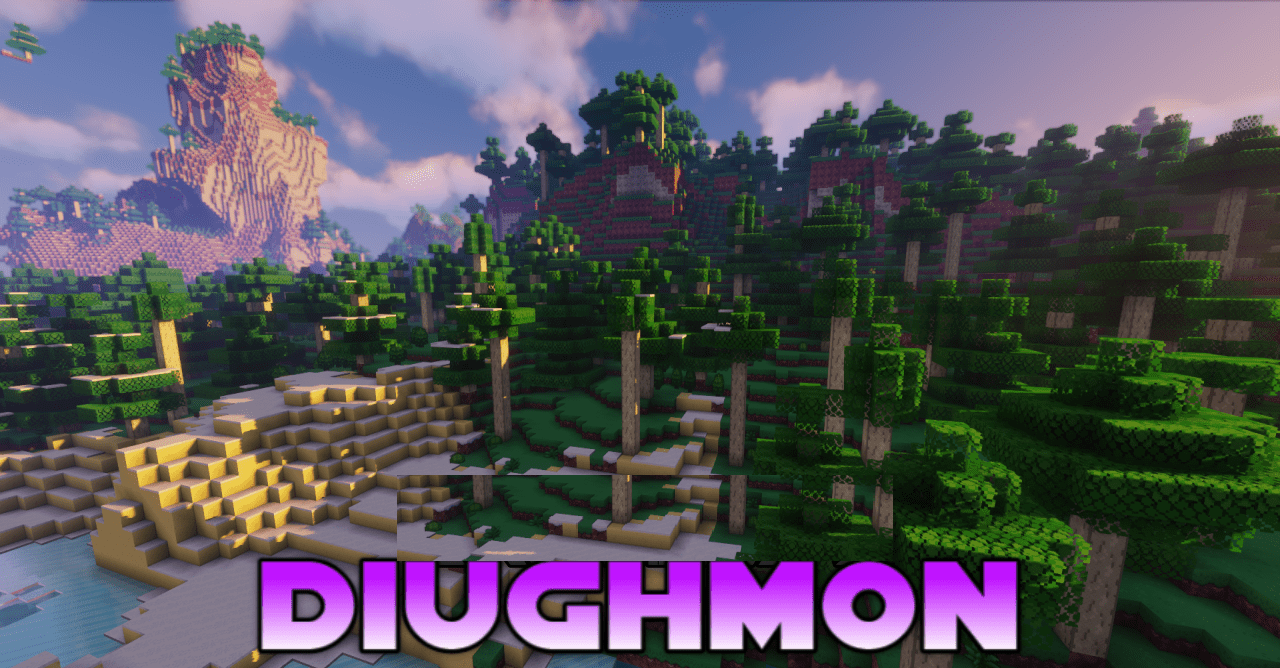
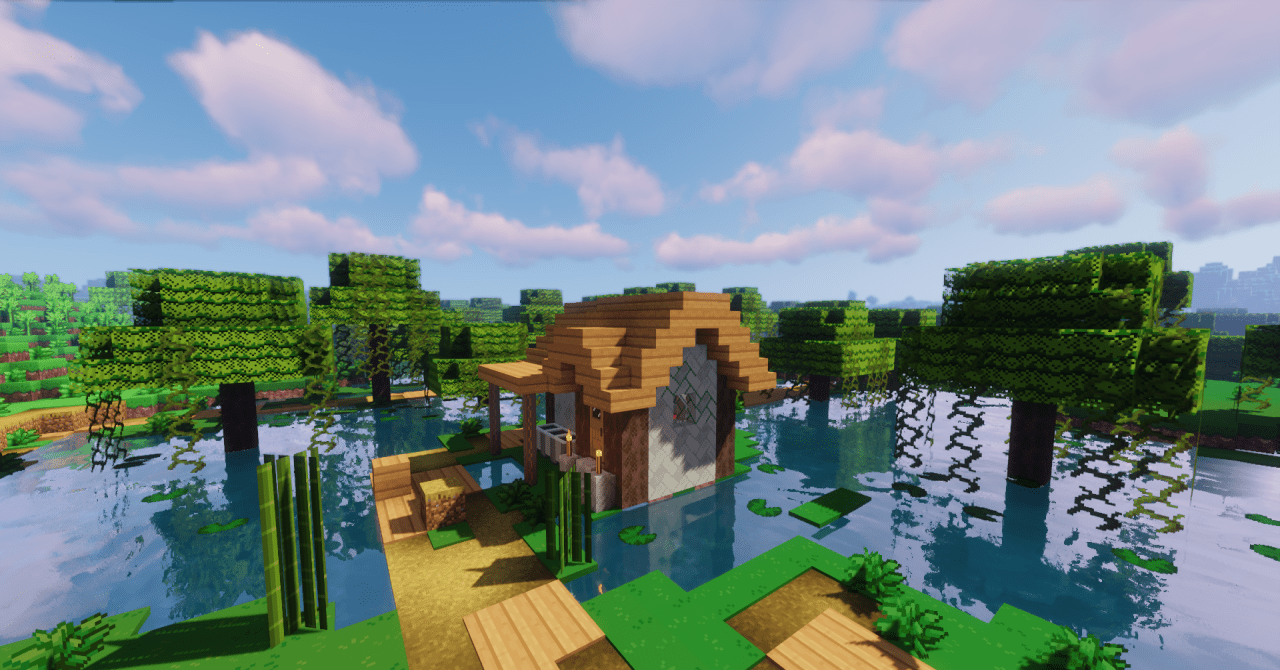
The visual style of Minecraft can easily change the mood of the entire gameplay experience, and that is precisely what Diughmon is built upon. This resource pack reworks numerous blocks, items, and interface elements, uniting them into a bright and recognizable aesthetic inspired by the Pokémon universe. Colors become more vibrant, shapes more expressive, and the environment as a whole appears more dynamic and lively.
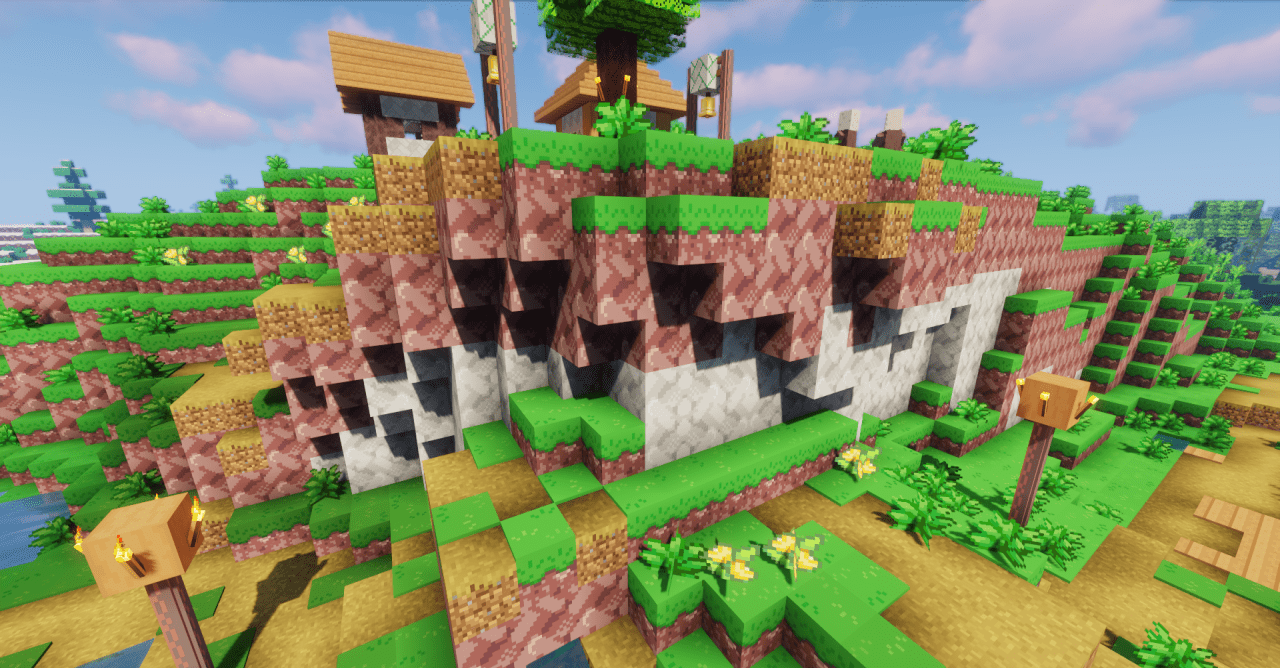
The changes feel systemic rather than isolated: the world seems cohesive, as if it had originally been designed in this style. At the same time, the redesign does not overload the screen with details or interfere with navigation; instead, it makes the visual perception lighter and more playful while preserving the readability of all game elements.
How to install the texture pack:
First step: download and install Diughmon
Second step: copy the texture pack to the C:\Users\USER_NAME\AppData\Roaming\.minecraft\resourcepacks
Third step: in game settings choose needed resource pack.
Comments (0)