



Dororo Custom GUI for Minecraft 1.21.5
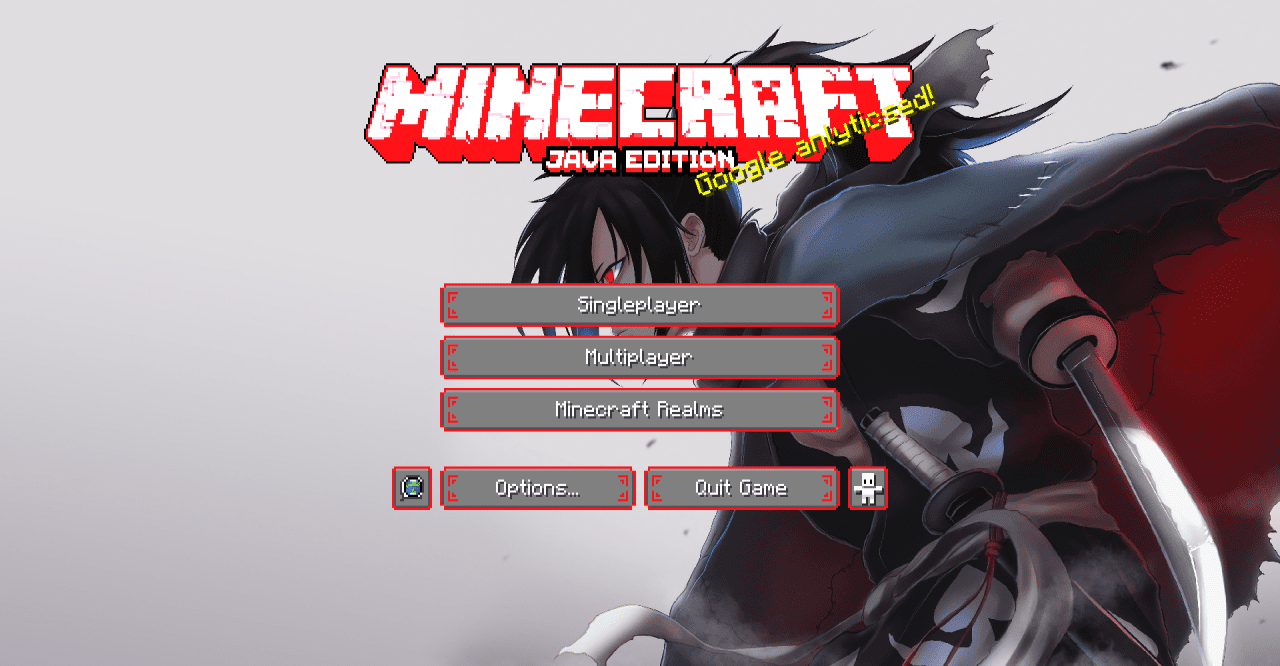
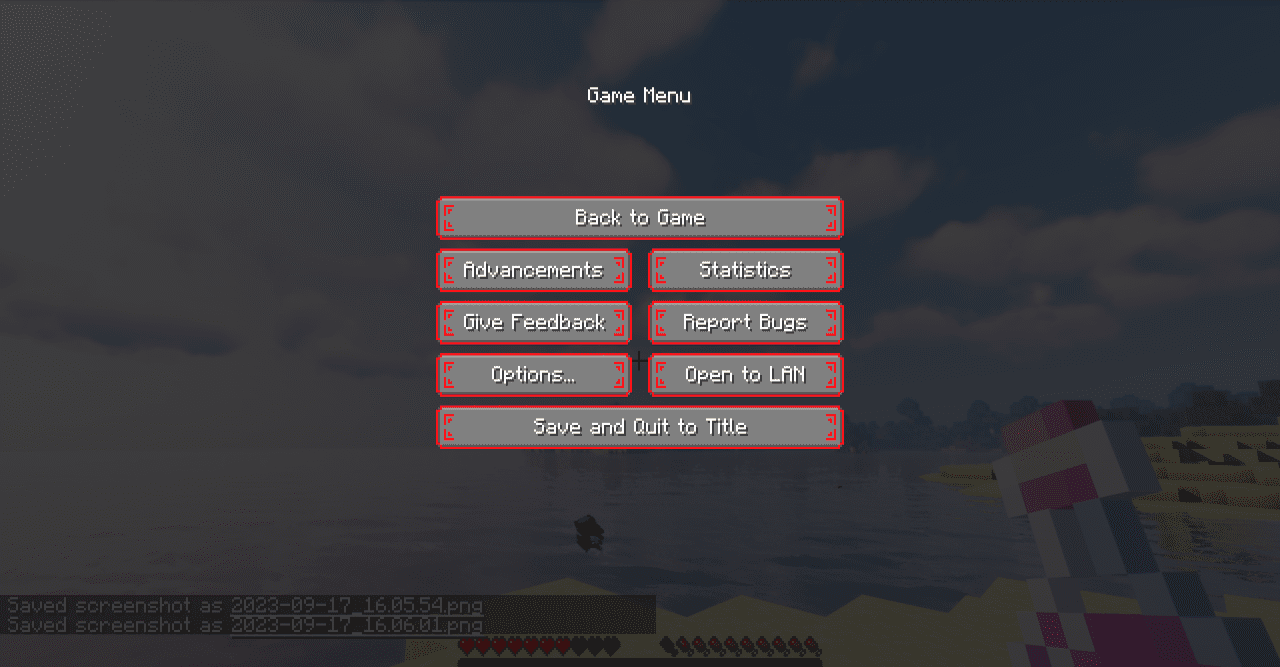
Change the in-game design using Dororo Custom GUI texture pack for Minecraft. It uses a style from the popular anime Dororo, which fans of such genres definitely know. The main menu interface, settings, character panel, and all GUI interfaces when interacting with various items are changed. Red bright shades, a bloody style, an unusual design option.
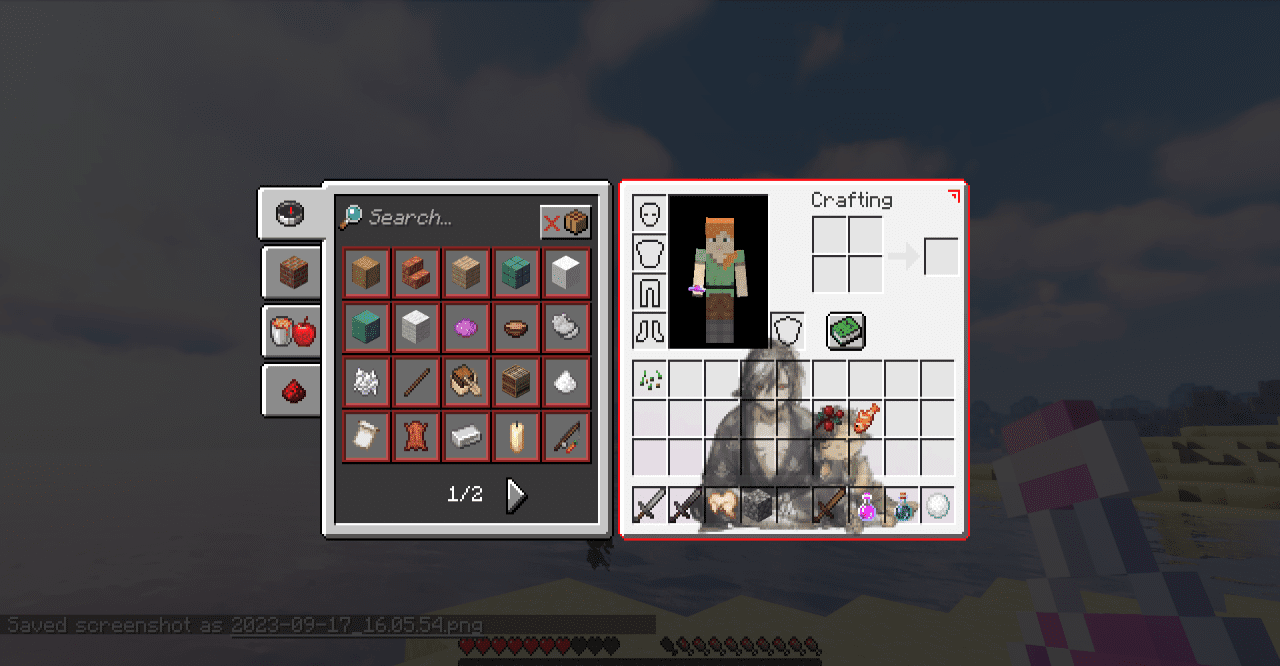
In some ways, this option resembles games in the SEGA or Dendy style, when game consoles were a part of every schoolchild's life in the 90s. One of the Dororo characters is used as the background image.
How to install the texture pack:
First step: download and install Dororo Custom GUI
Second step: copy the texture pack to the C:\Users\USER_NAME\AppData\Roaming\.minecraft\resourcepacks
Third step: in game settings choose needed resource pack.
Comments (0)