



DSWG Small Map Icons for Minecraft 1.21.8

The importance of convenience is often underestimated, and DSWG Small Map Icons proves how valuable it is. Maps stop being overloaded: icons are reduced by half, and your eyes finally focus on routes and surroundings instead of bulky symbols. For explorers, this is a lifesaver — easier to plan long journeys, mark interesting spots, and track progress.
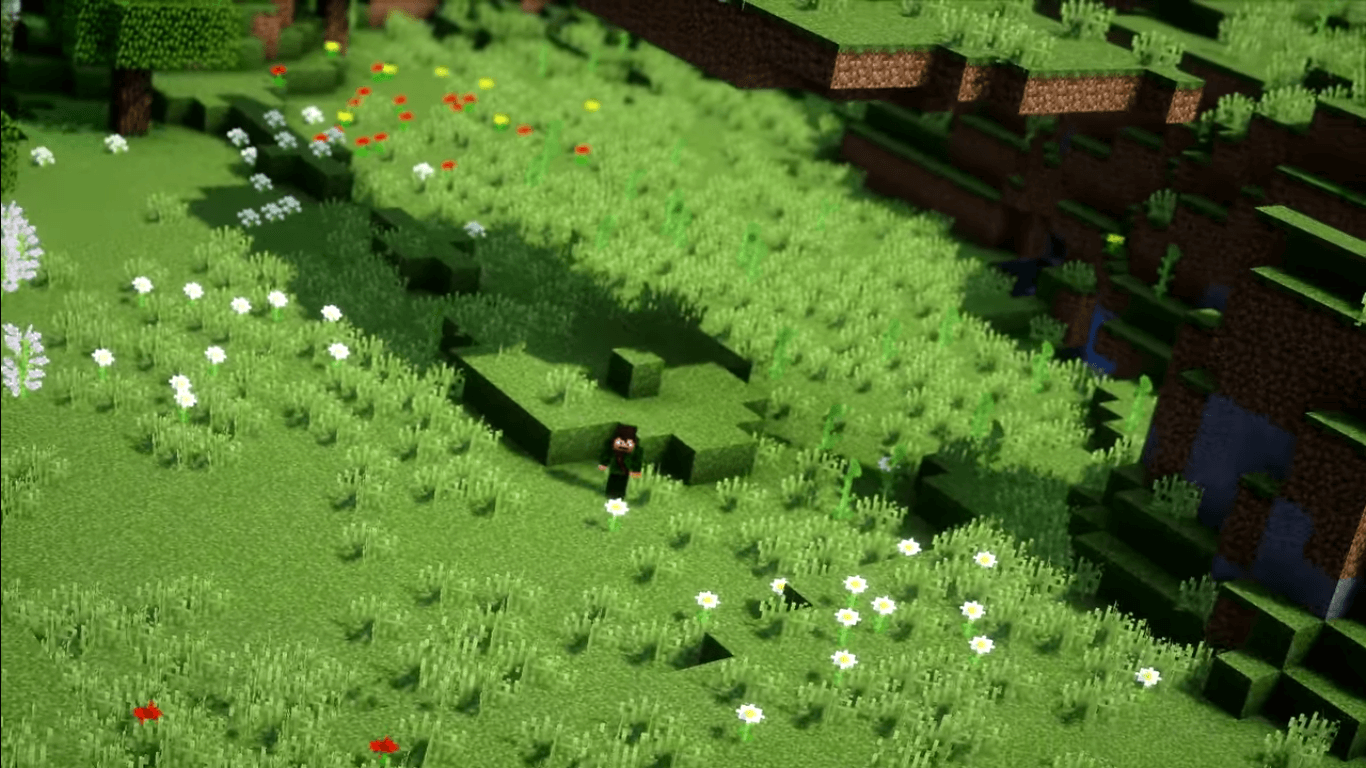
For builders of large projects — the ability to navigate without unnecessary visual noise. The map turns into a compact, practical tool instead of a mess of icons. At first glance, this pack is subtle, but its effect is felt immediately: playing becomes calmer and more comfortable.
How to install the texture pack:
First step: download and install DSWG Small Map Icons
Second step: copy the texture pack to the C:\Users\USER_NAME\AppData\Roaming\.minecraft\resourcepacks
Third step: in game settings choose needed resource pack.
Comments (0)