



Enhanced Colour for Minecraft 1.21.8
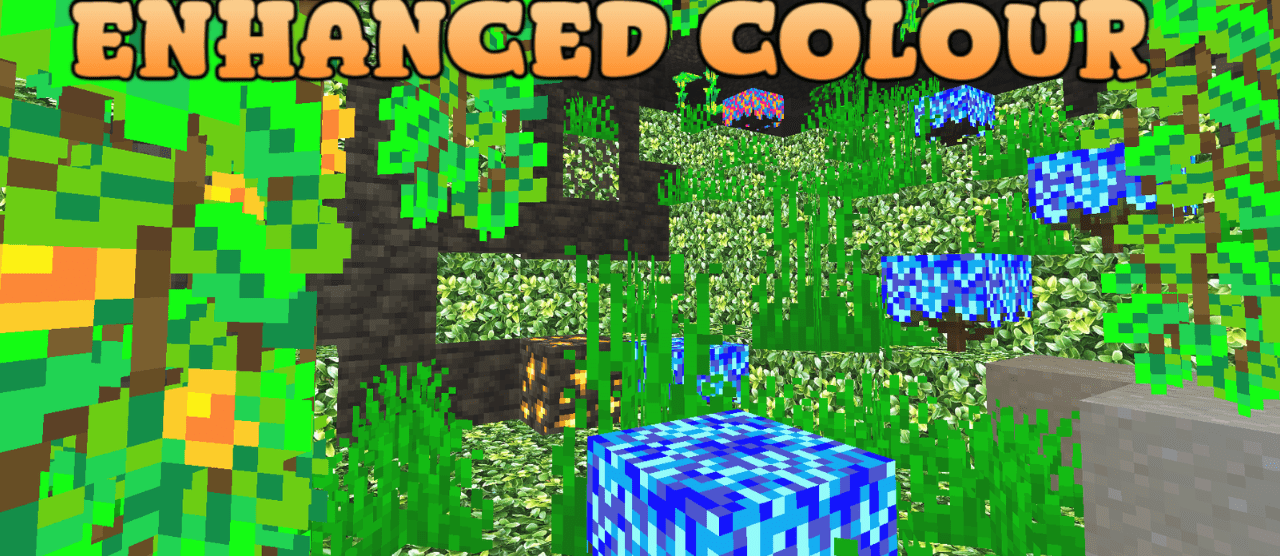
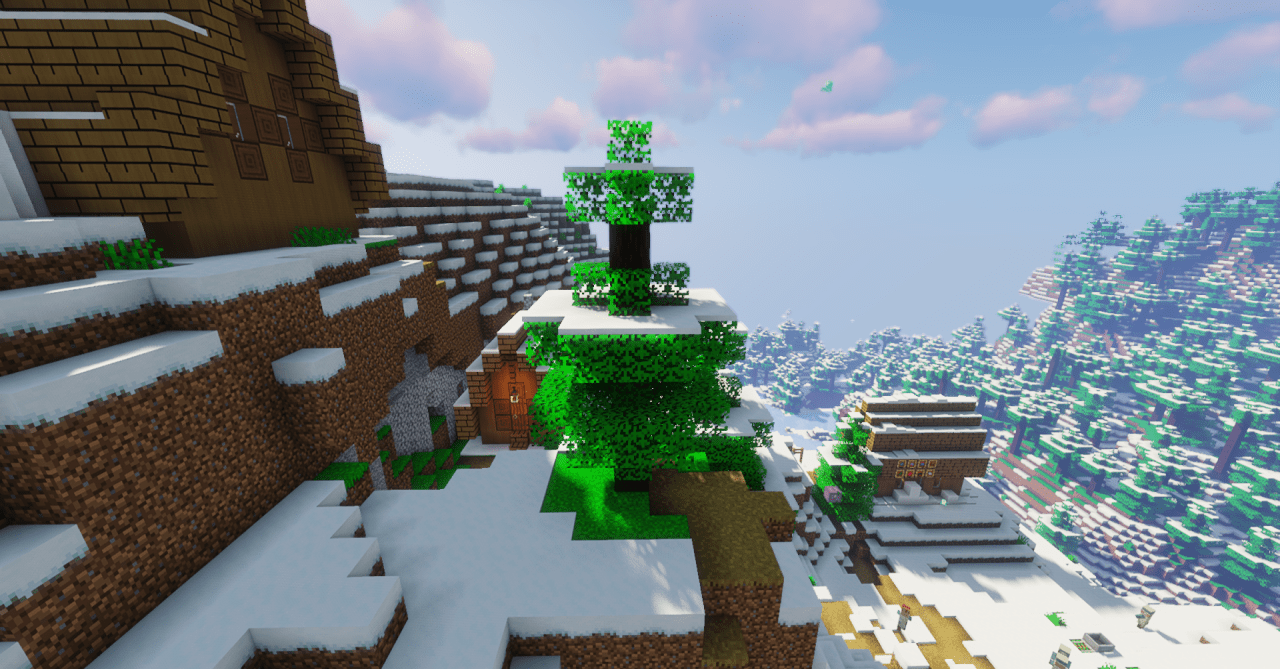
Enhanced Colour transforms the familiar look of the world with rich shades. If sunsets once looked monotonous, now they shimmer with bright orange and scarlet tones. Forests become lusher, water sparkles with reflections, and the starry sky draws you in with depth. A special effect is the glow of items at night: chests, resources, and even individual objects are illuminated like beacons in the dark.
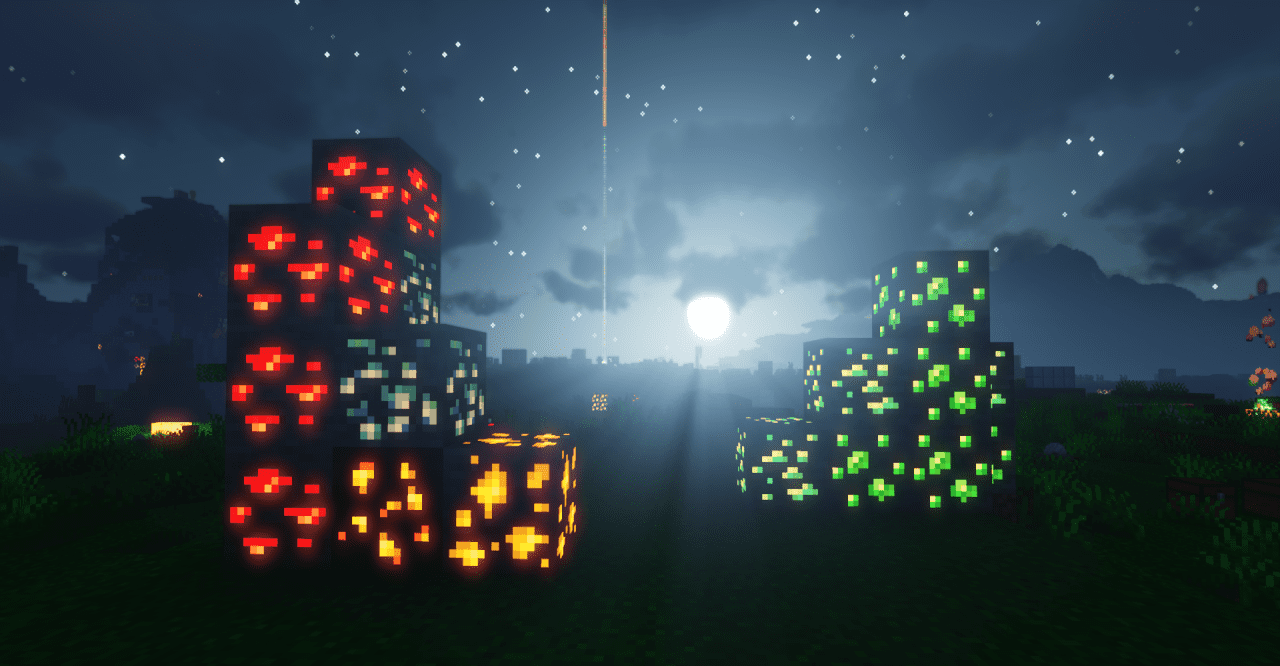
This isn’t just a decorative detail but real help for the player: it’s easier to explore caves and faster to find important things. The atmosphere of the game changes — the world becomes more festive, contrasting, and alive. The texture pack makes Minecraft bright and emotional while keeping it recognizable.
How to install the texture pack:
First step: download and install Enhanced Colour
Second step: copy the texture pack to the C:\Users\USER_NAME\AppData\Roaming\.minecraft\resourcepacks
Third step: in game settings choose needed resource pack.
Comments (0)