



Enhanced Default for Minecraft 1.21.11
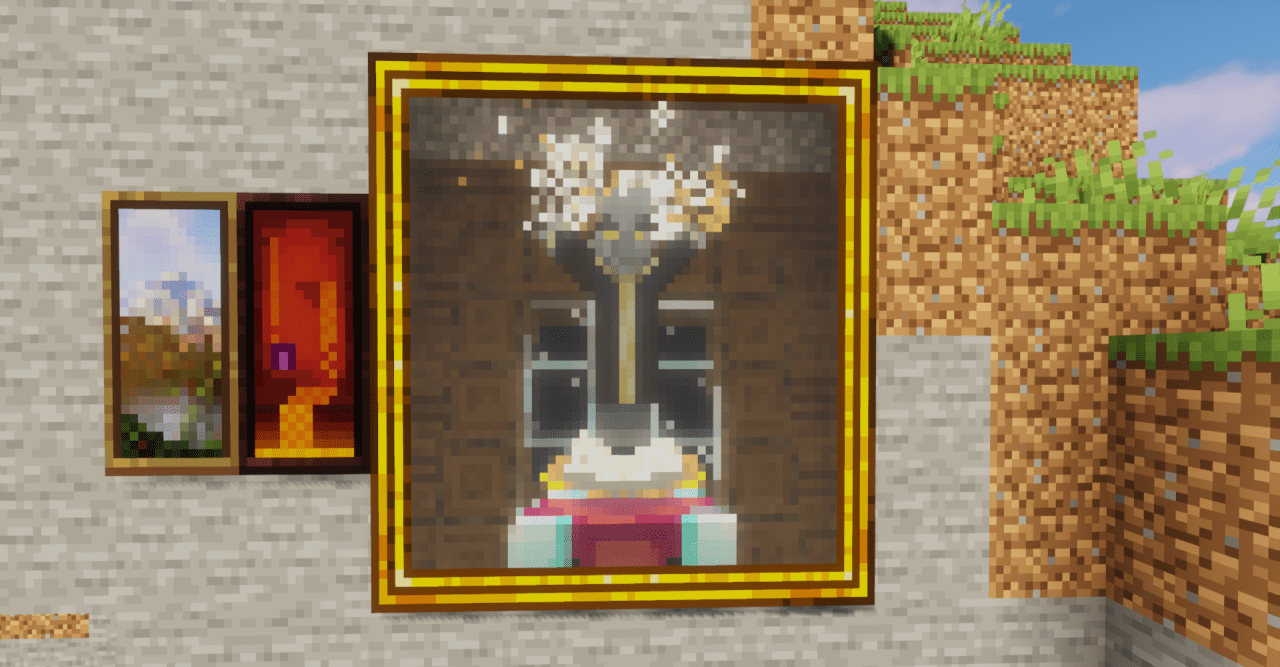
Sometimes a careful refinement is enough for the game to shine with new colors. This is exactly how Enhanced Default works: it gently reworks the standard textures while preserving their recognizability. Blocks become sharper, colors more balanced, and surfaces more neatly detailed. At the same time, the visual style remains classic, without radical experiments.
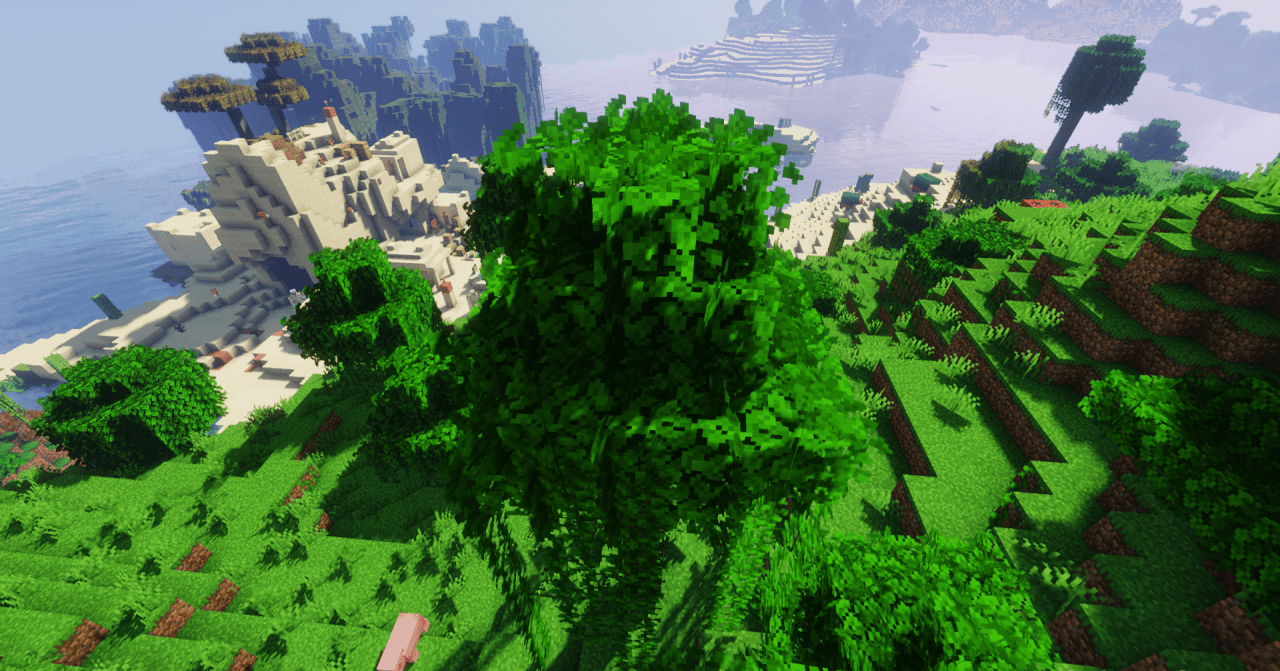
Attention to detail becomes noticeable during long play sessions: lighting feels softer, texture edges look cleaner, and the overall world appears more cohesive. This texture pack feels like an updated version of the familiar Minecraft.
How to install the texture pack:
First step: download and install Enhanced Default
Second step: copy the texture pack to the C:\Users\USER_NAME\AppData\Roaming\.minecraft\resourcepacks
Third step: in game settings choose needed resource pack.
Comments (3)