



Equanimity for Minecraft 1.21.10
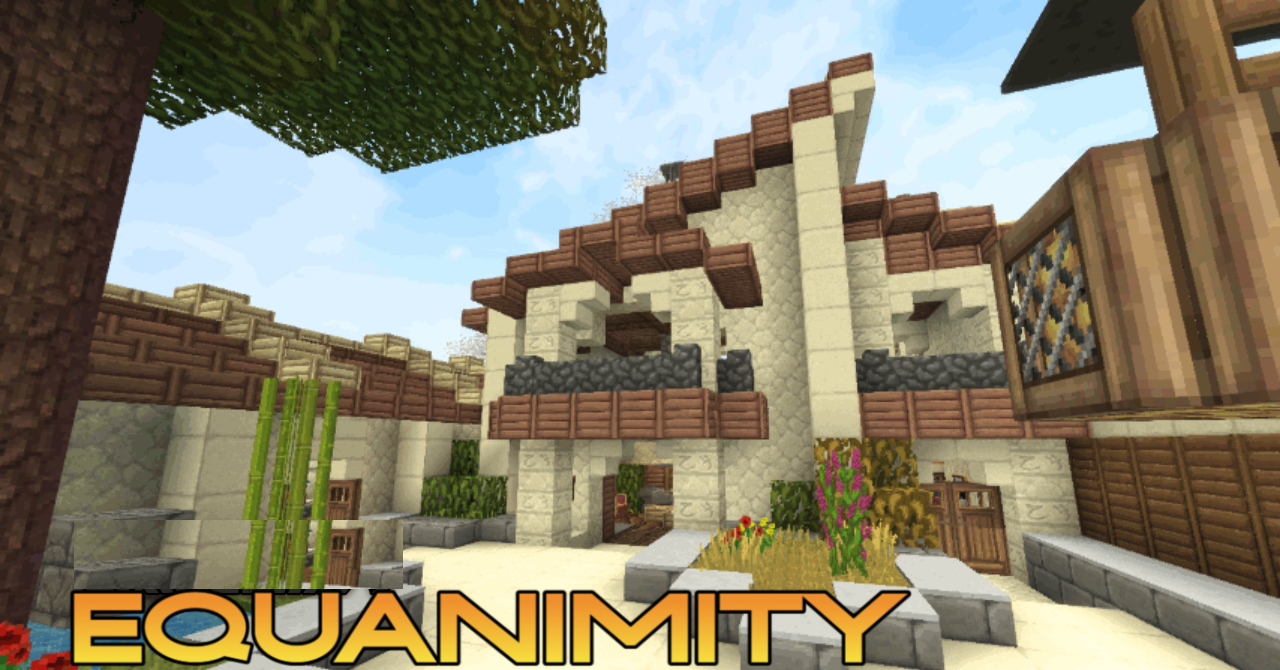
The Minecraft world in the Equanimity pack looks as if it has passed through a filter of refined taste. There are no excesses here, but there is an atmosphere of calm and perfection. Every detail — from grass to stone — is calibrated in tone and texture, creating a sense of ideal balance. The textures are smoothed, the light falls softly, and the architecture, even the simplest one, looks like a ready-made scene from a visualization.
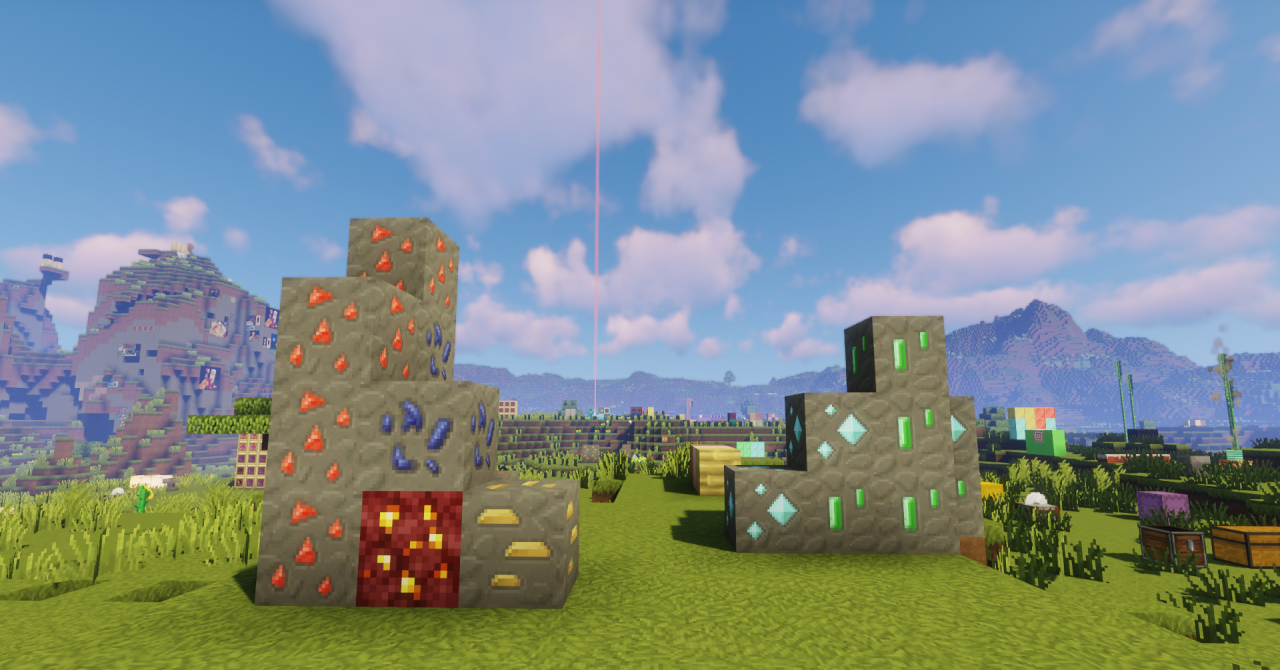
The texture pack does not impose a style but reveals the beauty of familiar forms. It is perfect for those who love building and appreciate the aesthetics of space. This is not just a graphics improvement but a way to turn the game into a platform for architectural and artistic experiments while preserving the spirit of the original.
How to install the texture pack:
First step: download and install Equanimity
Second step: copy the texture pack to the C:\Users\USER_NAME\AppData\Roaming\.minecraft\resourcepacks
Third step: in game settings choose needed resource pack.
Comments (0)