



Fabulous 3D for Minecraft 1.21.11
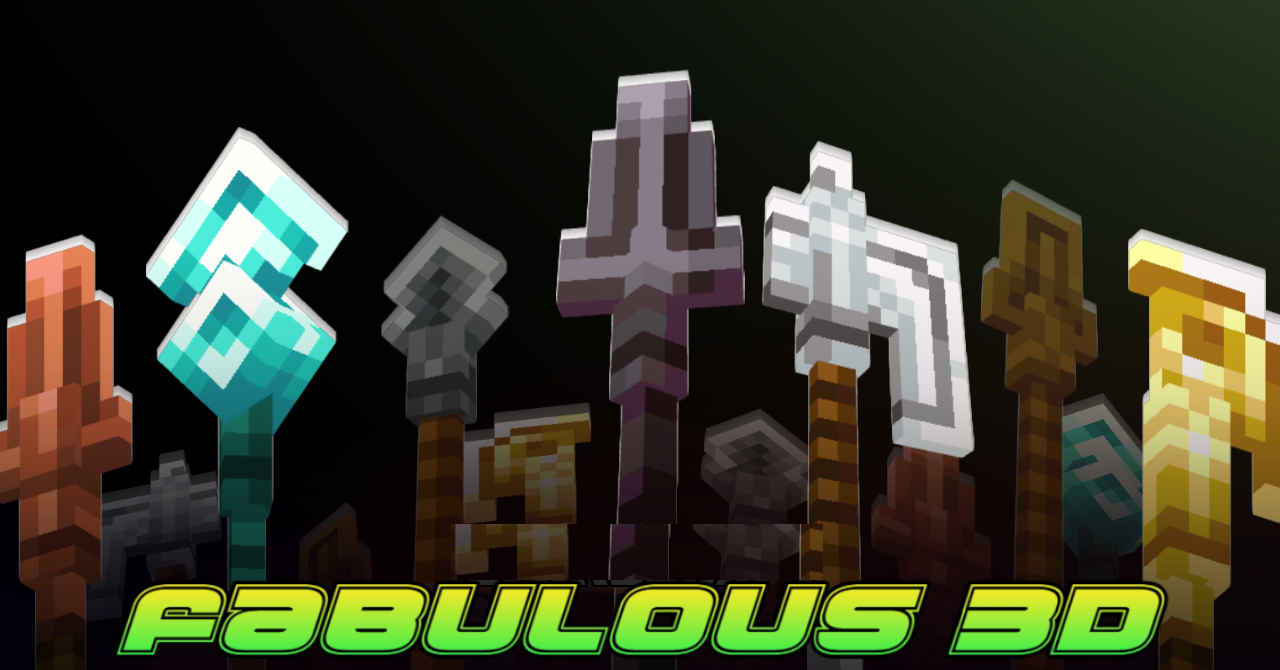
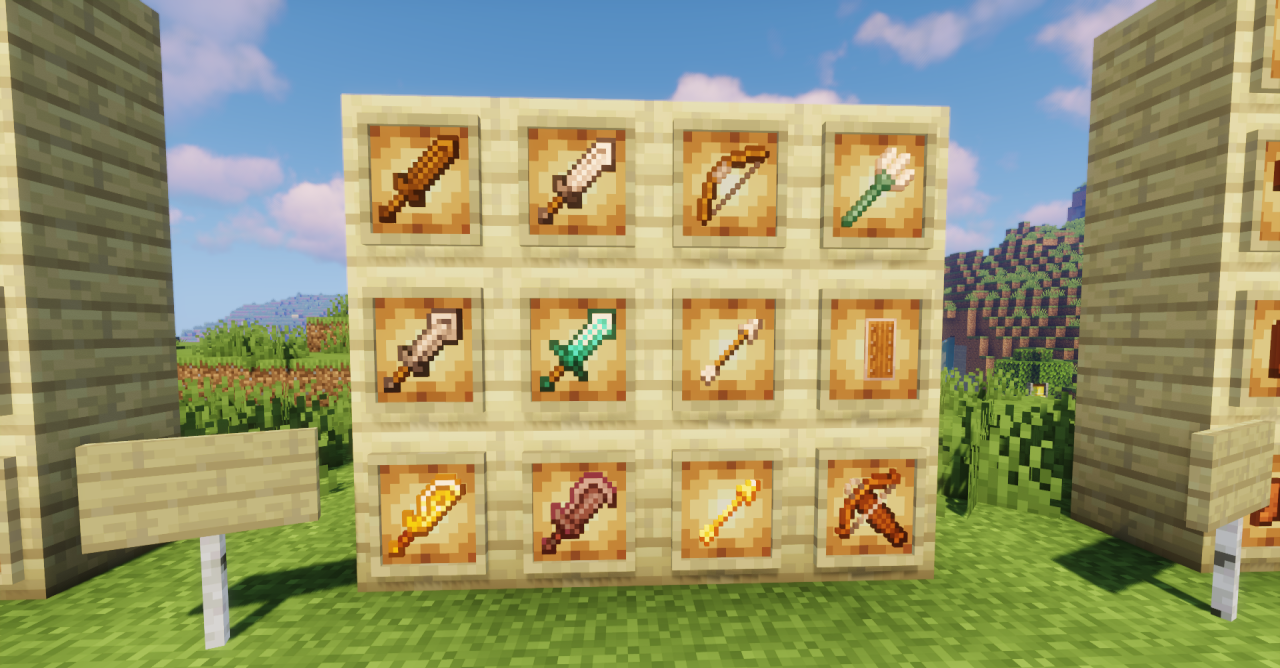
Three-dimensional items always enhance the sense of interaction with the world, and Fabulous 3D actively uses this approach. All tools and weapons receive full 3D models, making them look more massive and expressive. At the same time, the design stays true to the vanilla style: the shapes are familiar, and the proportions do not break the overall aesthetic.
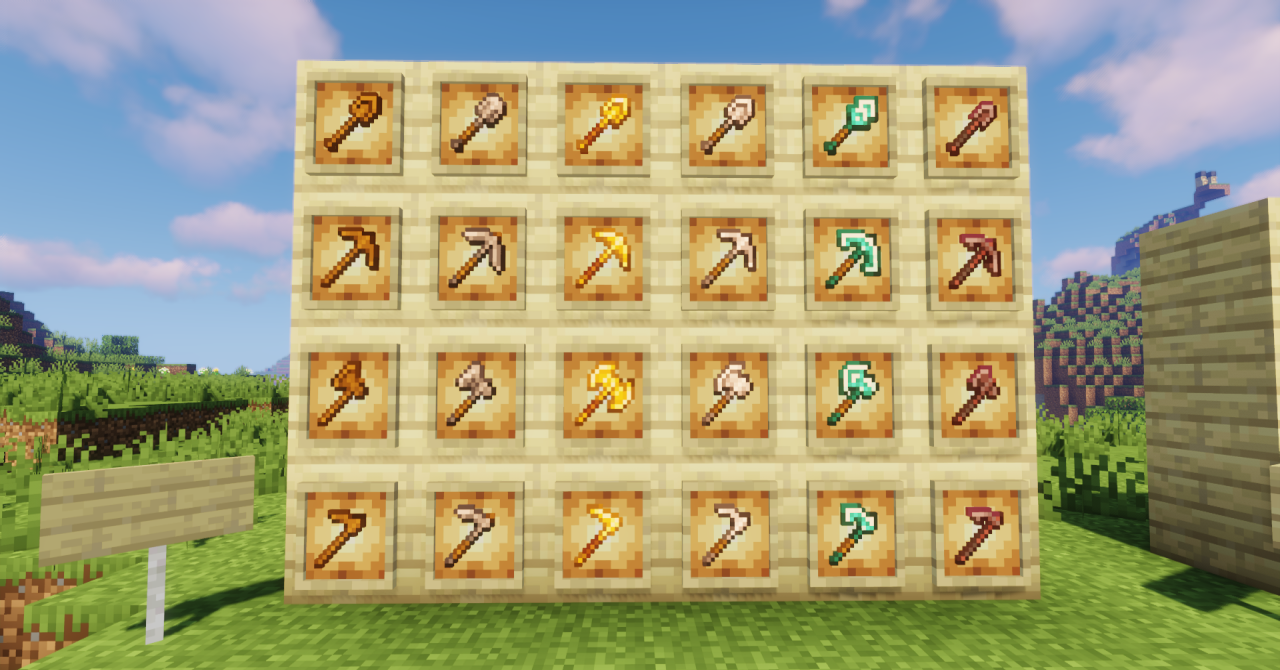
This visual update is noticeable both in the inventory and in the character’s hands, adding depth even to the most familiar items. The pack creates the feeling of an “enhanced classic,” where Minecraft’s standard visuals are preserved but become slightly richer and more detailed.
How to install the texture pack:
First step: download and install Fabulous 3D
Second step: copy the texture pack to the C:\Users\USER_NAME\AppData\Roaming\.minecraft\resourcepacks
Third step: in game settings choose needed resource pack.
Comments (0)