



FROZEN for Minecraft 1.21.11
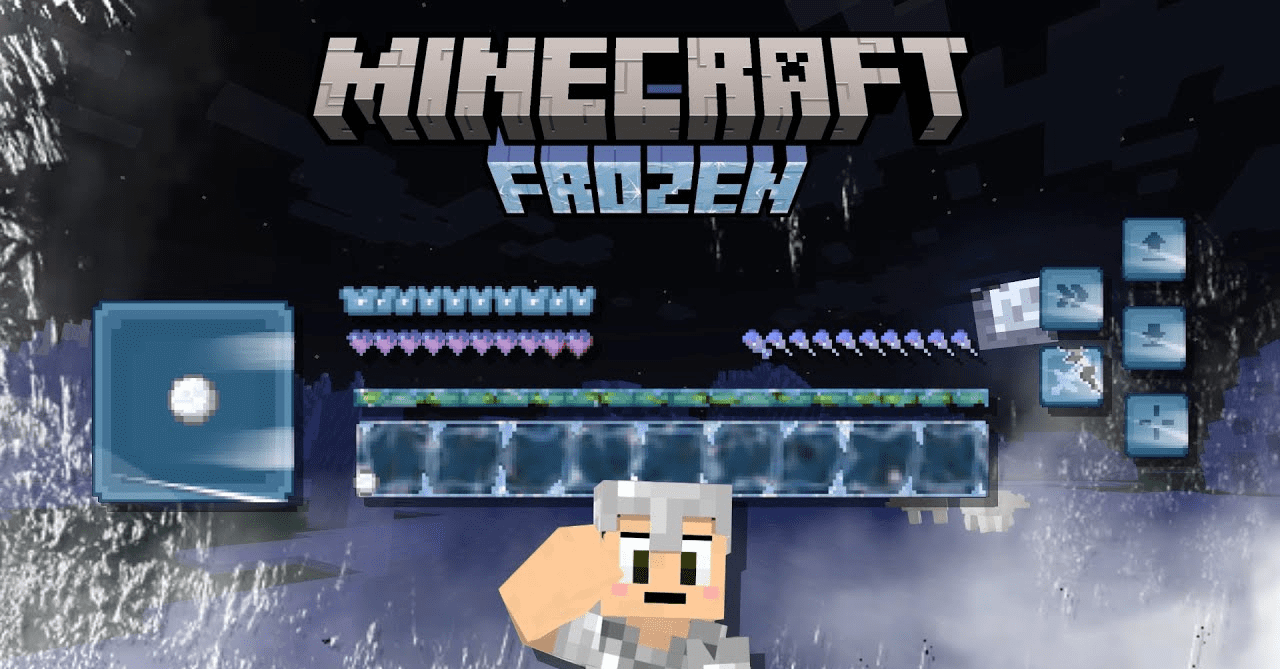
FROZEN pack transports players into an icy realm where every interface and environmental element is infused with a frosty theme. The textures look cold, clean, and carefully crafted, creating the impression of a true ice world. The pack is especially well suited for those who enjoy a rich winter aesthetic — crystalline shapes, icy tones, and an overall sense of magic.
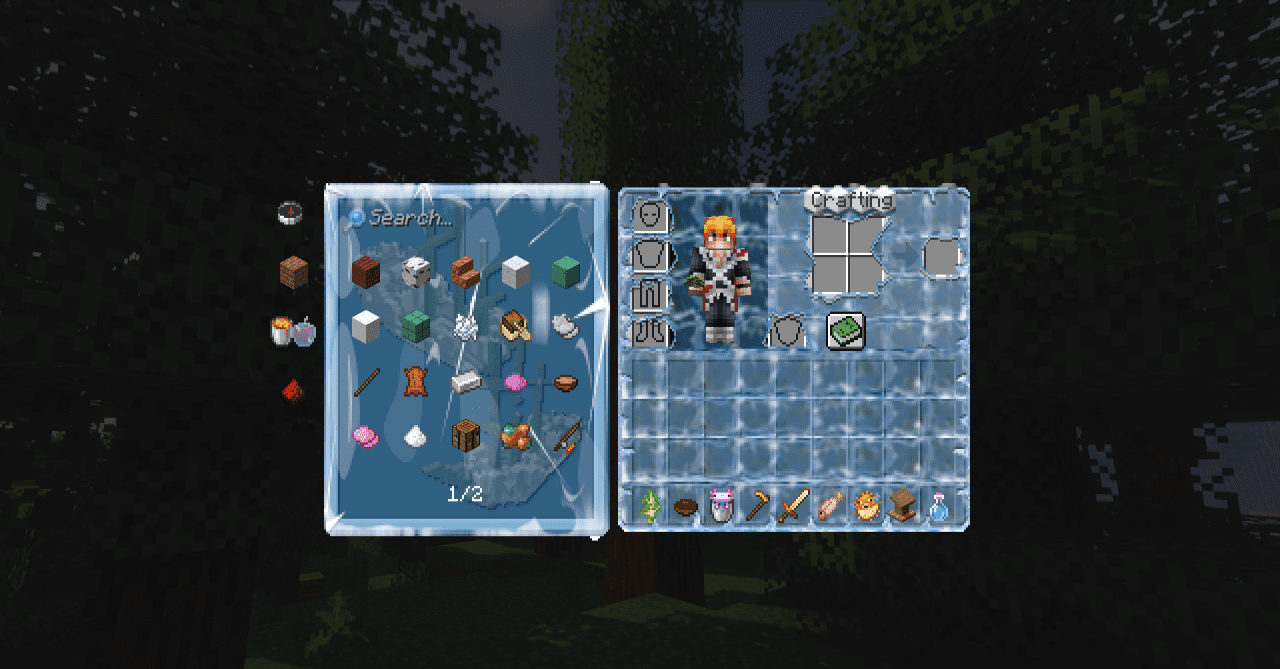
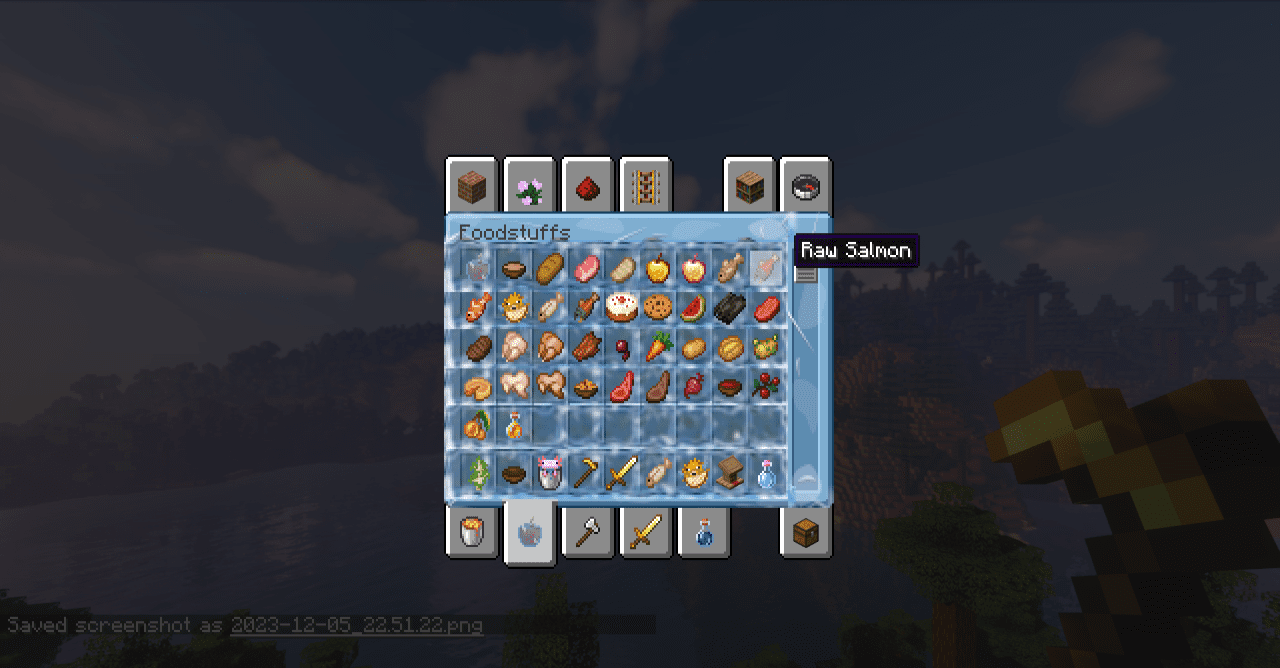
With this resource pack, creating the atmosphere of a frozen adventure becomes much easier: every block and interface element supports a unified style. This set makes the game visually more striking and helps you fully immerse yourself in the winter theme.
How to install the texture pack:
First step: download and install FROZEN
Second step: copy the texture pack to the C:\Users\USER_NAME\AppData\Roaming\.minecraft\resourcepacks
Third step: in game settings choose needed resource pack.
Comments (1)