



FWhip for Minecraft 1.21.10

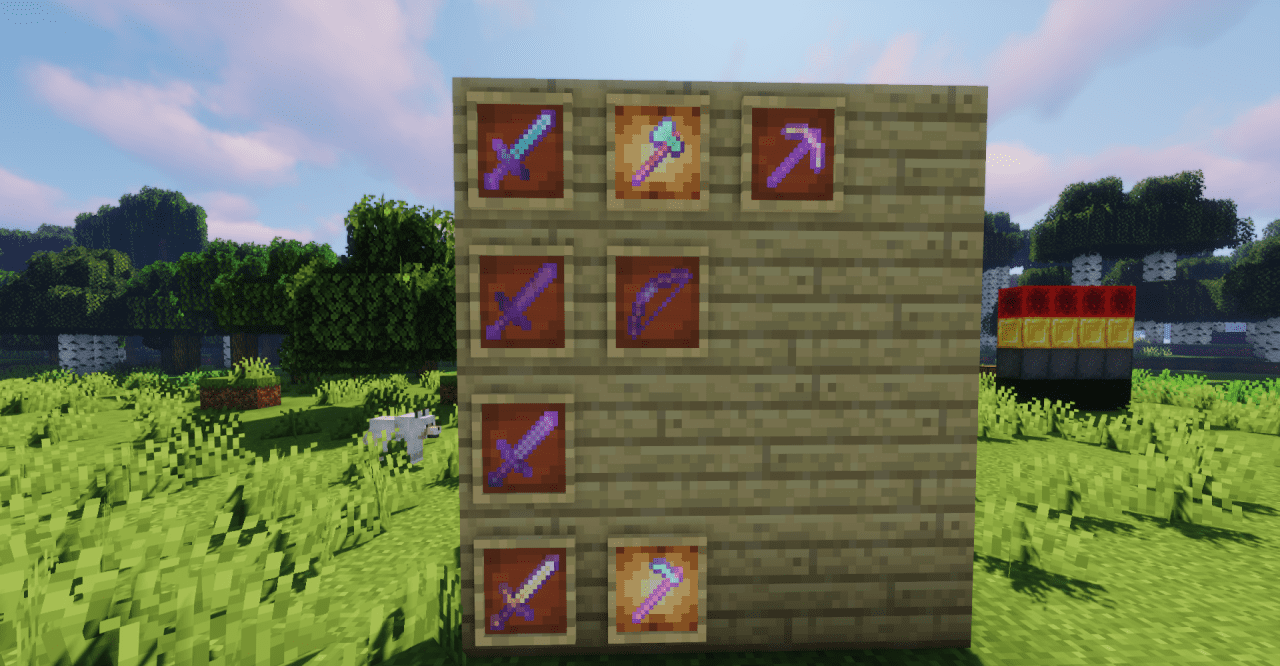
At first glance, FWhip looks like just a beautiful visual update, but it’s much more — a true artist’s work reimagining Minecraft. Every texture is hand-redrawn: blocks are cleaner, materials have gained texture and expressiveness, and lighting has become softer and more natural. Wood looks warm, metal — dense and shiny, and stone feels almost tangible.
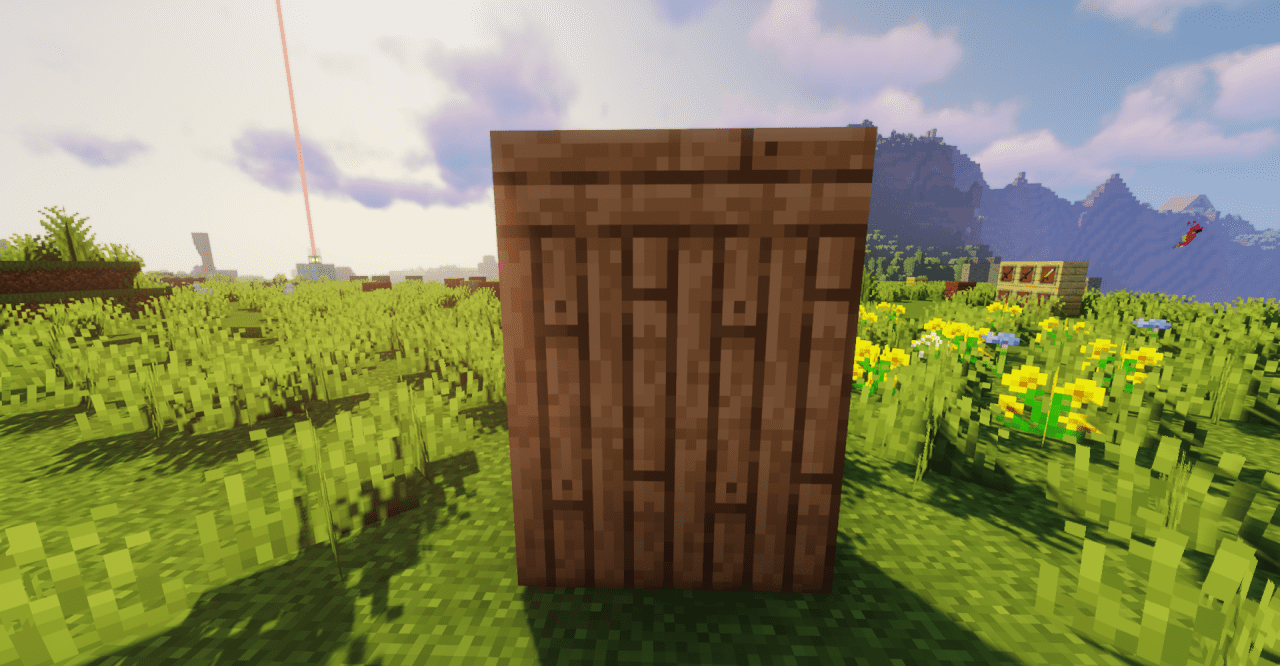
Yet the game doesn’t lose its atmosphere — it simply becomes visually richer without overload. This pack gives the game a sense of freshness, as if it was released today but kept the same soul it always had.
How to install the texture pack:
First step: download and install FWhip
Second step: copy the texture pack to the C:\Users\USER_NAME\AppData\Roaming\.minecraft\resourcepacks
Third step: in game settings choose needed resource pack.
Comments (0)