



28.09.2025
Glass Hotbar for Minecraft 1.21.8
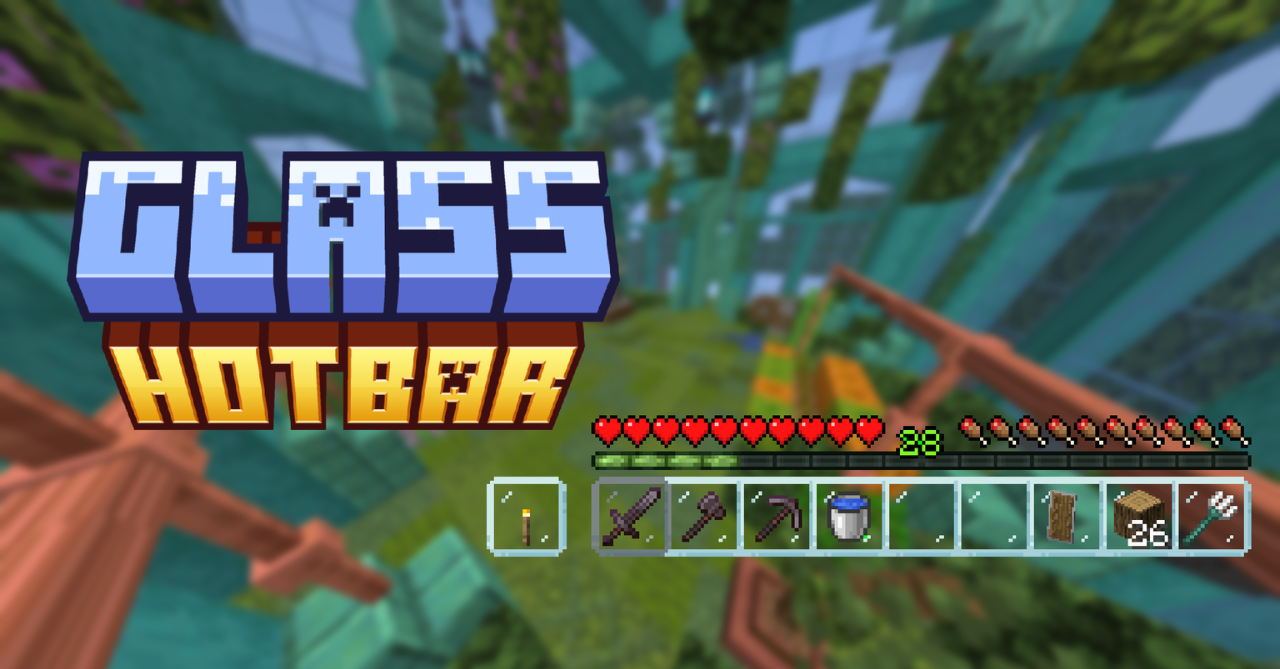
The interface plays an important role in adventures, so to get new impressions, it’s worth using various visual enhancements. For example, Glass Hotbar add-on for Minecraft changes the look of the interface so that the hotbar slots become transparent and the borders disappear.
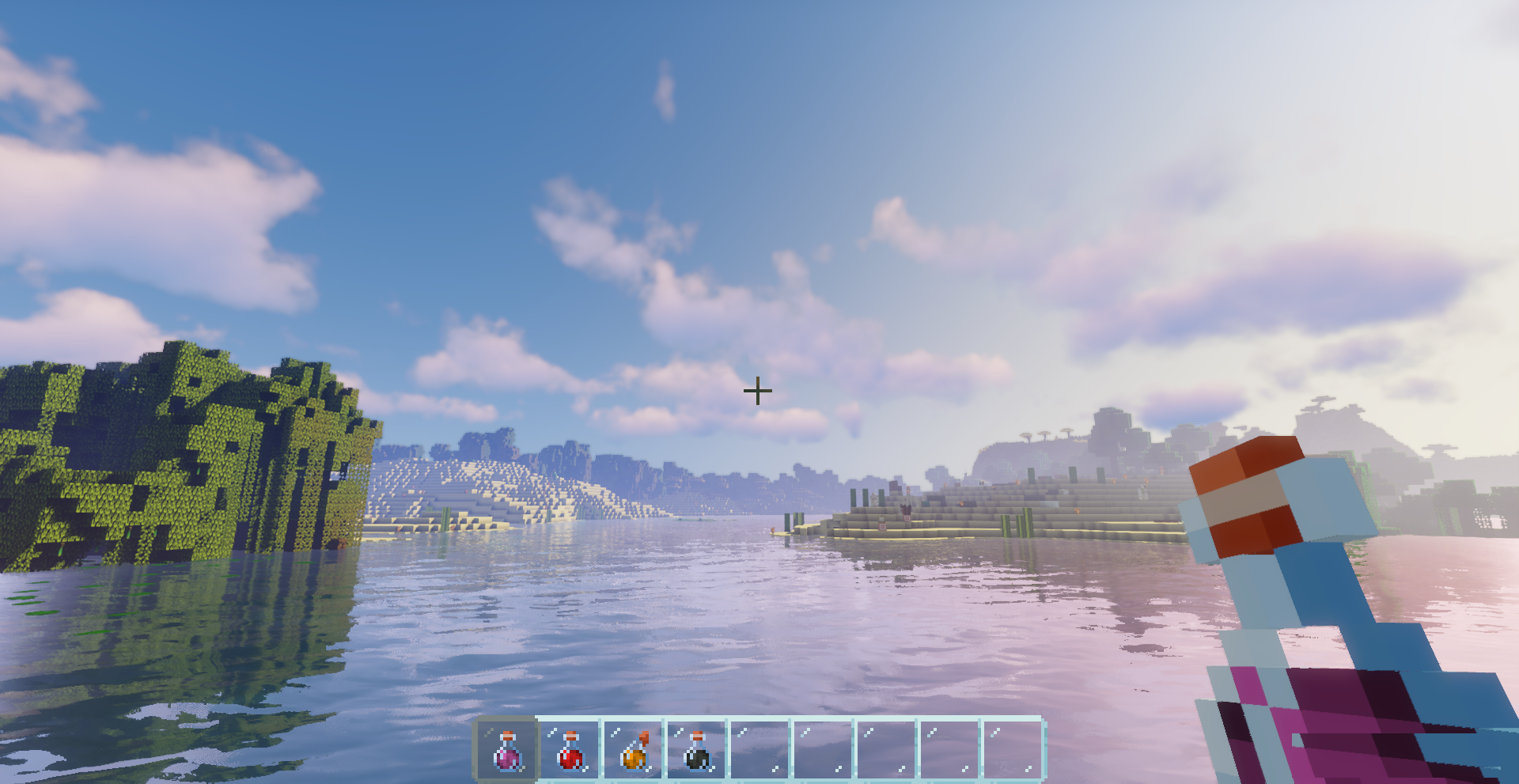
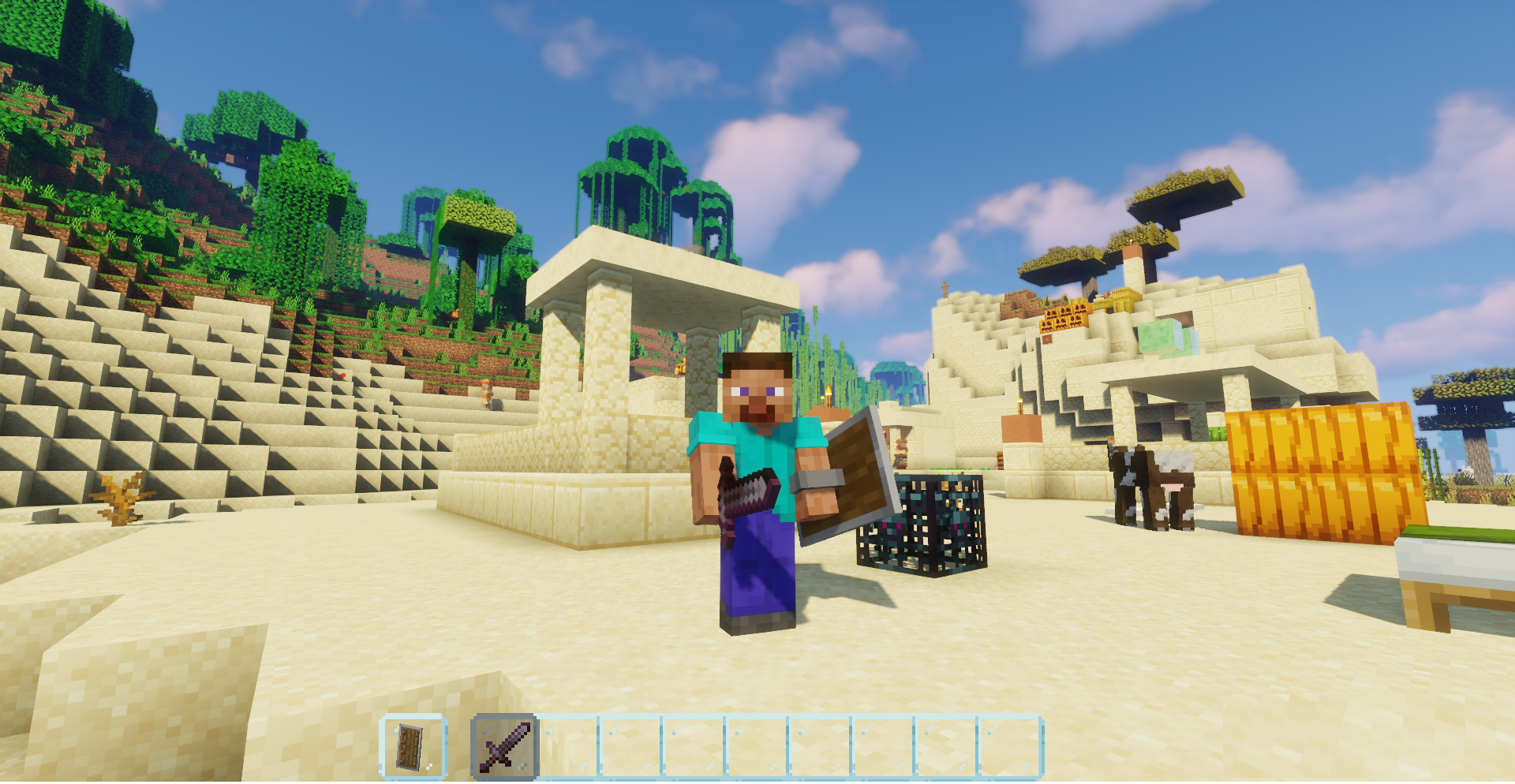
In fact, you’ll make the hotbar slots look like glass, which will surely please you. And if you want to customize it, the add-on includes alternative versions — Connected and Clean.
How to install the texture pack:
First step: download and install Glass Hotbar
Second step: copy the texture pack to the C:\Users\USER_NAME\AppData\Roaming\.minecraft\resourcepacks
Third step: in game settings choose needed resource pack.
Comments (1)