



Grassy Grass for Minecraft 1.21.10
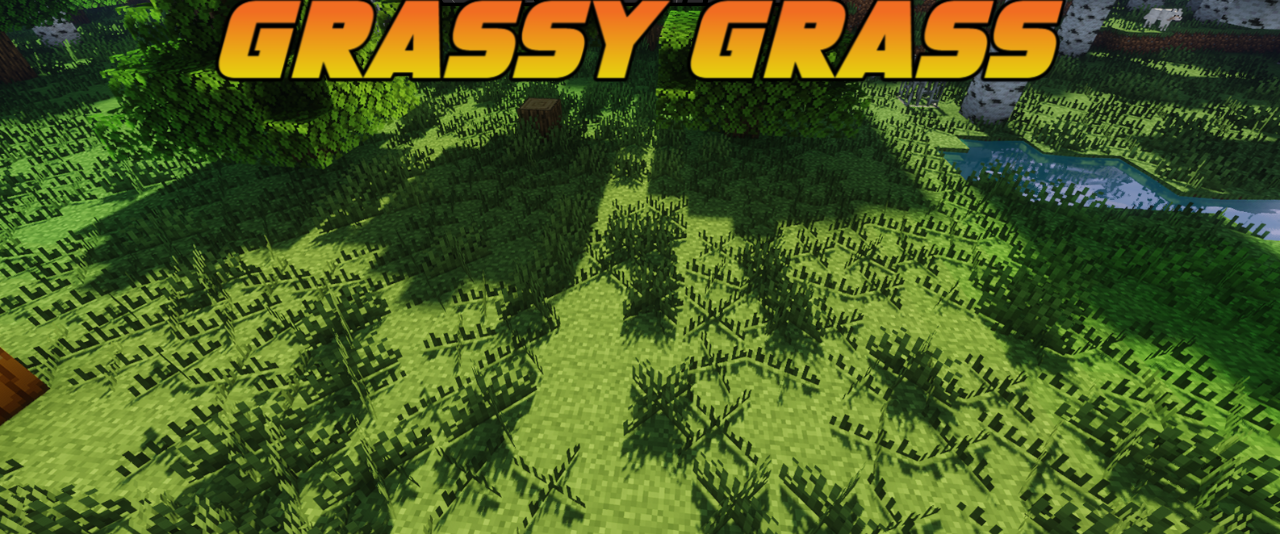
The visual perception of landscapes in Minecraft changes much more noticeably than one might expect from a small resource pack, and Grassy Grass is a perfect example of this. It remains a lightweight 16×16 pack, but the added tufts of grass on the top surface of blocks literally “bring the world to life.” Areas that previously looked somewhat flat — plains, forest clearings, hills — turn into more natural and richly detailed environments.
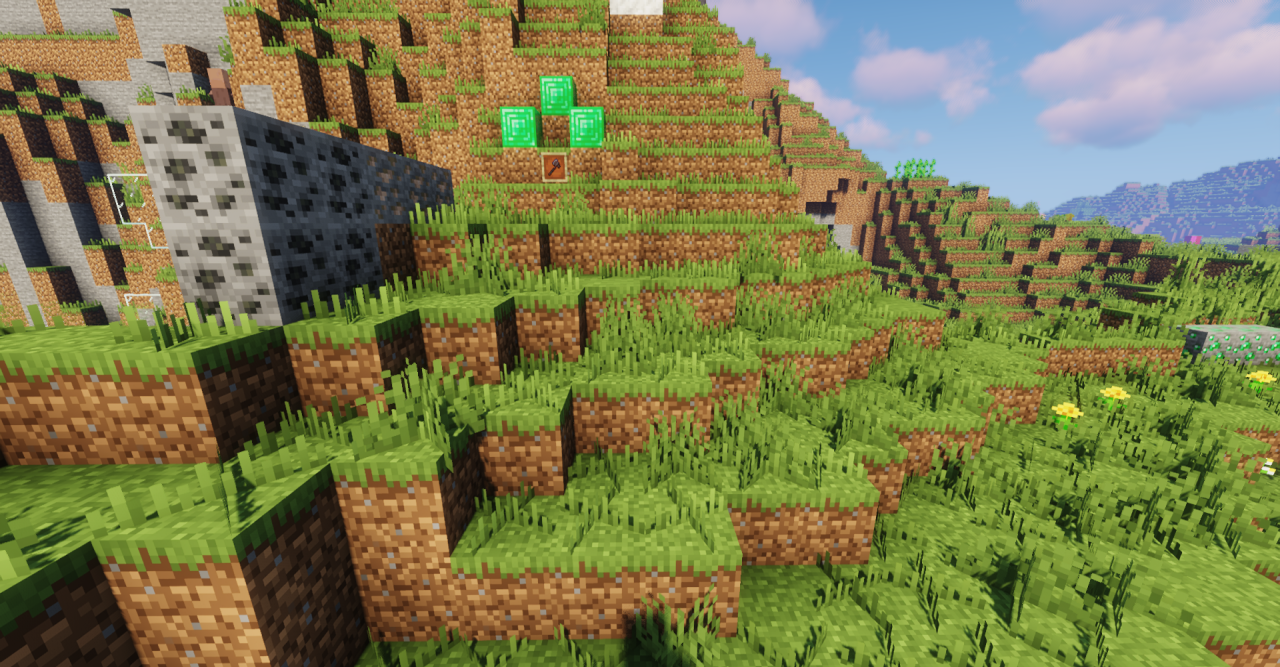
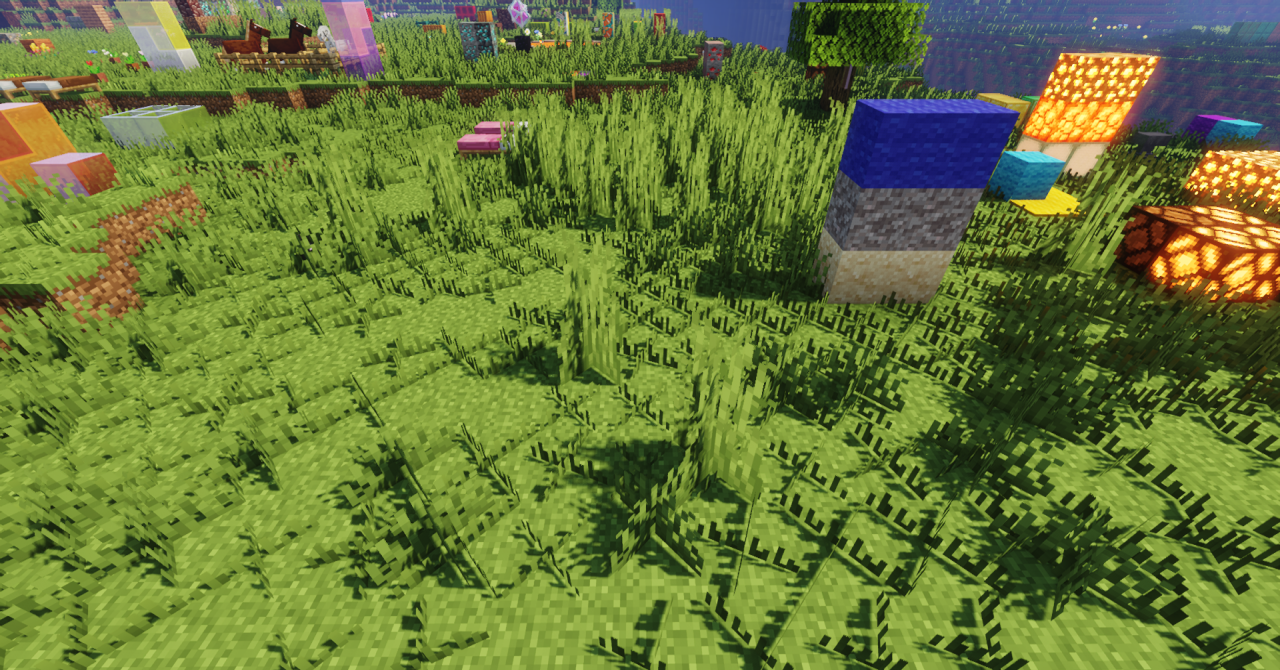
The pack does not attempt to rethink the game’s visual style, but instead makes it softer, warmer, and more realistic. When combined with the default textures, it creates the impression of a more overgrown world, as if nature has begun to gradually reclaim the surface.
How to install the texture pack:
First step: download and install Grassy Grass
Second step: copy the texture pack to the C:\Users\USER_NAME\AppData\Roaming\.minecraft\resourcepacks
Third step: in game settings choose needed resource pack.
Comments (0)