



Green Valley for Minecraft 1.21.11
When standard biomes begin to seem too simple, Green Valley introduces noticeable yet careful changes to the natural environment. The main emphasis is placed on reworking vegetation: grass looks richer, foliage becomes visually denser, and shades of green vary more softly and naturally.
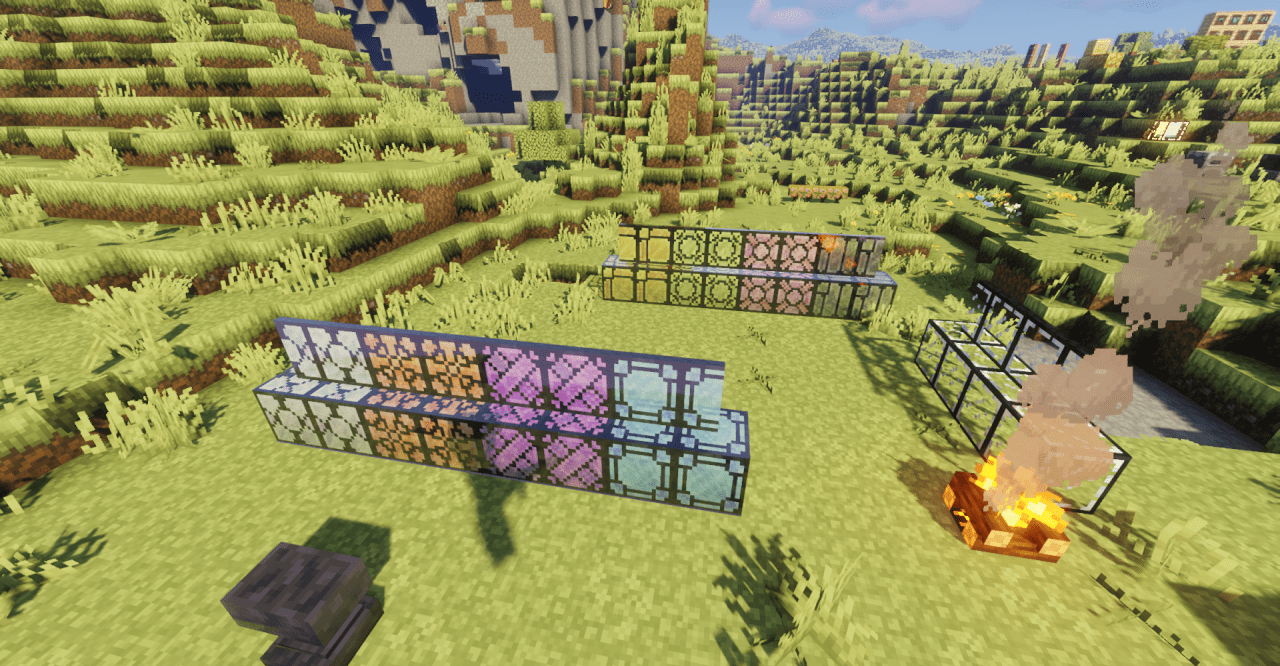
Thanks to a harmoniously selected color palette, landscapes feel more cohesive — forests no longer appear monotonous, and plains gain additional depth. The changes are especially noticeable in daylight: the updated textures interact better with light, creating a sense of freshness and volume.
How to install the texture pack:
First step: download and install Green Valley
Second step: copy the texture pack to the C:\Users\USER_NAME\AppData\Roaming\.minecraft\resourcepacks
Third step: in game settings choose needed resource pack.
Comments (0)