



GUI Revision Dark for Minecraft 1.21.10
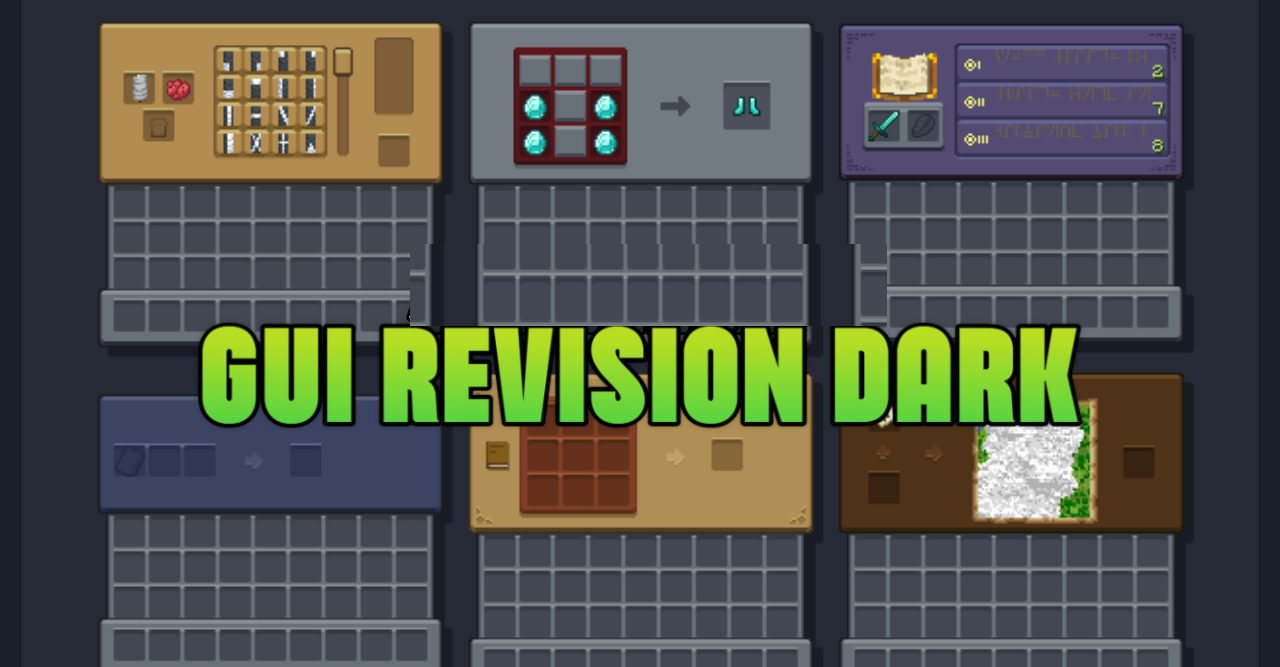
A reworked interface can completely change the feel of the game, especially if a dark palette is used. This is exactly the direction GUI Revision Dark takes, creating a minimalist, strict, and tidy visual environment. Inventories, menus, containers, crafting screens, and other windows gain a unified modern style.
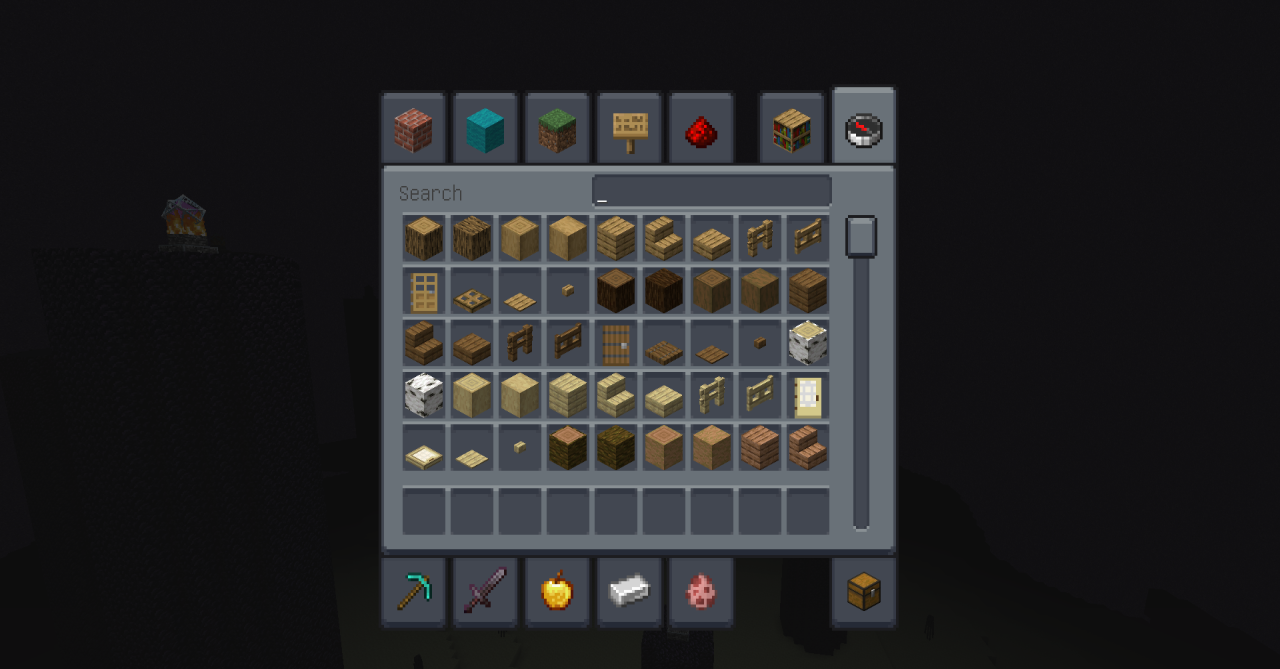
Such an interface is much more comfortable for the eyes, and when playing at night, it feels especially pleasant. Despite having no effect on gameplay, the pack makes interaction with menus calmer and more stylish, forming a unified aesthetic layer perfect for fans of dark themes and clean UI design.
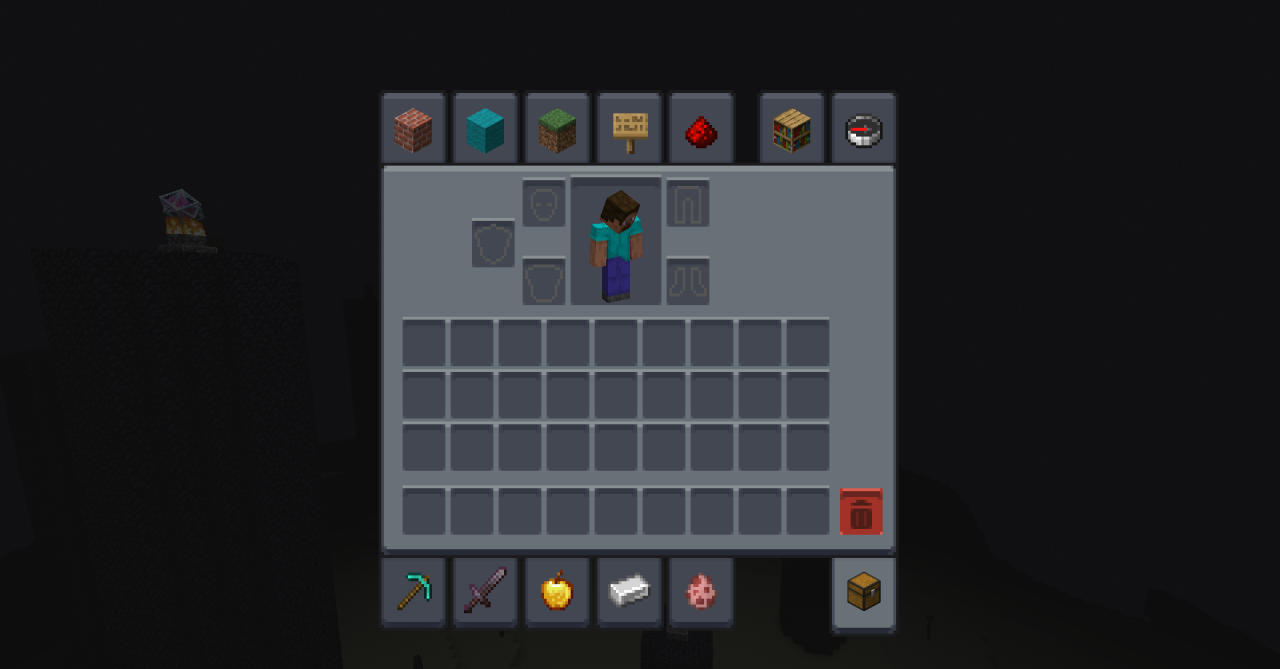
How to install the texture pack:
First step: download and install GUI Revision Dark
Second step: copy the texture pack to the C:\Users\USER_NAME\AppData\Roaming\.minecraft\resourcepacks
Third step: in game settings choose needed resource pack.
Comments (0)