



Halloween Spooky GUI for Minecraft 1.21.9
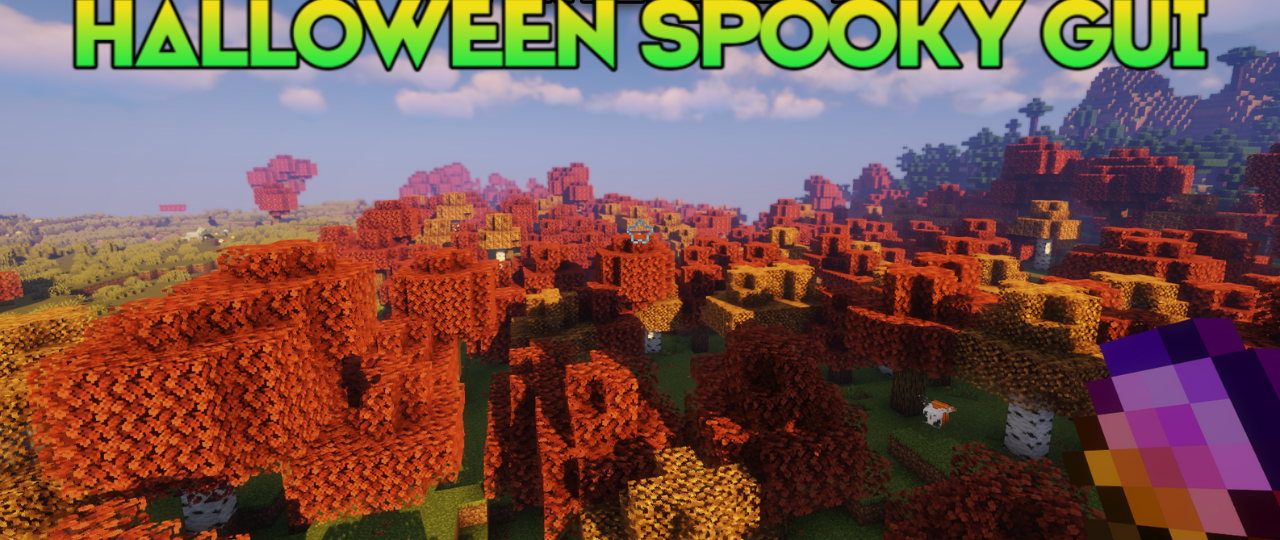
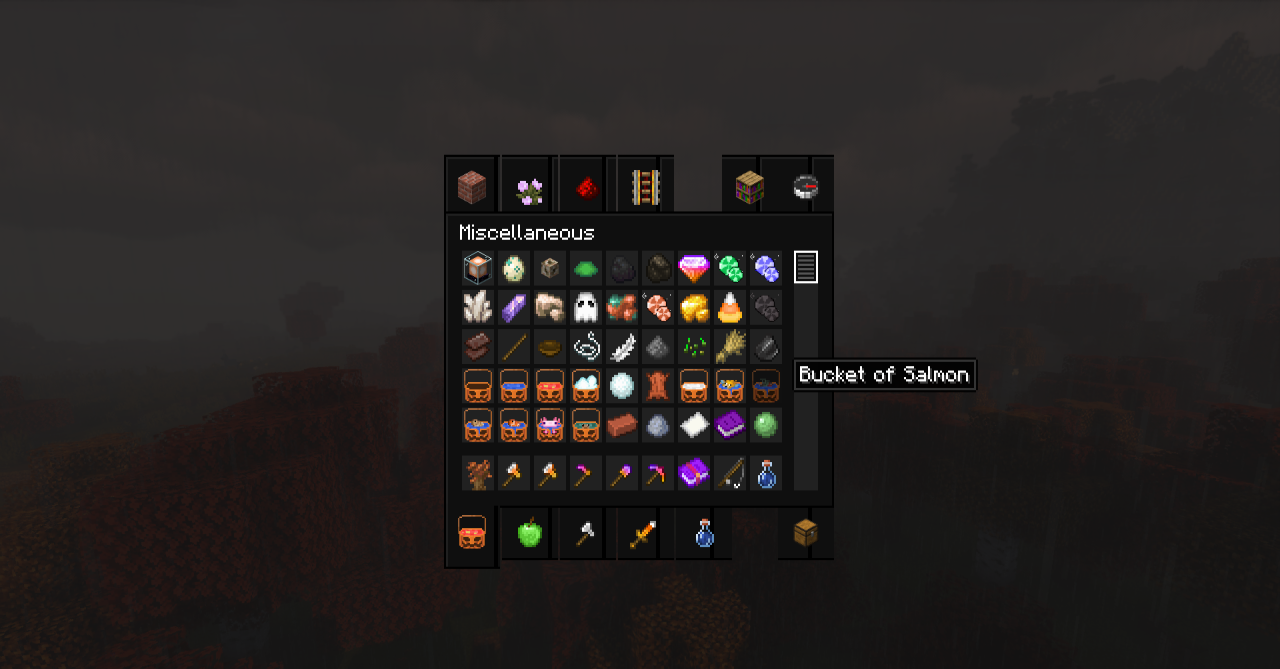
Halloween Spooky GUI brings the interface into the atmosphere of the autumn holiday, where every button and panel seems infused with mystery and candlelight. The background becomes warm yet unsettling, colors are softened, and details gain Halloween accents — cobwebs, pumpkins, glowing lights, and vintage frames. In the inventory and menus, it feels as if you’re opening a witch’s chest or a cursed scroll.
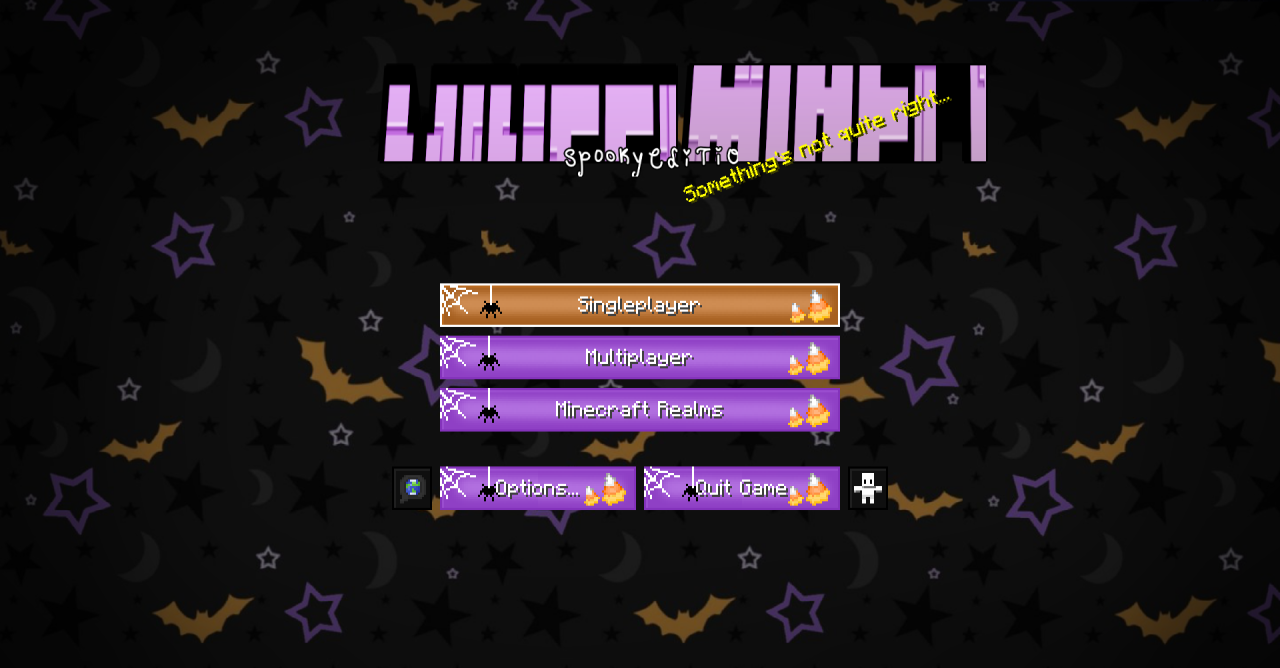
Despite its eerie aesthetic, the interface remains clear and easy on the eyes. This pack is perfect for October adventures when you want to add a bit of spookiness without losing the coziness and charm of vanilla Minecraft.
How to install the texture pack:
First step: download and install Halloween Spooky GUI
Second step: copy the texture pack to the C:\Users\USER_NAME\AppData\Roaming\.minecraft\resourcepacks
Third step: in game settings choose needed resource pack.
Comments (0)