



Hananacraft for Minecraft 1.21.11
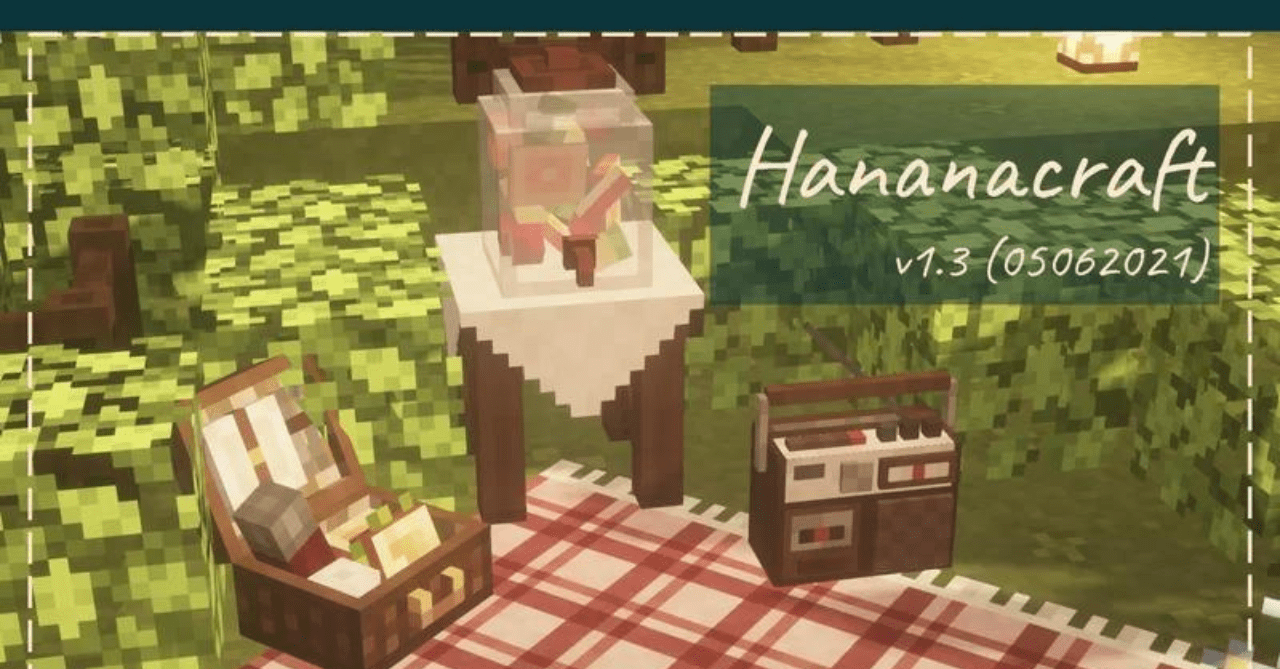
If you want to add more decorative details to the game world, it is worth paying attention to Hananacraft. The pack works in a somewhat unusual way: it changes the appearance of items depending on their name. It is enough to rename an item on an anvil and place it in an item frame — and it turns into a unique decorative element.
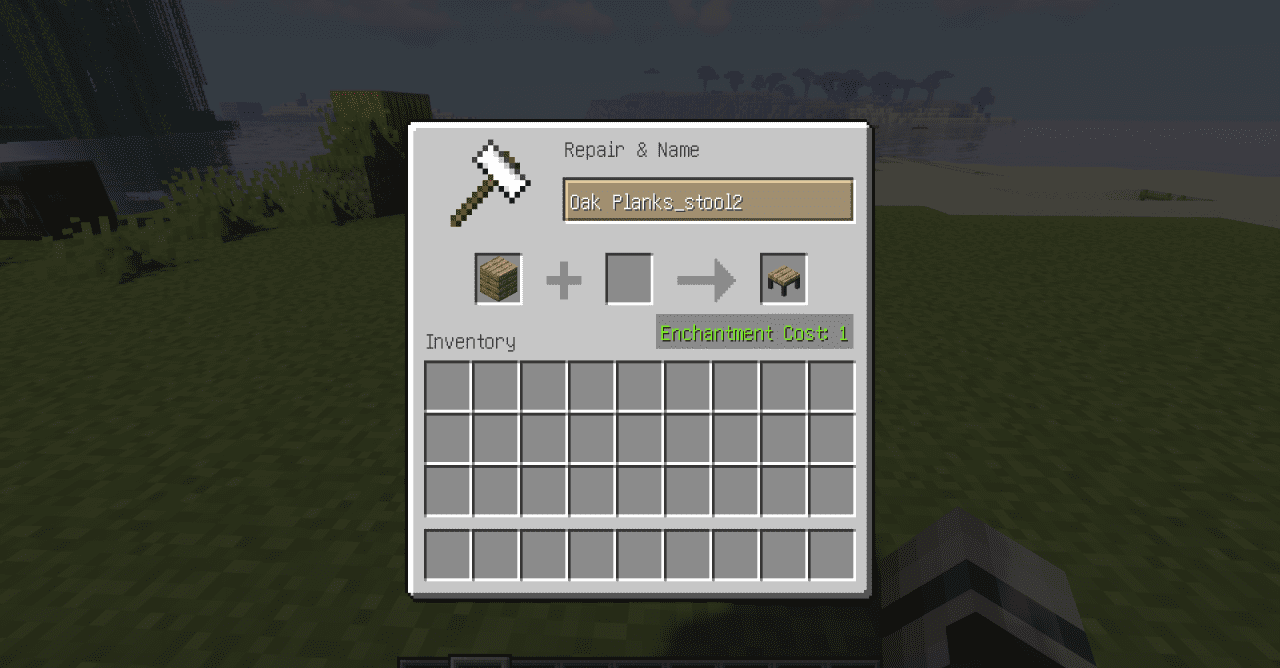
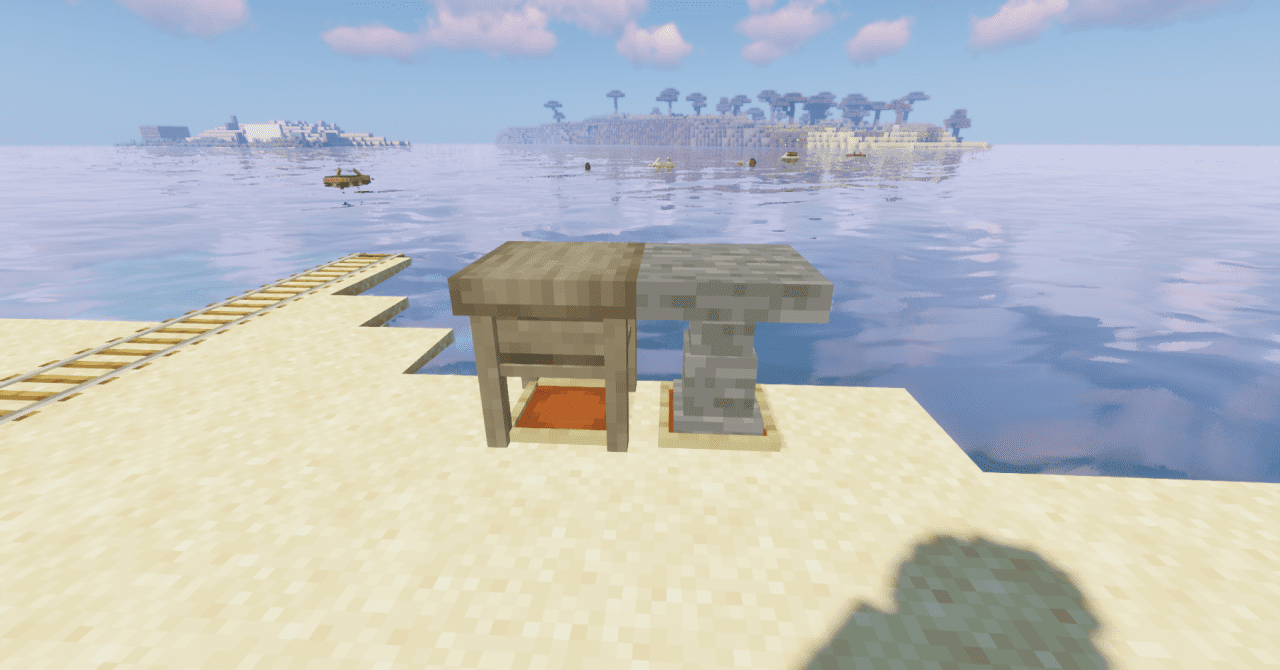
Thanks to such a system, you can create various decorations for houses, shops, or bases. Ordinary items begin to play the role of paintings, accessories, or small interior details. This opens up more possibilities for decorating builds and creating atmospheric locations.
How to install the texture pack:
First step: download and install Hananacraft
Second step: copy the texture pack to the C:\Users\USER_NAME\AppData\Roaming\.minecraft\resourcepacks
Third step: in game settings choose needed resource pack.
Comments (0)