



Hellim’s Dark Mode for Minecraft 1.21.11
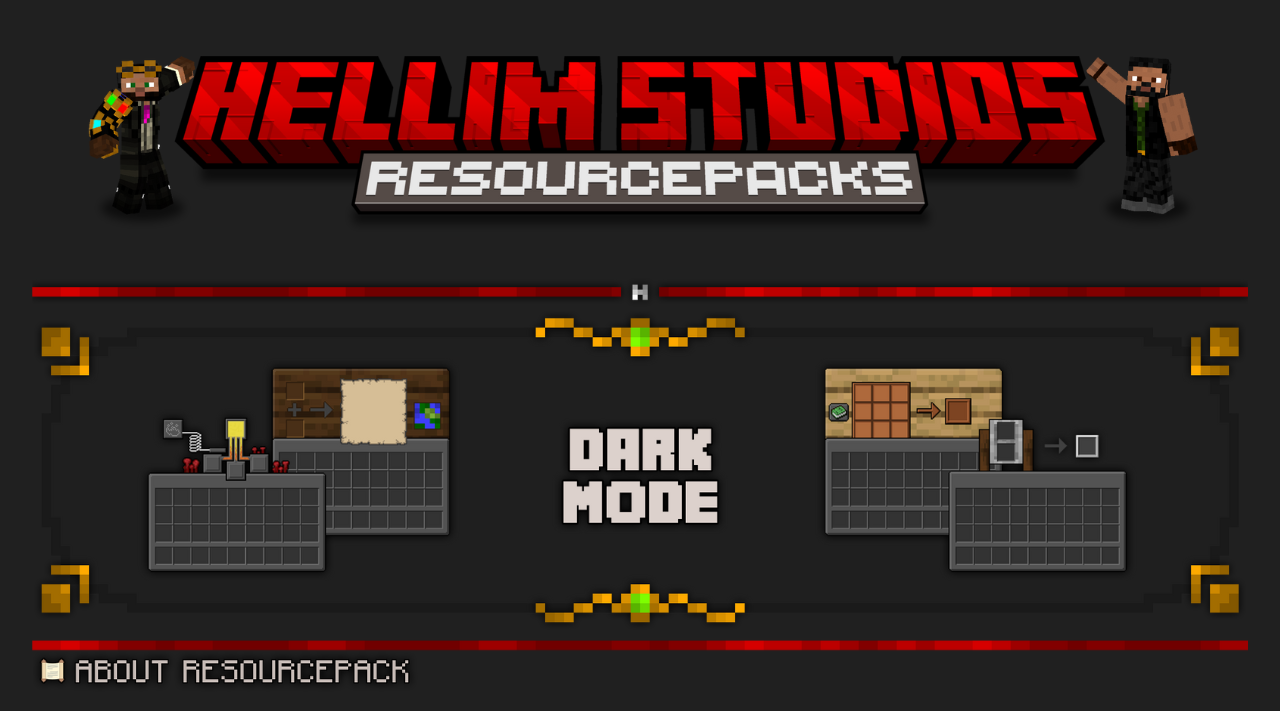
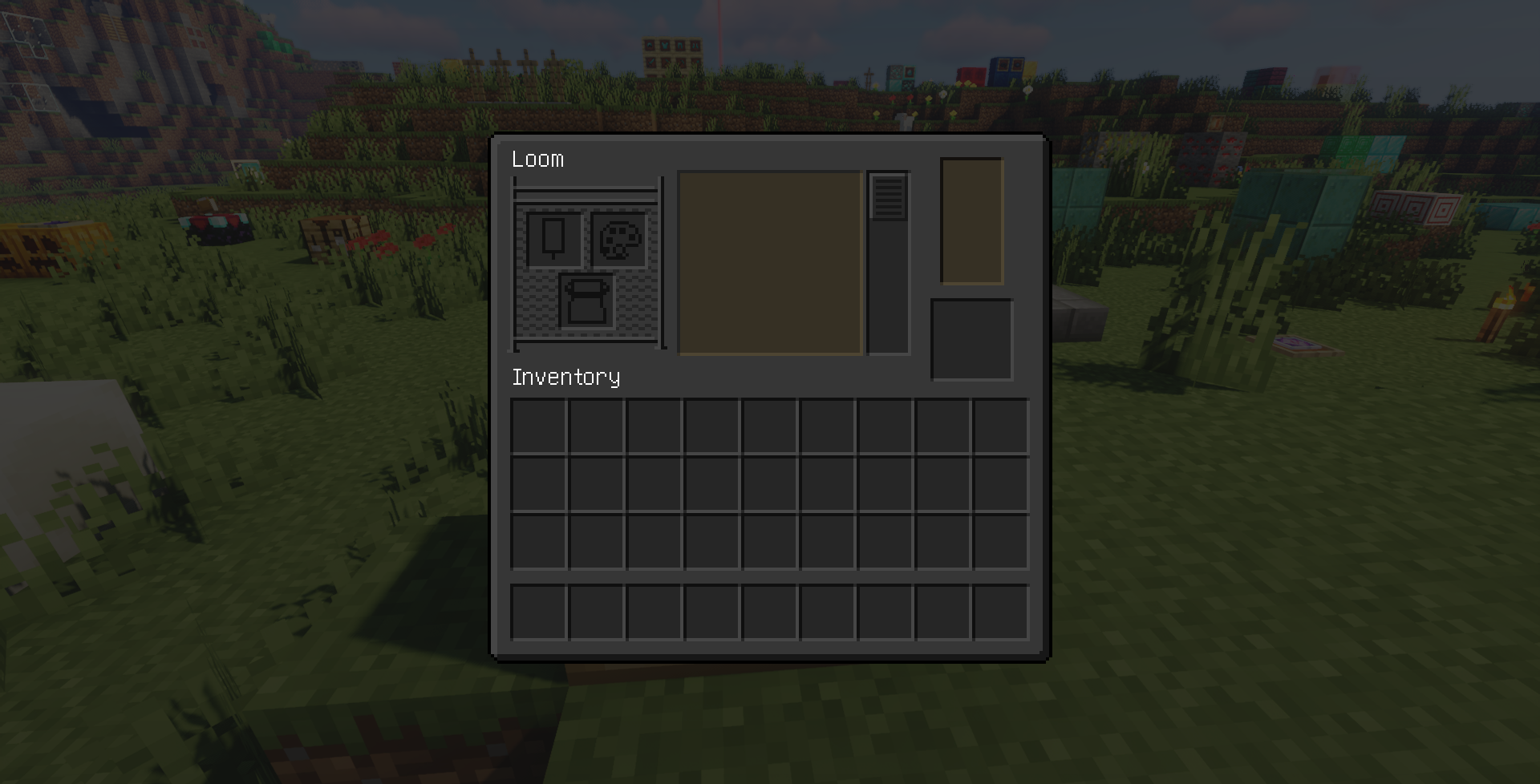
The interface is something the player interacts with constantly, which is why its design has such a strong impact on the overall impression. In Hellim’s Dark Mode, the standard bright elements are replaced with a dark, calm color palette. Menus, inventory, and HUD look neat and restrained, without distracting attention from the game world. Contrast remains at a good level, so the interface stays readable and comfortable to use.
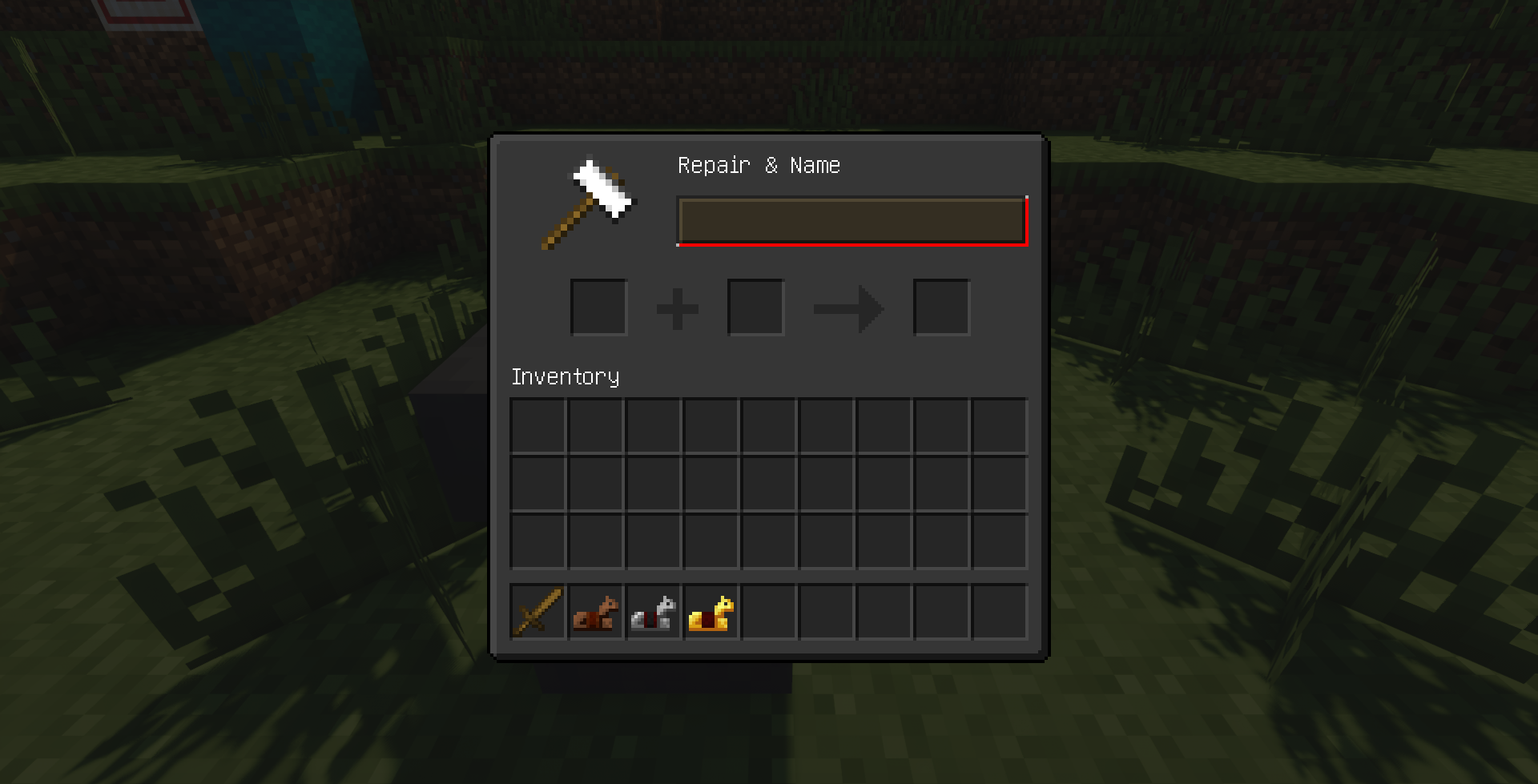
This design is especially noticeable during long play sessions, when the eyes get less tired. Visually, the interface begins to feel more modern and cohesive, creating a sense of thoughtful and unified design without changing the game’s underlying logic.
How to install the texture pack:
First step: download and install Hellim’s Dark Mode
Second step: copy the texture pack to the C:\Users\USER_NAME\AppData\Roaming\.minecraft\resourcepacks
Third step: in game settings choose needed resource pack.
Comments (0)