



HORYO for Minecraft 1.21.10

Sometimes you don’t need radical changes for the game to shine with new colors — that’s exactly what HORYO is about. It doesn’t break the original textures but carefully improves them, making the world softer, brighter, and more alive. The colors become cleaner, the lighting more pleasant, and the water and sky more natural. As a result, Minecraft feels refreshed, yet still familiar. HORYO is perfect for those who want to brighten up the game while preserving vanilla harmony.
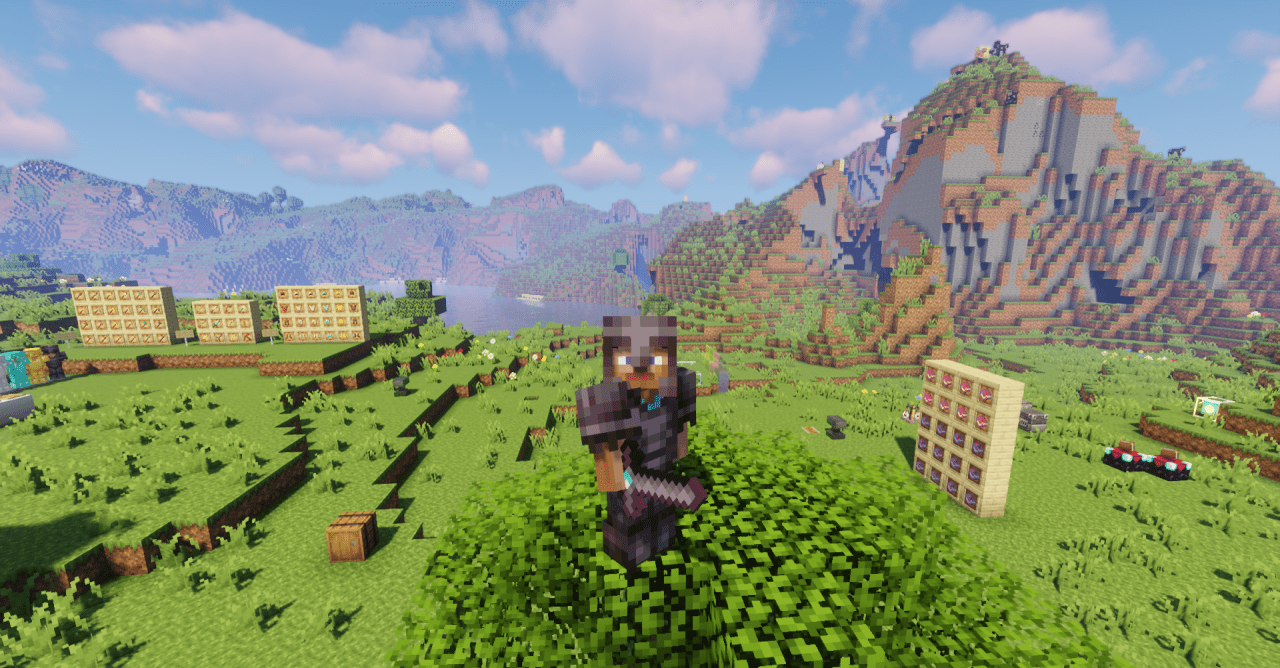
After installing it, it feels as if you simply turned on a more modern graphics mode. This is one of those cases where beauty appears in the details — and it’s those details that make the game more comfortable and cozy.
How to install the texture pack:
First step: download and install HORYO
Second step: copy the texture pack to the C:\Users\USER_NAME\AppData\Roaming\.minecraft\resourcepacks
Third step: in game settings choose needed resource pack.
Comments (0)