



Invisible Item Frame for Minecraft 1.21.10
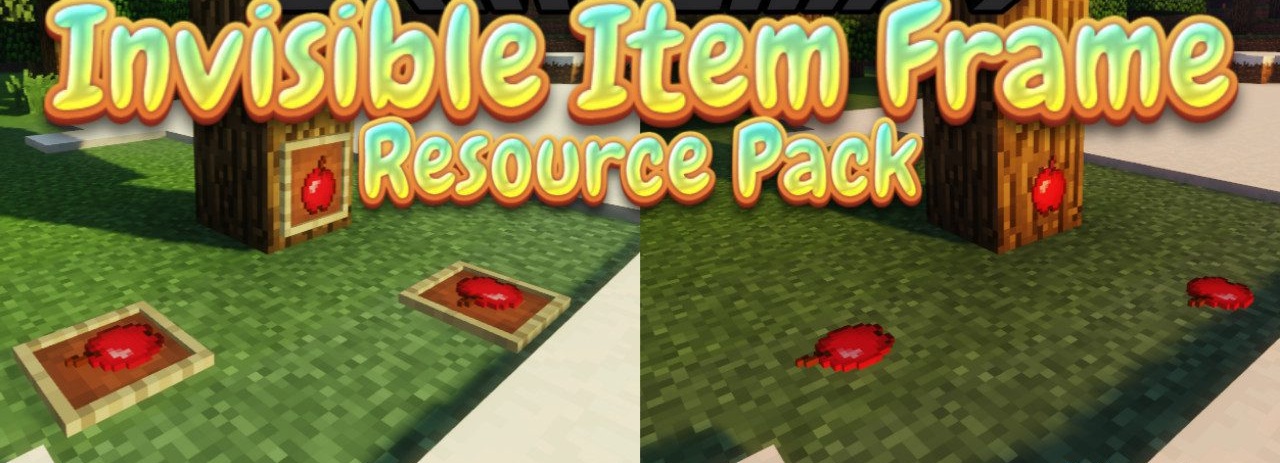
Many players enjoy decorating walls with items, but frames often look bulky and disrupt the intended interior. A simple yet useful solution is installing Invisible Item Frame pack, which makes frames completely invisible while keeping their functionality. Thanks to this, items appear as if they are placed directly on the wall, without visual borders.
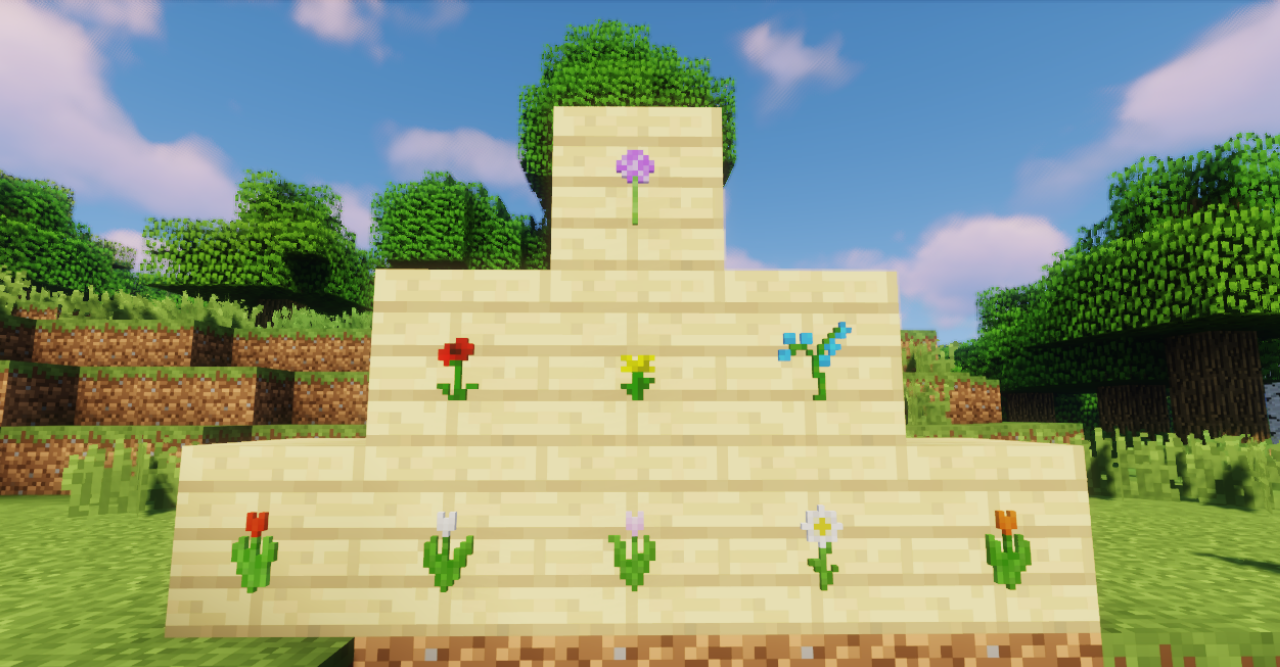
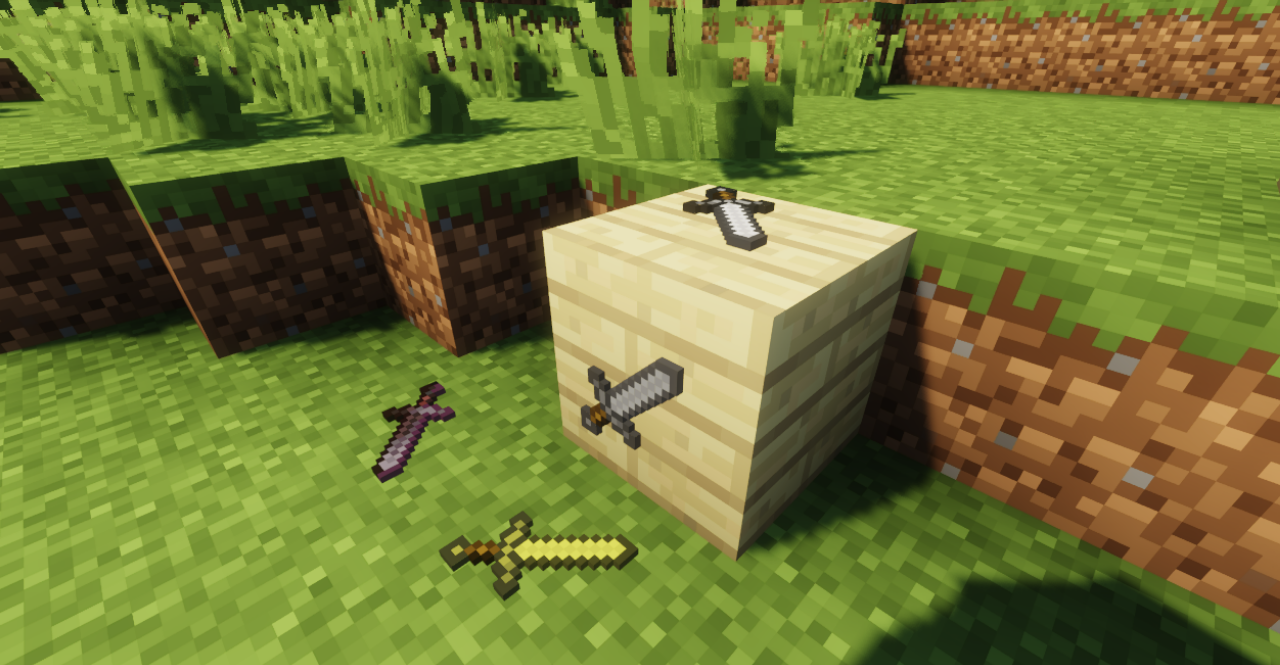
This allows for more elegant decorations, showcases, collections of rare blocks, and unique design solutions. Such an approach helps make a base look neater, especially in modern or minimalist builds where every extra detail stands out.
How to install the texture pack:
First step: download and install Invisible Item Frame
Second step: copy the texture pack to the C:\Users\USER_NAME\AppData\Roaming\.minecraft\resourcepacks
Third step: in game settings choose needed resource pack.
Comments (0)