



Itsmooth 8×8 for Minecraft 1.21.11
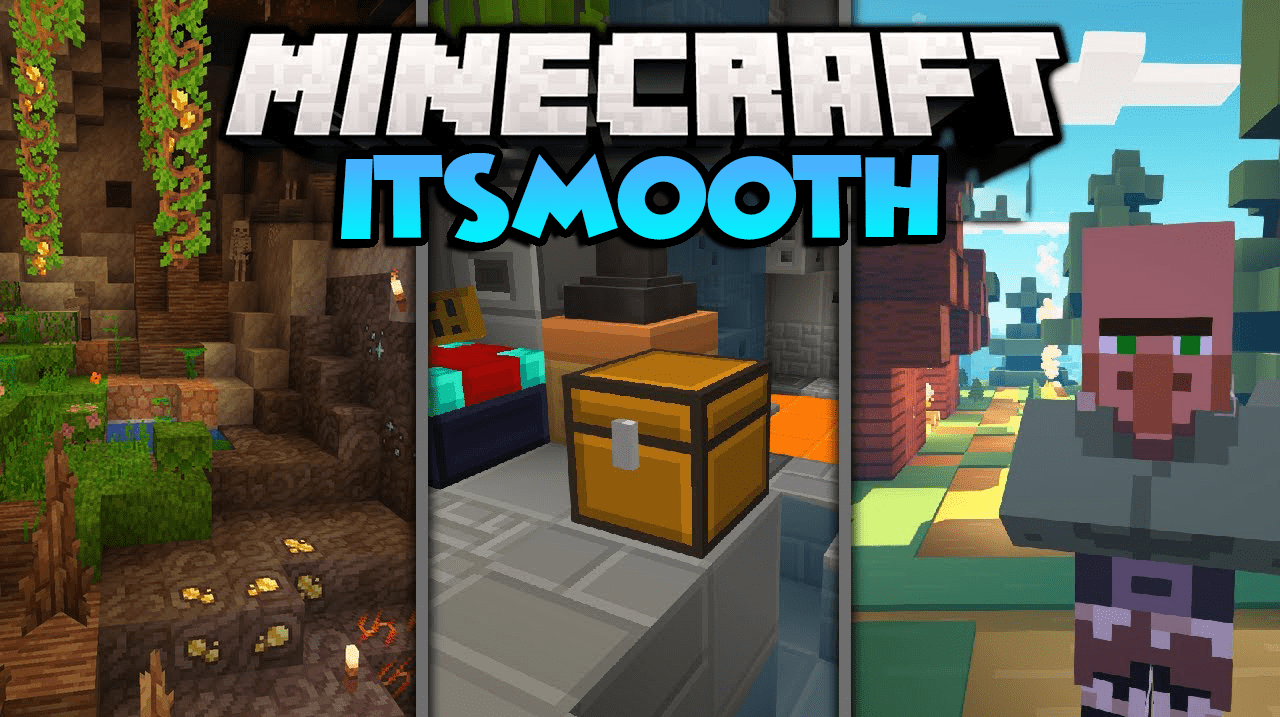
Maximum simplicity is the main idea of Itsmooth 8×8. In this resource pack, the texture size is reduced to 8×8 pixels, which makes them half the size of the standard ones. Because of this, the game uses fewer resources and can run noticeably smoother, especially on weak computers. But minimalism here applies not only to the resolution.
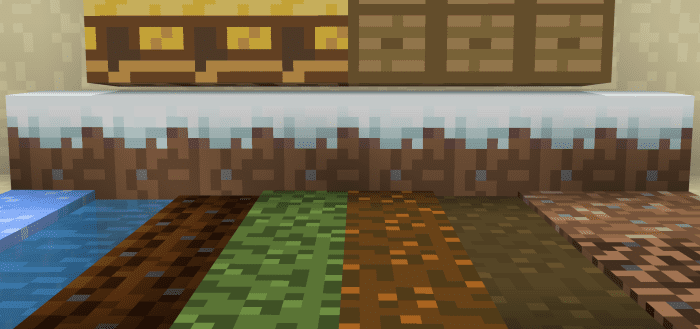
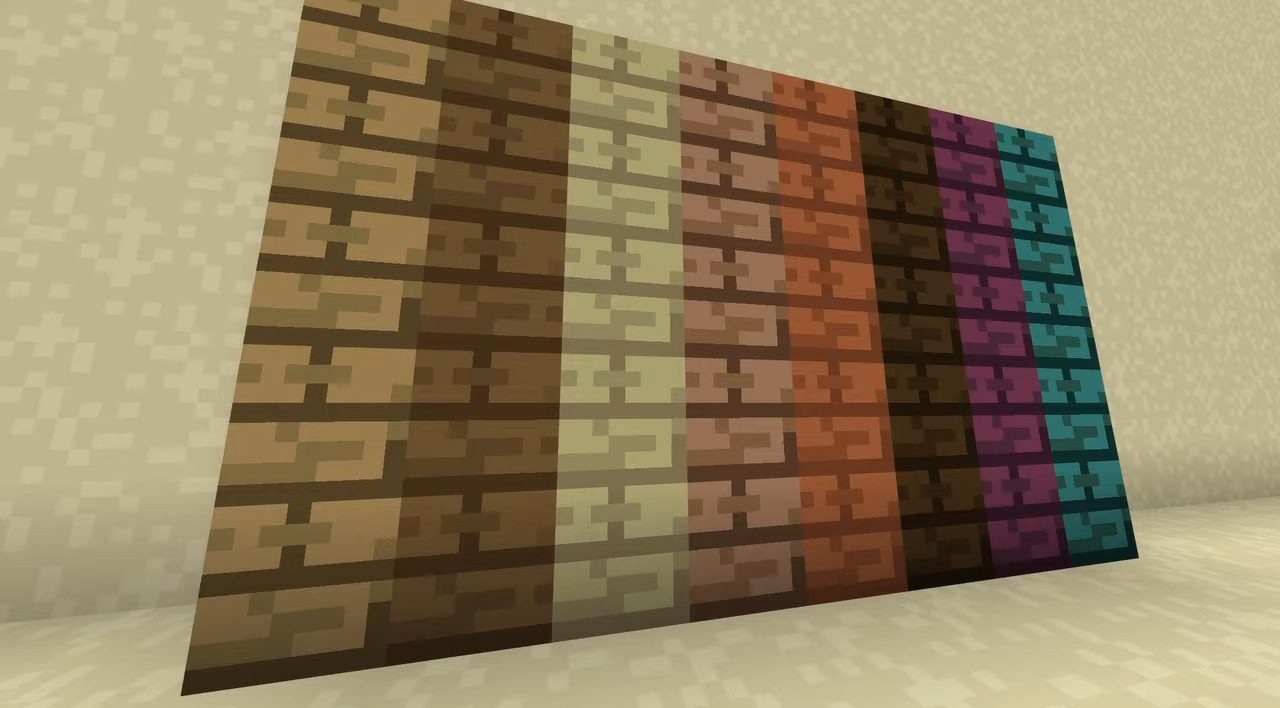
Most textures use only a few colors, which creates a calm and neat picture. The world looks simpler, but at the same time remains clear and readable. This style helps you focus on the gameplay: building, exploring, or speedrunning.
How to install the texture pack:
First step: download and install Itsmooth 8×8
Second step: copy the texture pack to the C:\Users\USER_NAME\AppData\Roaming\.minecraft\resourcepacks
Third step: in game settings choose needed resource pack.
Comments (2)