



Jicklus for Minecraft 1.21.9
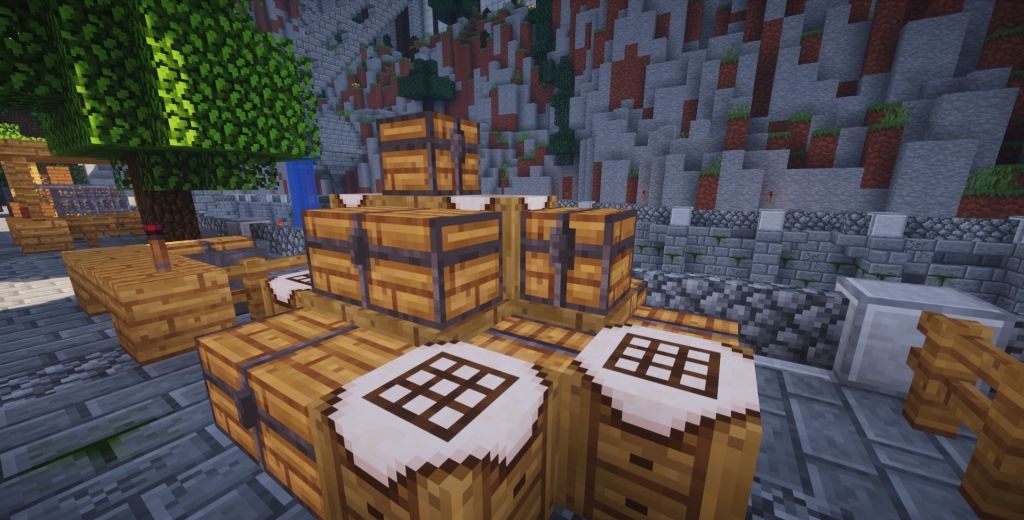
Among classic packs, Jicklus holds a special place. It combines the best features of Jicklus Green and Jicklus Orange, creating a warm, rich atmosphere blending autumn tones and natural softness. With this pack, the world feels cozy, almost rustic, yet still vibrant. Every block seems hand-painted: stone, wood, grass — all have depth and lively lighting.
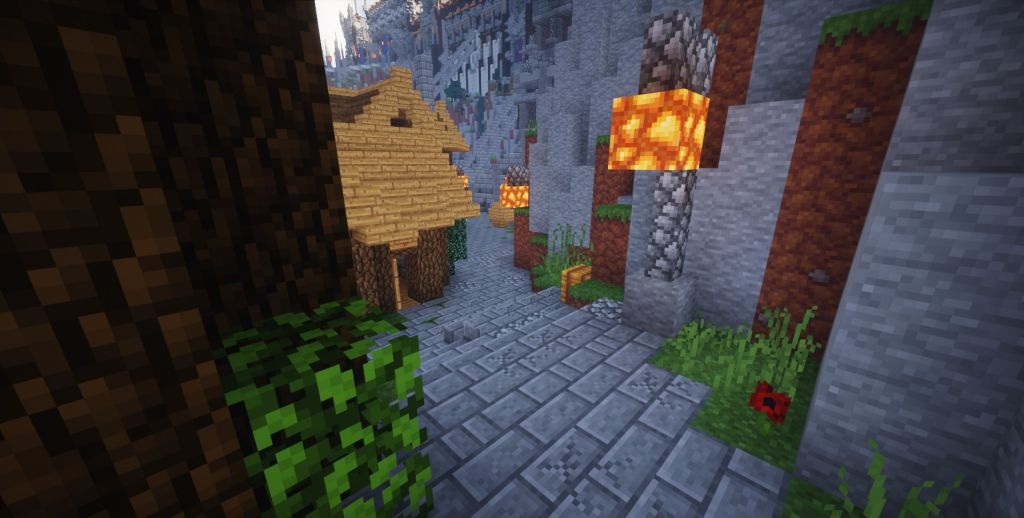
The interface is rendered in pleasant tones that don’t distract from gameplay. This pack is ideal for those seeking harmony between simplicity, beauty, and the nostalgic charm of old Minecraft, where every sunrise feels a little magical.
How to install the texture pack:
First step: download and install Jicklus
Second step: copy the texture pack to the C:\Users\USER_NAME\AppData\Roaming\.minecraft\resourcepacks
Third step: in game settings choose needed resource pack.
Comments (0)