



Jolicraft for Minecraft 1.21.11
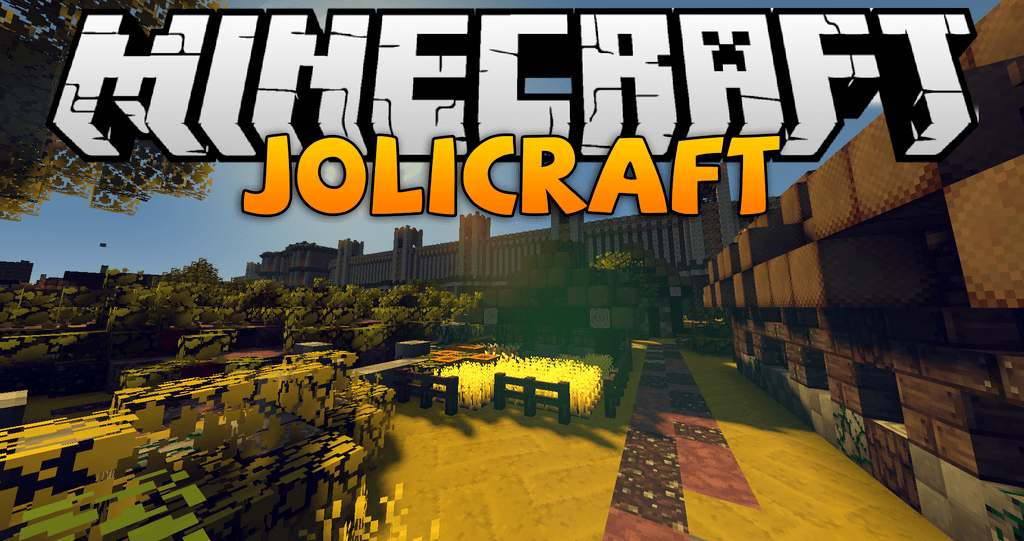
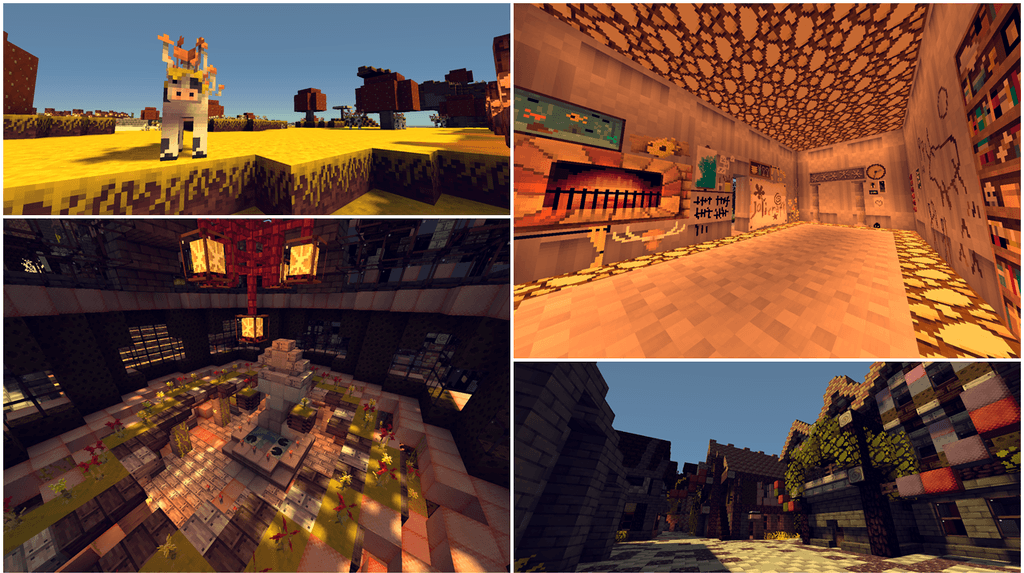
Sometimes the game world lacks brightness and artistic variety, and this is exactly where Jolicraft comes to the rescue. This texture pack is known for its unusual style and rich color palette, thanks to which almost every element of the game looks different. Blocks, armor, mobs, and items have received an original design that makes the world feel more lively and slightly fairy-tale-like.
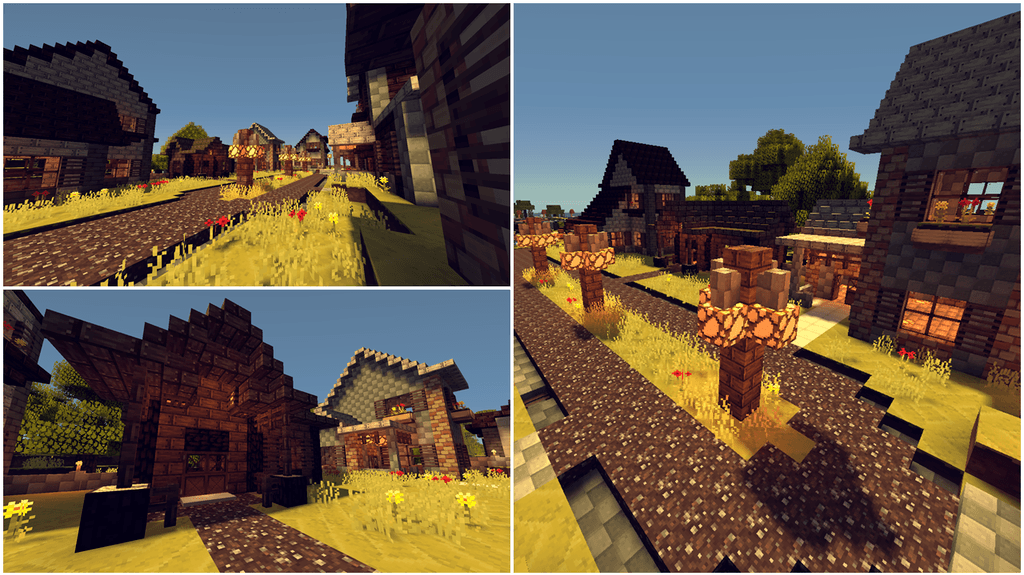
Even familiar battles with zombies or skeletons are perceived differently — they look almost amusing and do not create a gloomy atmosphere. The redesigned interface deserves special attention, as it makes the display of items more convenient and readable.
How to install the texture pack:
First step: download and install Jolicraft
Second step: copy the texture pack to the C:\Users\USER_NAME\AppData\Roaming\.minecraft\resourcepacks
Third step: in game settings choose needed resource pack.
Comments (0)