



Jujutsu Kaisen Custom GUI for Minecraft 1.21.11
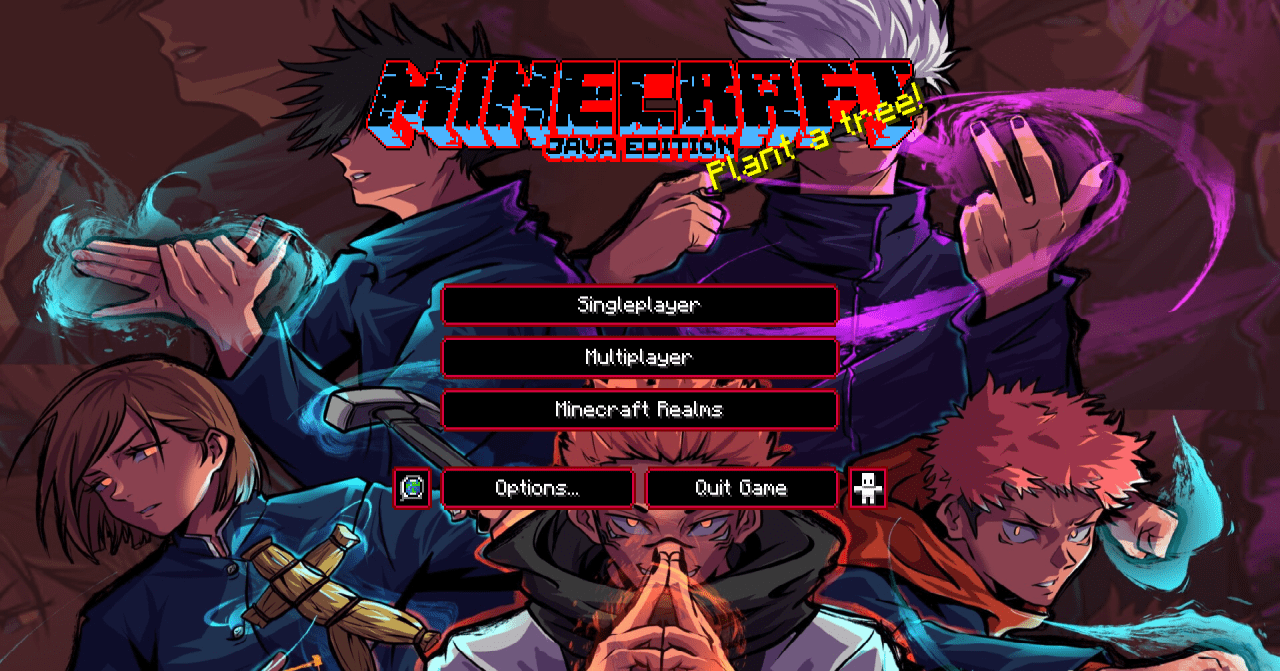
The interface in Minecraft usually remains a neutral element that rarely affects the overall impression of the game. However, Jujutsu Kaisen Custom GUI completely changes this perception, turning the HUD and menus into an essential part of the atmosphere. Every interface element — from health bars to inventory slots — is designed in a dark, tense aesthetic infused with a sense of curses and hidden danger.
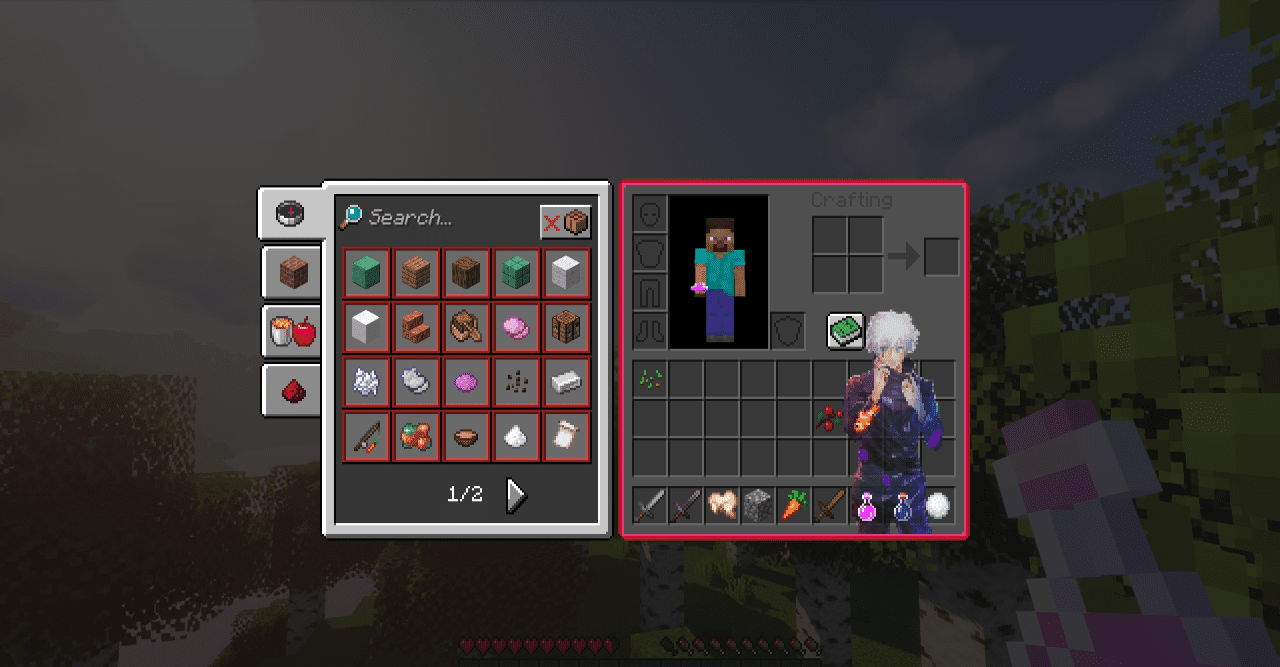
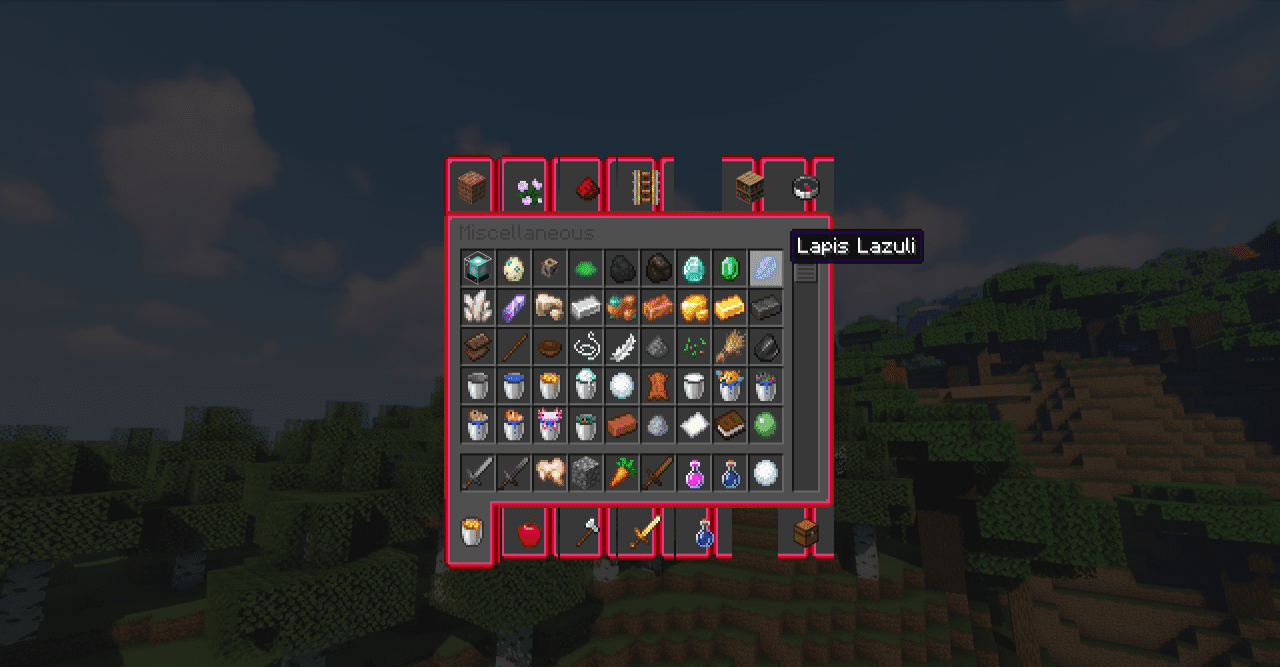
The menus look cohesive and stylistically connected, creating the effect of a unified visual world. Even routine actions such as crafting or managing items begin to feel more dramatic, enhancing emotional immersion and the overall sense of danger.
How to install the texture pack:
First step: download and install Jujutsu Kaisen Custom GUI
Second step: copy the texture pack to the C:\Users\USER_NAME\AppData\Roaming\.minecraft\resourcepacks
Third step: in game settings choose needed resource pack.
Comments (2)