



Katana Sword for Minecraft 1.21.11
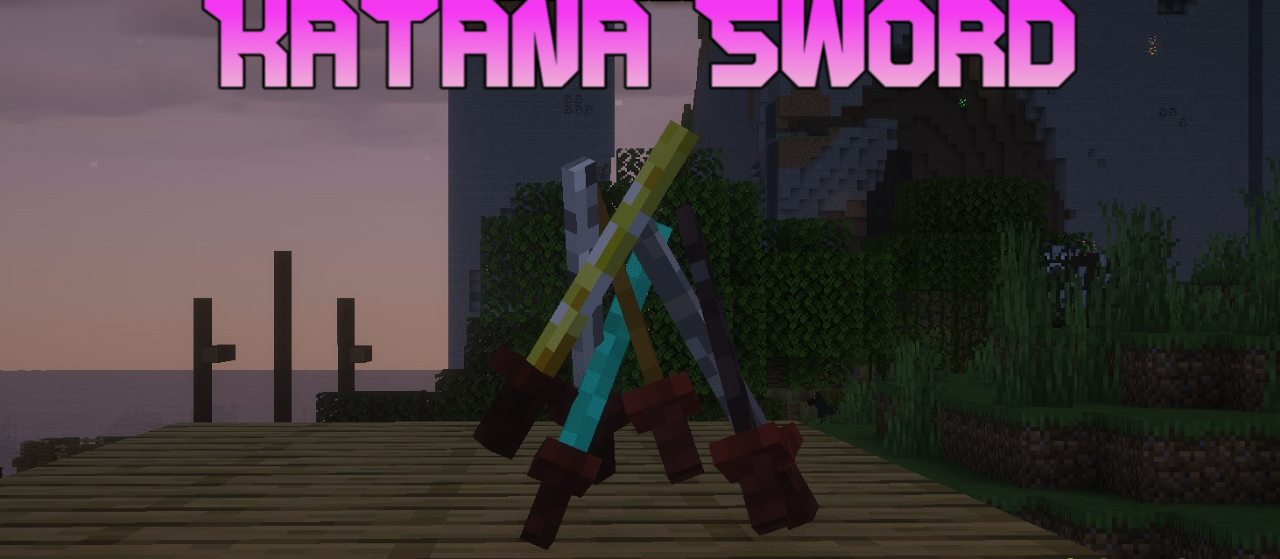
In Katana Sword, the emphasis is placed on the aesthetics of form and silhouette. All standard swords are replaced with elegant katanas featuring elongated blades and neatly designed handles. The blades appear thin and sharp, with a subtle emphasis on smooth lines. At the same time, the materials maintain their individuality: differences between weapon tiers remain noticeable thanks to color and finishing details.
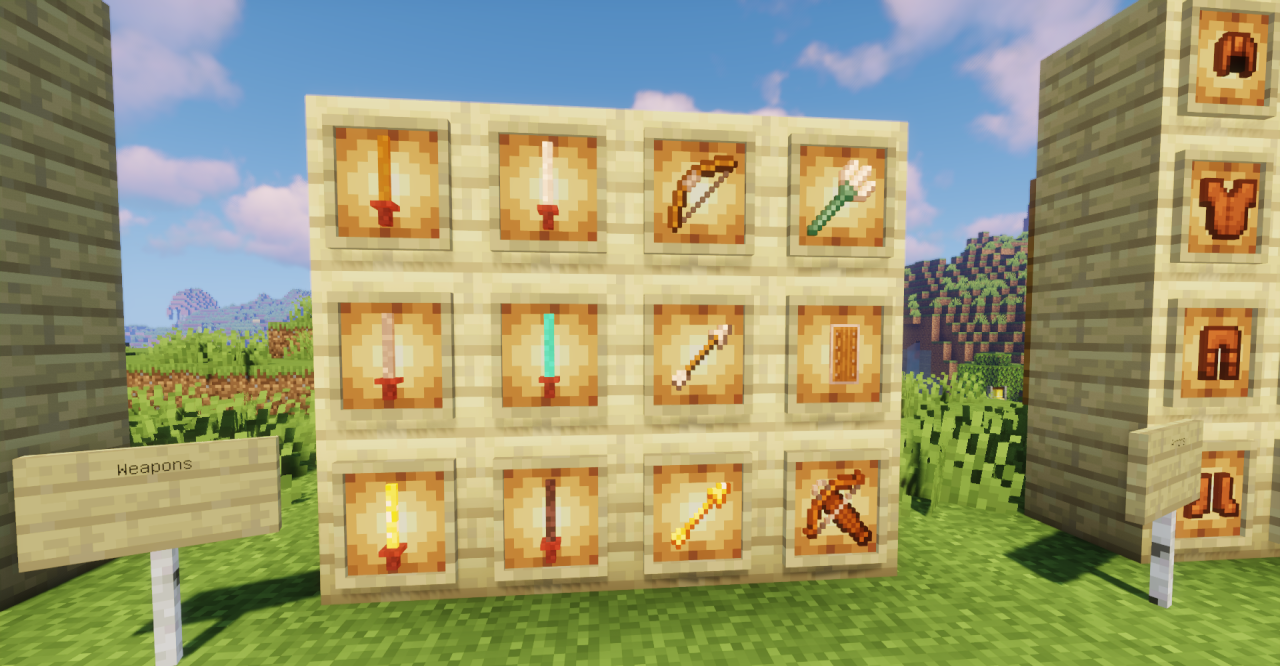
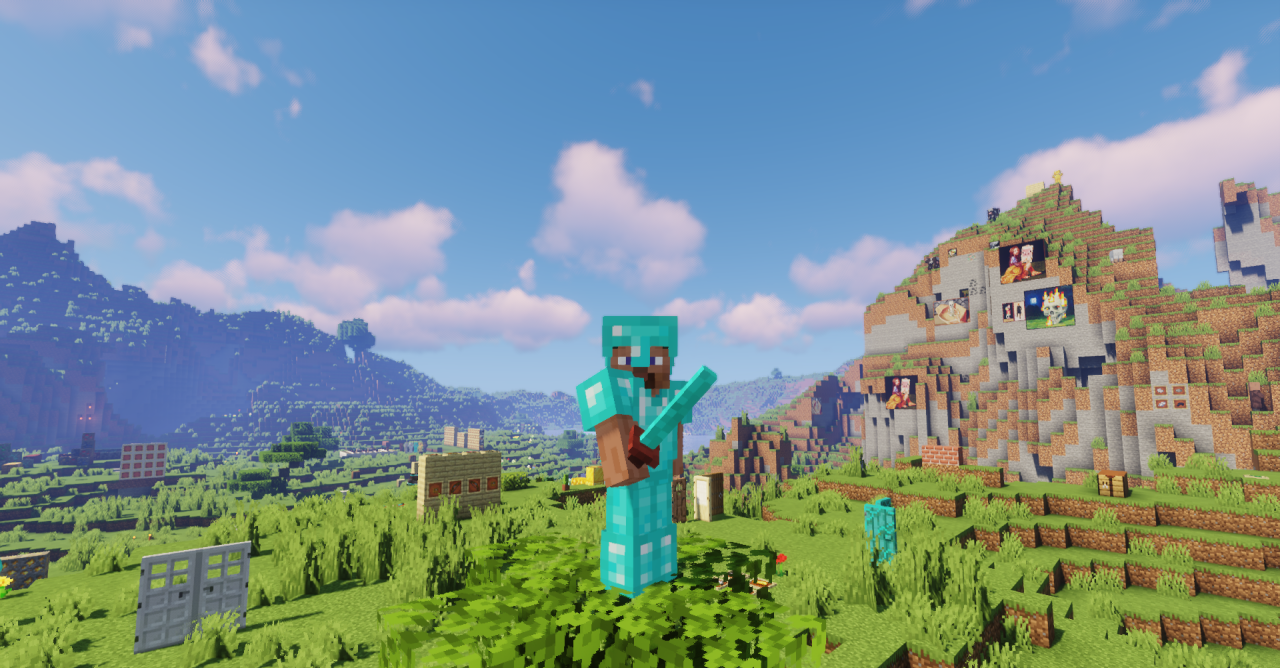
The new geometry gives the weapons a sense of dynamism — visually, strikes feel faster and more precise. The pack does not overload textures with unnecessary elements, focusing instead on elegance and stylistic consistency.
How to install the texture pack:
First step: download and install Katana Sword
Second step: copy the texture pack to the C:\Users\USER_NAME\AppData\Roaming\.minecraft\resourcepacks
Third step: in game settings choose needed resource pack.
Comments (0)