



Kenui’s Default for Minecraft 1.21.11
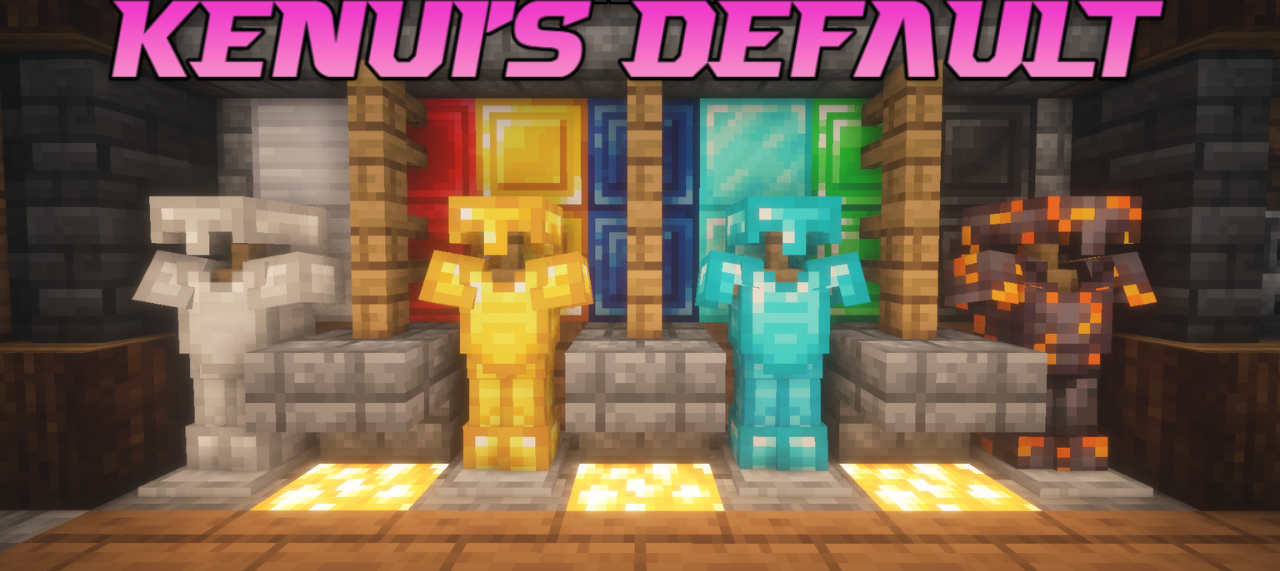
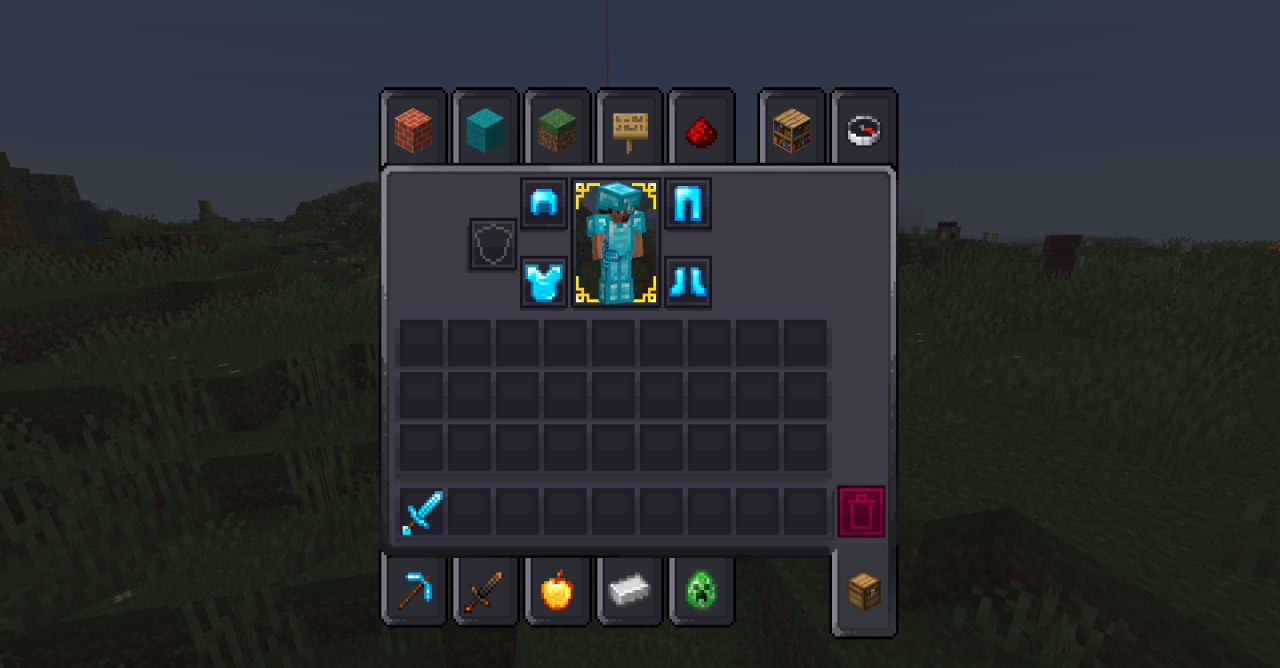
Sometimes the best way to improve Minecraft is not to change it drastically, but simply to slightly refine the familiar style. This is exactly the approach used by Kenui’s Default. This resource pack preserves the classic aesthetics of the game while making it brighter and more detailed. Block textures, interface elements, and hotbar icons are updated, and some ores and blocks receive a more noticeable glow.
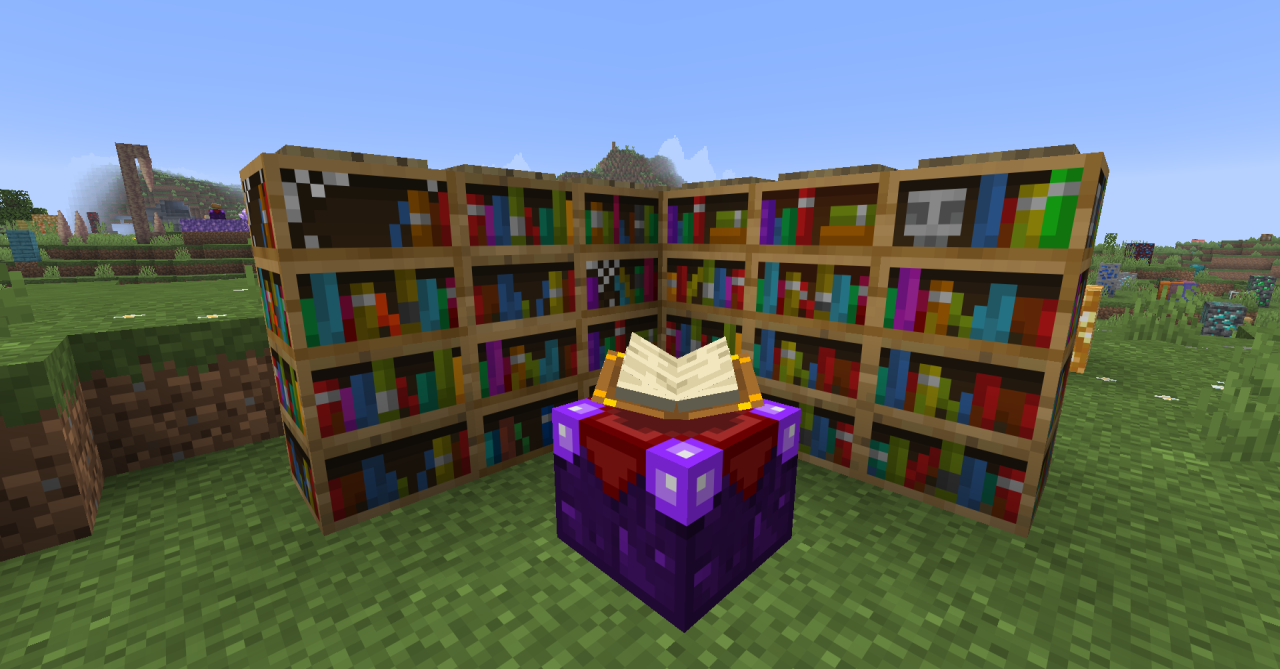
The details of netherite and the appearance of beds are also reworked, which adds variety to familiar items. At the same time, the texture resolution remains 16×16, which keeps the game looking like the original.
How to install the texture pack:
First step: download and install Kenui’s Default
Second step: copy the texture pack to the C:\Users\USER_NAME\AppData\Roaming\.minecraft\resourcepacks
Third step: in game settings choose needed resource pack.
Comments (0)