



LB Photo Realism Reload for Minecraft 1.21.5
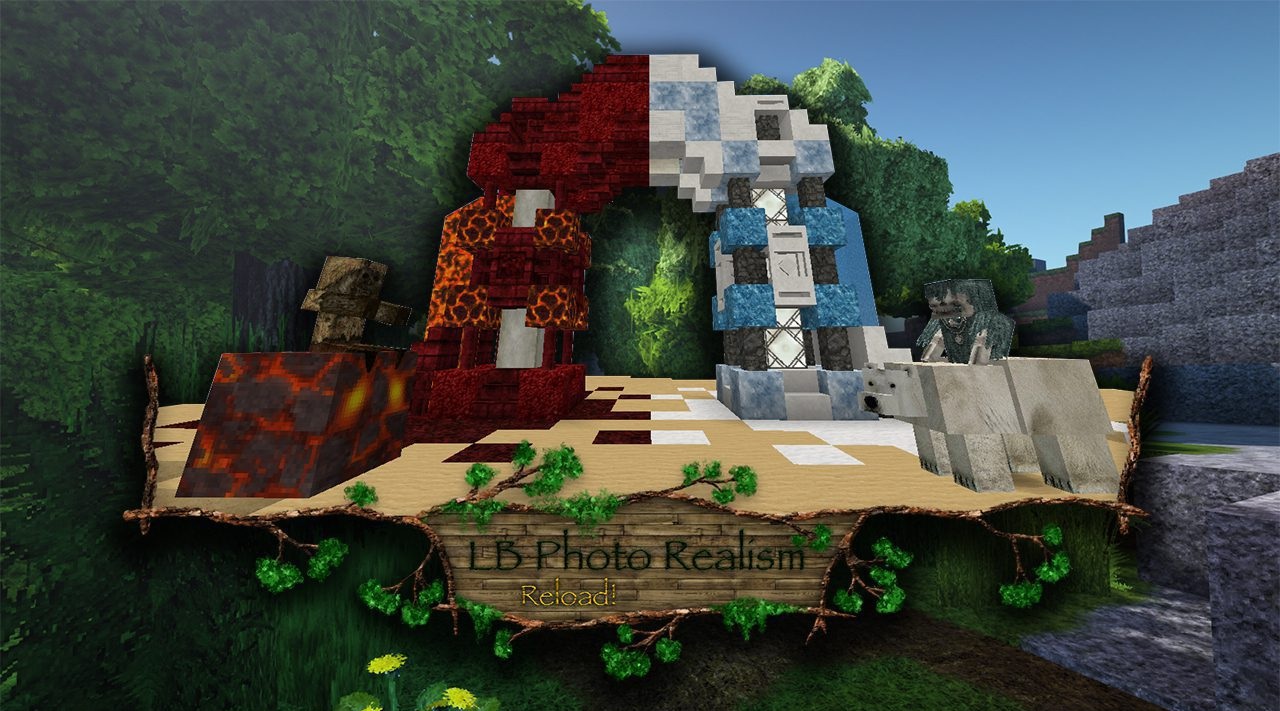
LB Photo Realism Reload is a texture pack that literally blurs the line between blocks and reality. This isn’t just ‘another HD pack’, but a genuine bestseller among photorealistic textures, revived and perfected.
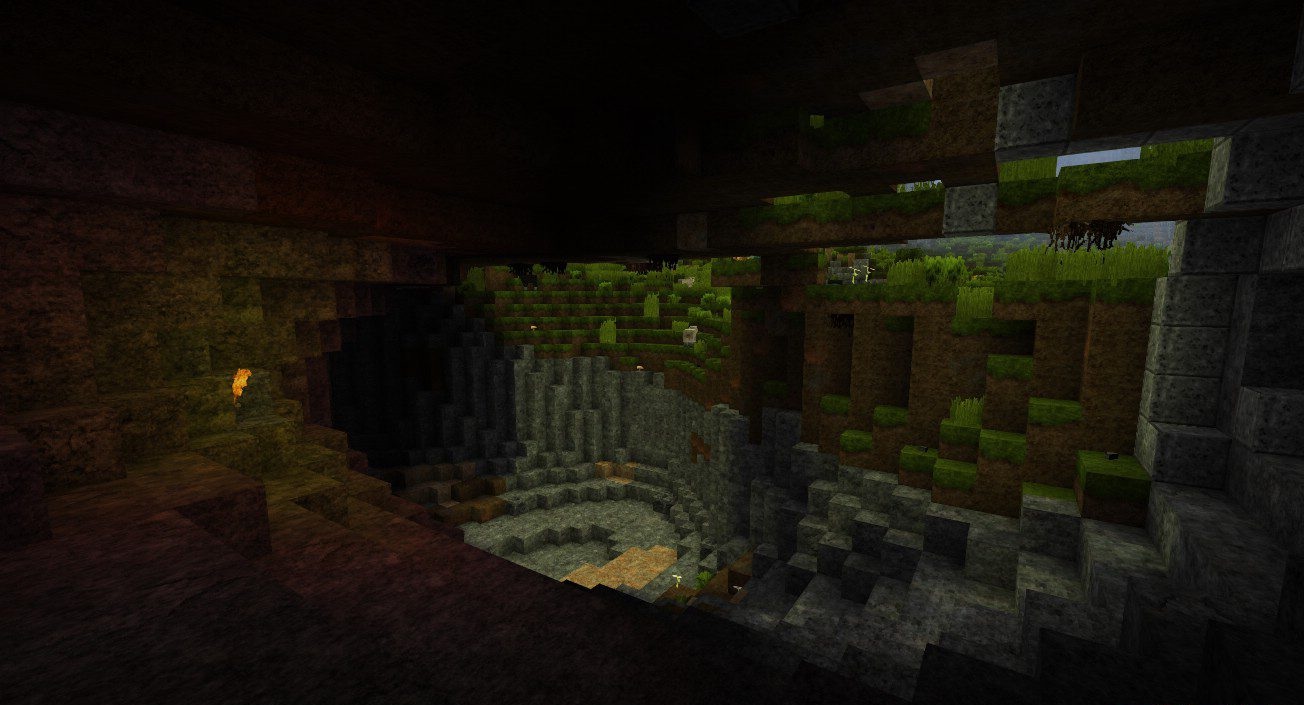
The original pack has long been a classic, but Minecraft has changed since then, and this pack has had to evolve as well. The result? A new lease of life for an old legend — with support for high resolutions, modern graphics, light and shadow effects, and even textures capable of ‘shining’ under RTX lighting. This pack is ideal for those who’ve grown tired of vanilla graphics but don’t want to lose the game’s recognisable look and feel.
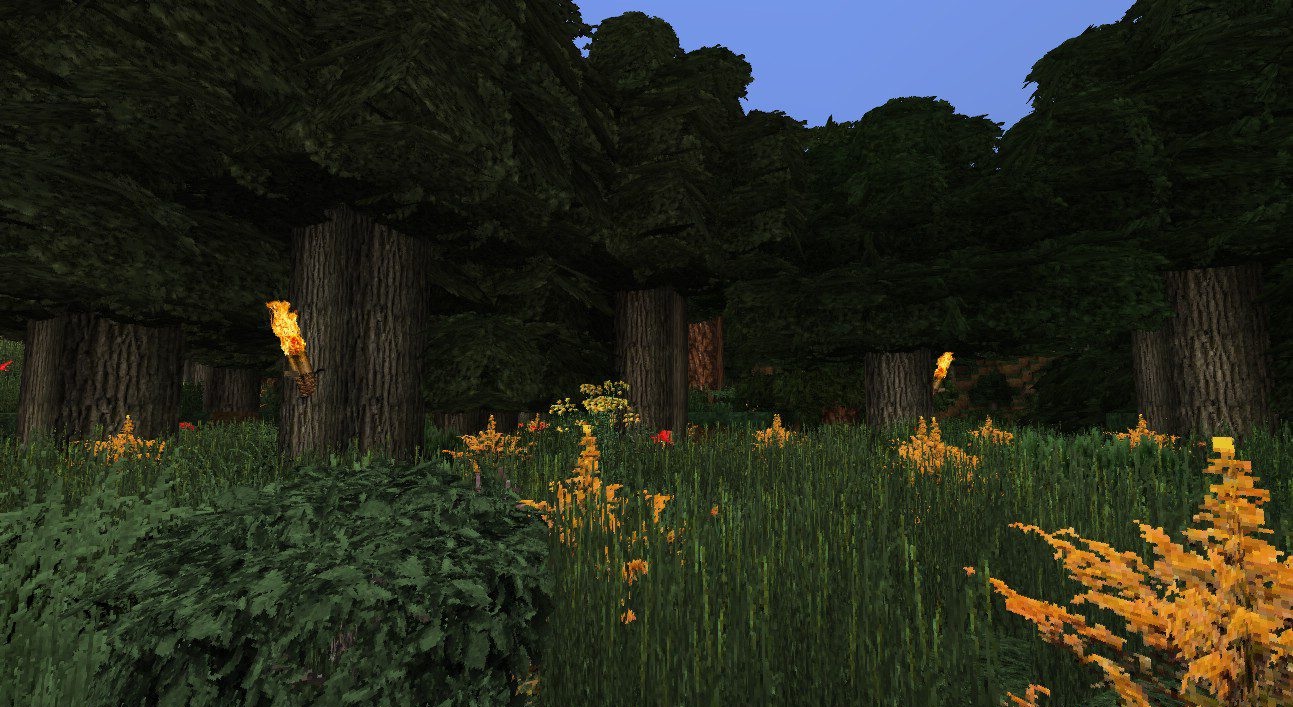
How to install the texture pack:
Step one: Download the texture pack using the link below.
Step two: Extract the downloaded archive and copy the folder LB Photo Realism Reload to the following path: c:\Users\Пользователь\AppData\Roaming\.minecraft\resourcepacks\ (if this folder does not exist, create it yourself) (For Windows)
Step three: In the game, go to Settings, then Resource Packs. Click the new texture pack’s icon in the left-hand list.
Comments (0)